 NotchIsland
Hover to open
Move to the top edge to open your workspace.
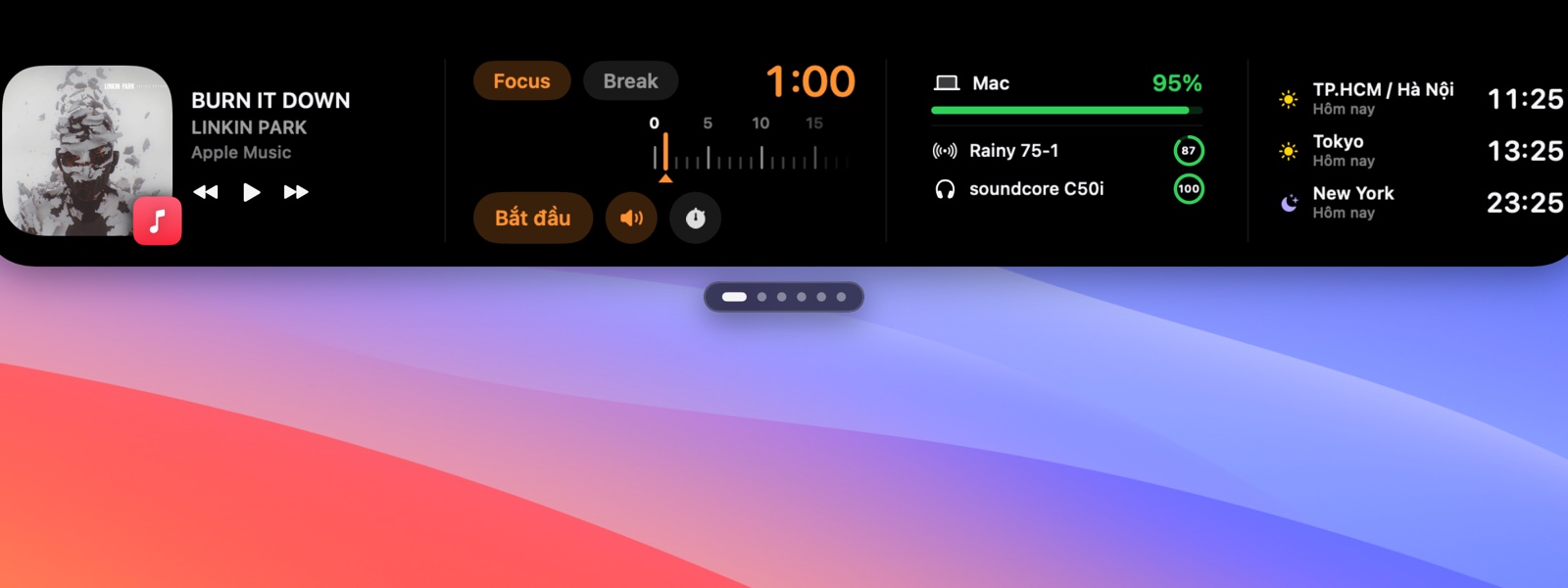
Play music, drop files, check your calendar and follow ongoing tasks. Choose what you need for your Mac.
Download for Mac ↓116 features in 11 groups
Move to the top edge to open your workspace.
8 featuresMove to the top edge to open your workspace.
Swipe down near the camera to open, up to close.
Use the wheel or swipe horizontally while the notch is open.
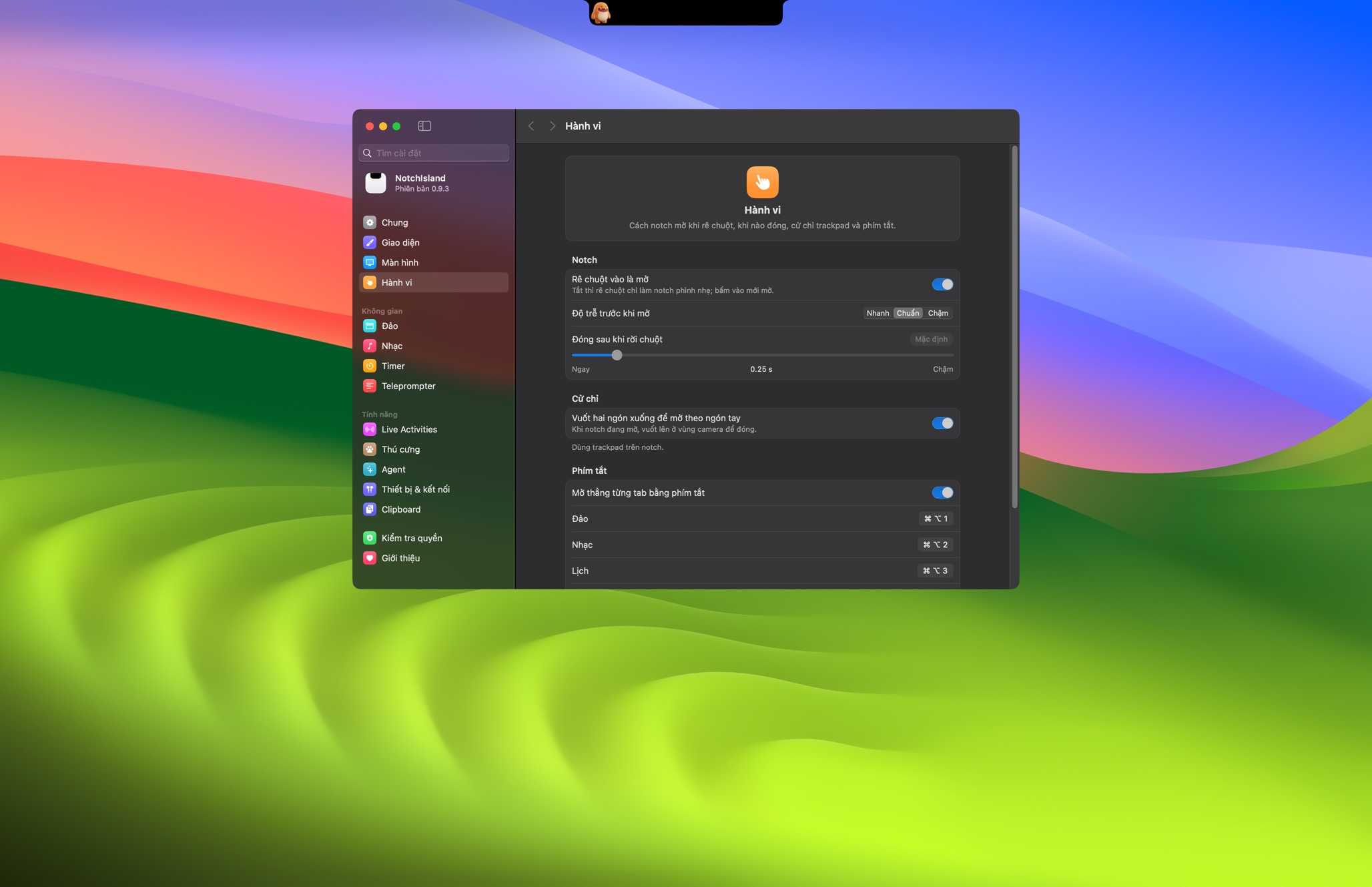
Keep the panel open when you need it for longer.
Choose Island, Music, Calendar, Shelf, Teleprompter or Agent.
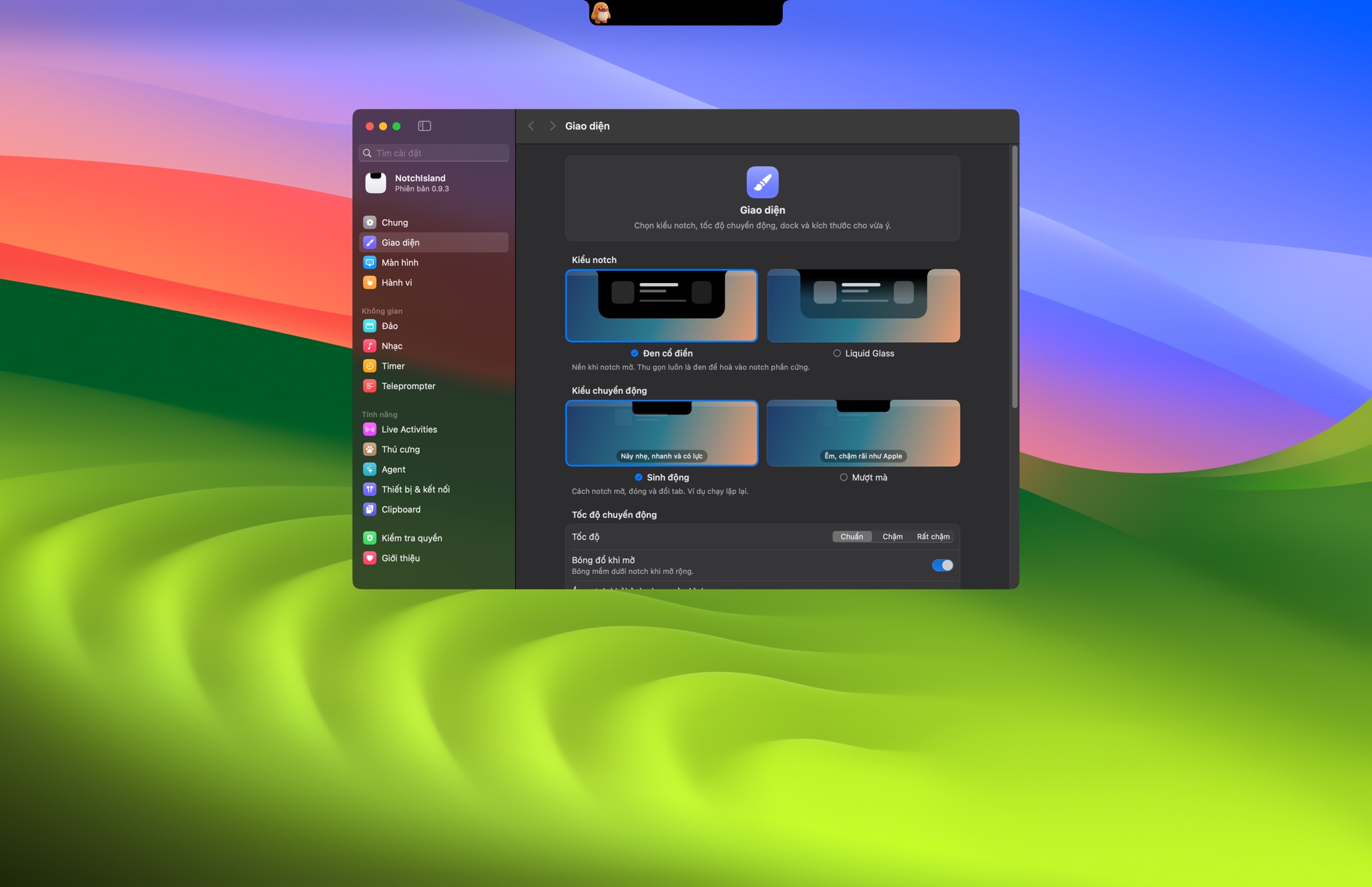
Choose a clear black surface or the glass style.
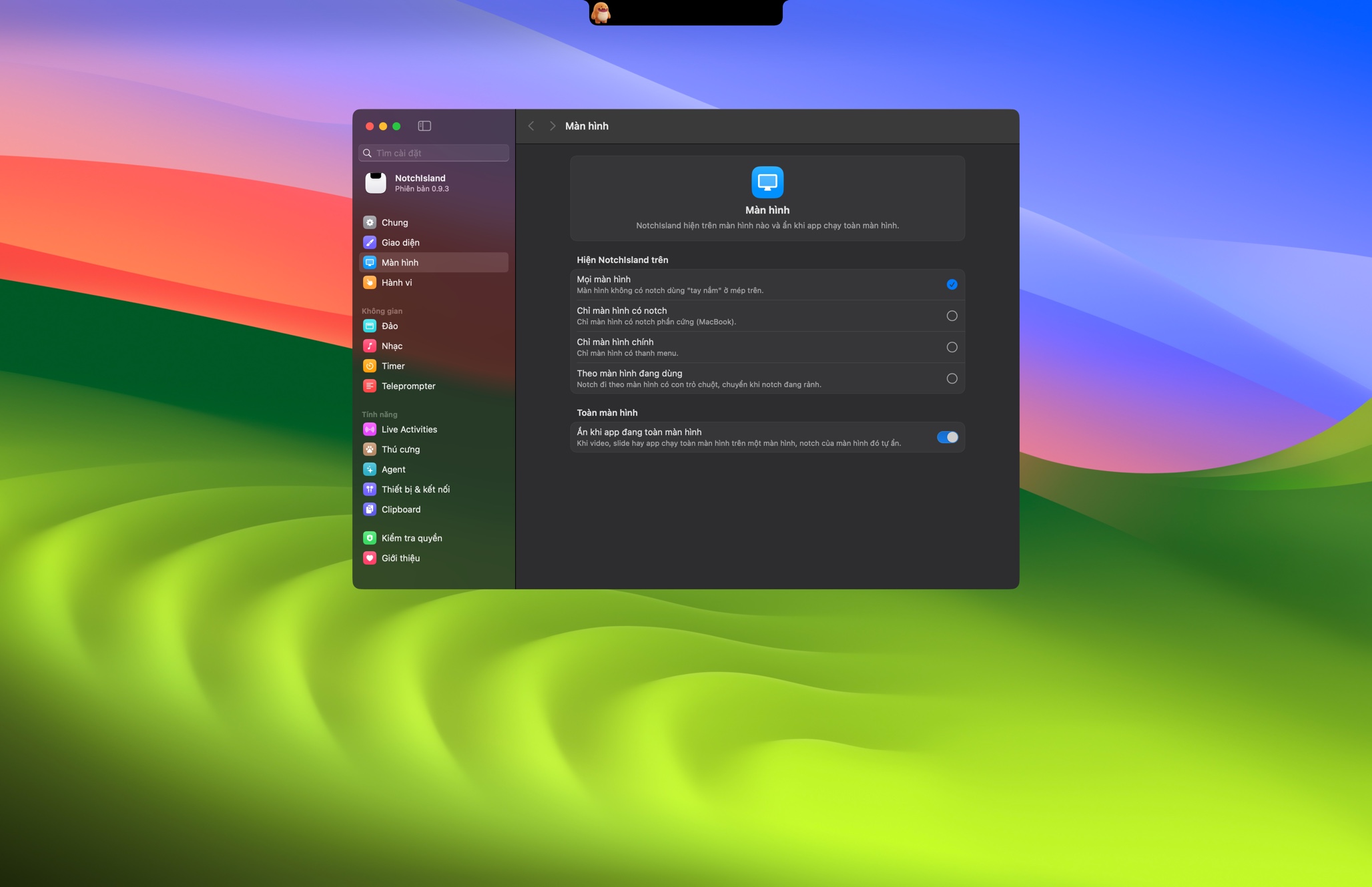
Show a notch on multiple displays or follow the active display.
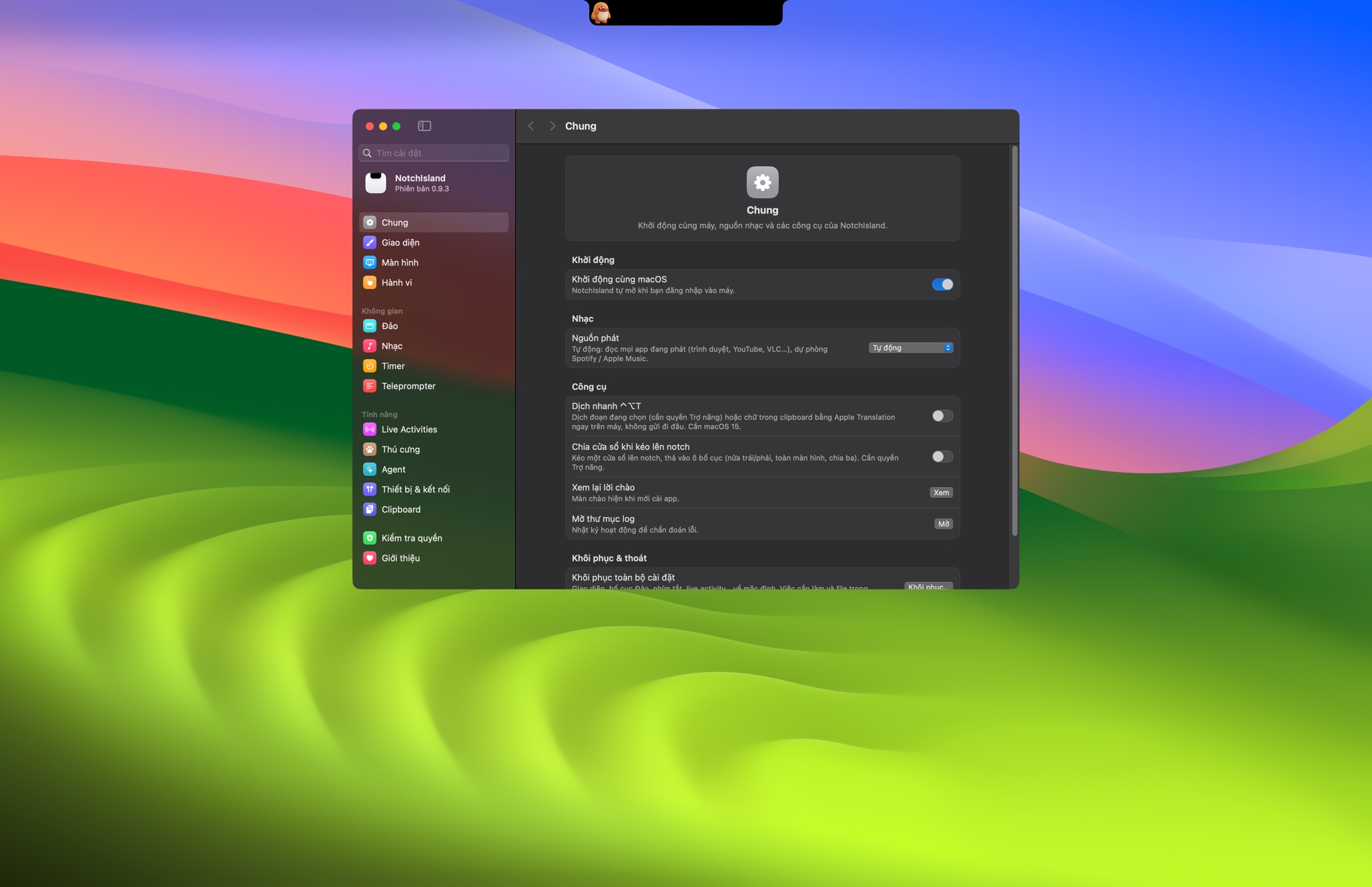
Automatically step aside for a full-screen app.
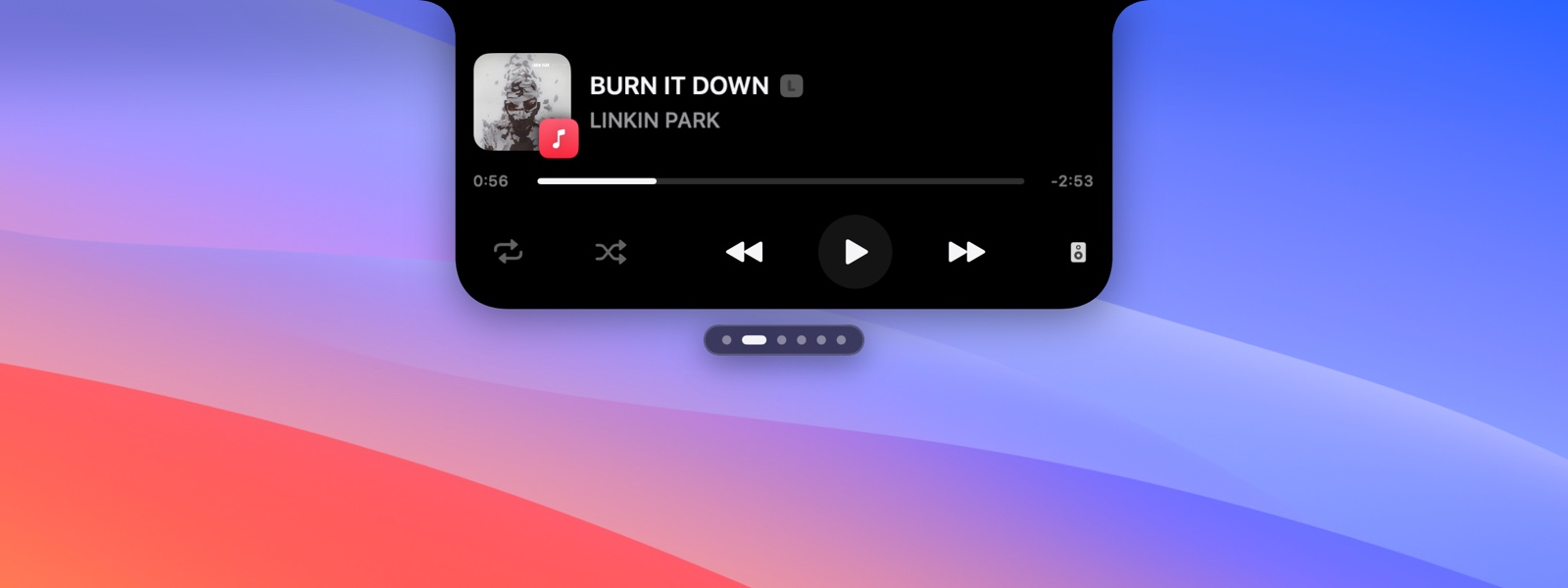
Artwork, track name and playback in one column.
13 features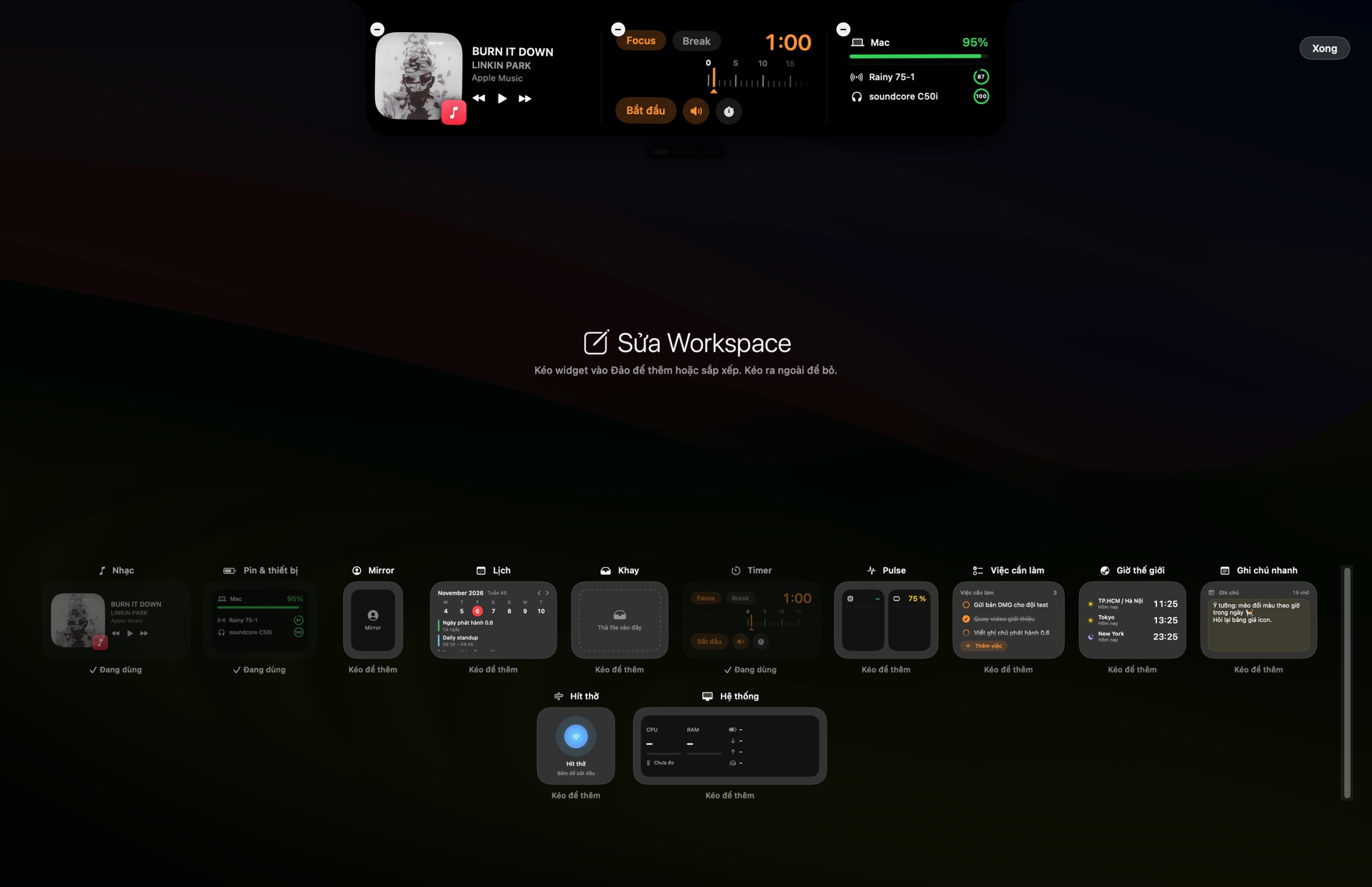
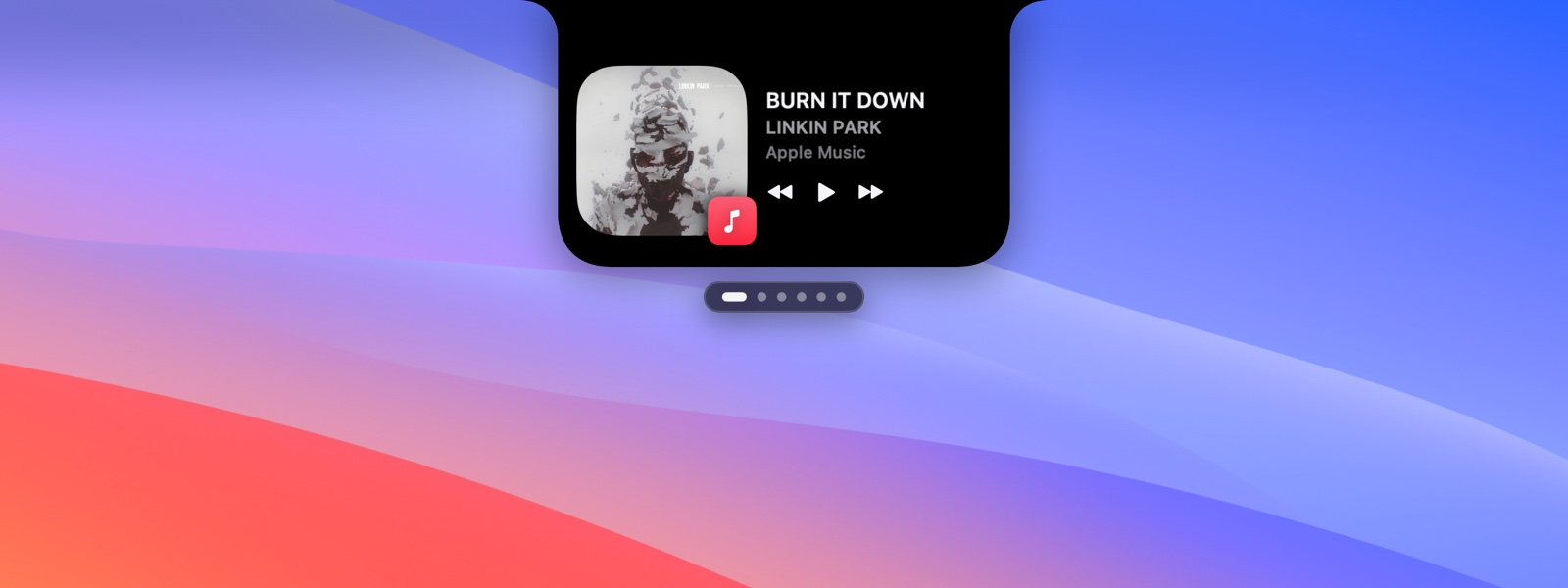
Artwork, track name and playback in one column.

Check your Mac and connected Bluetooth device batteries.

Use the front camera for a quick check before a call.
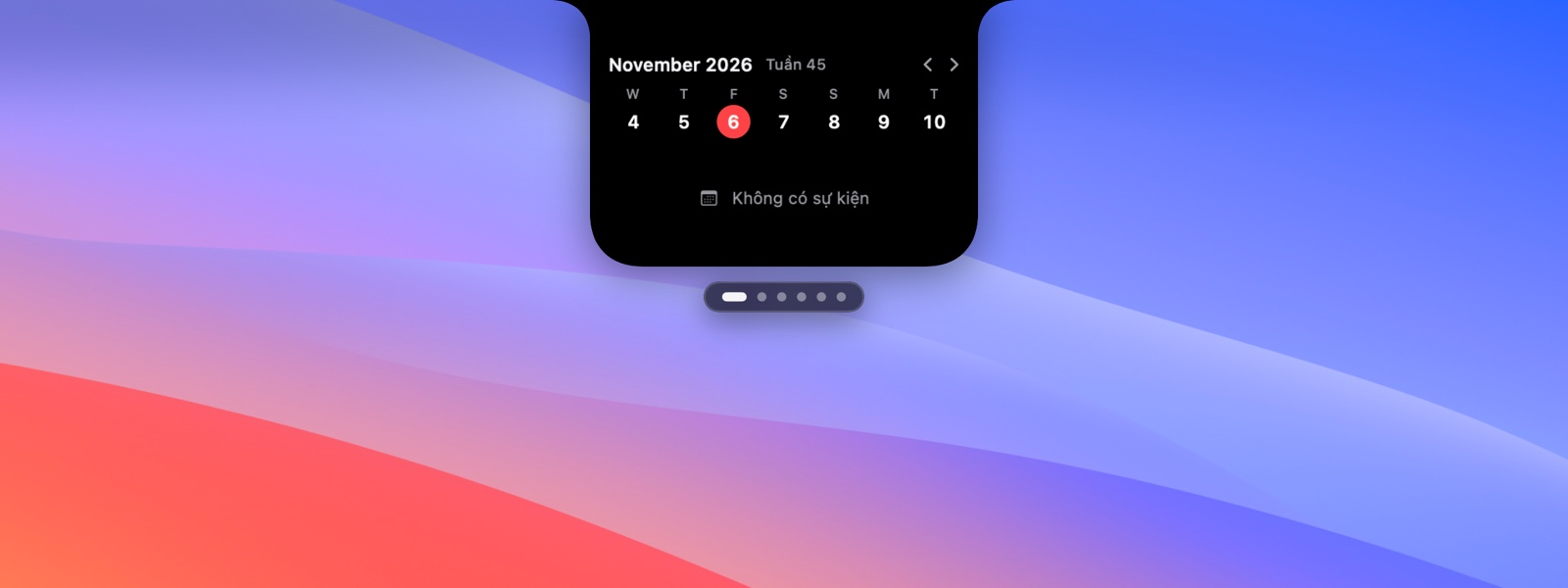
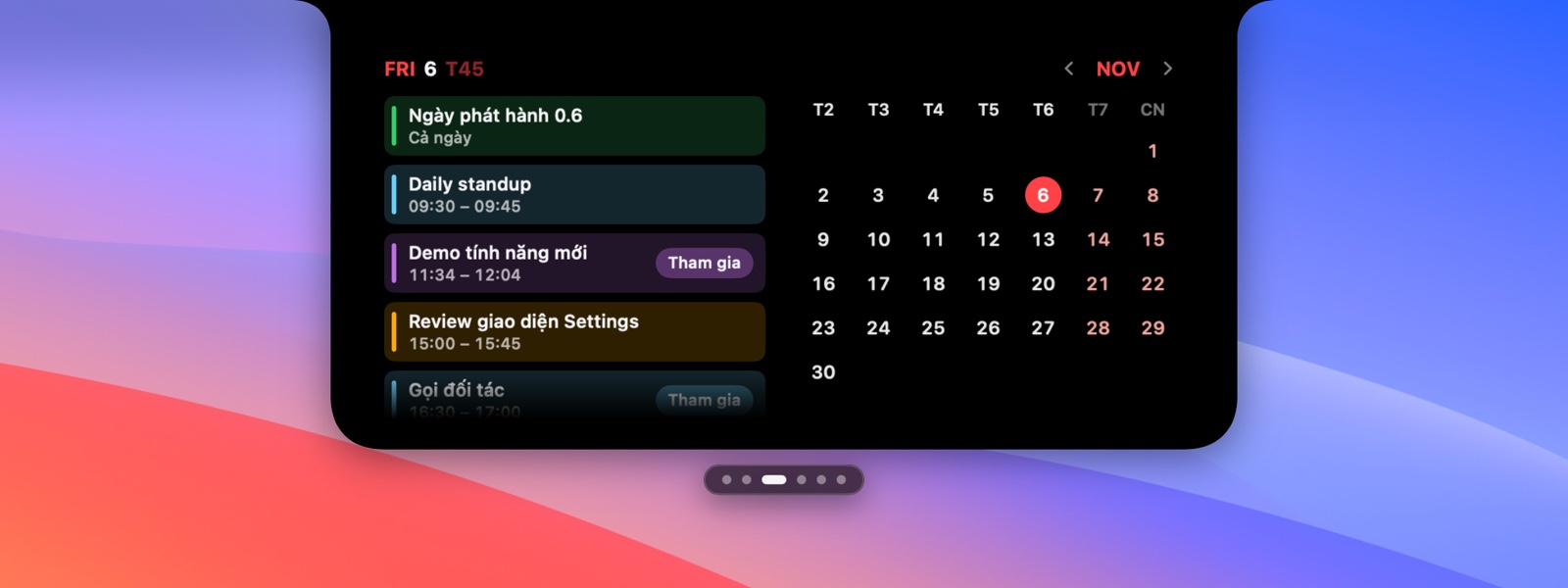
A week strip alongside today’s events.

Keep current files in your Island layout.
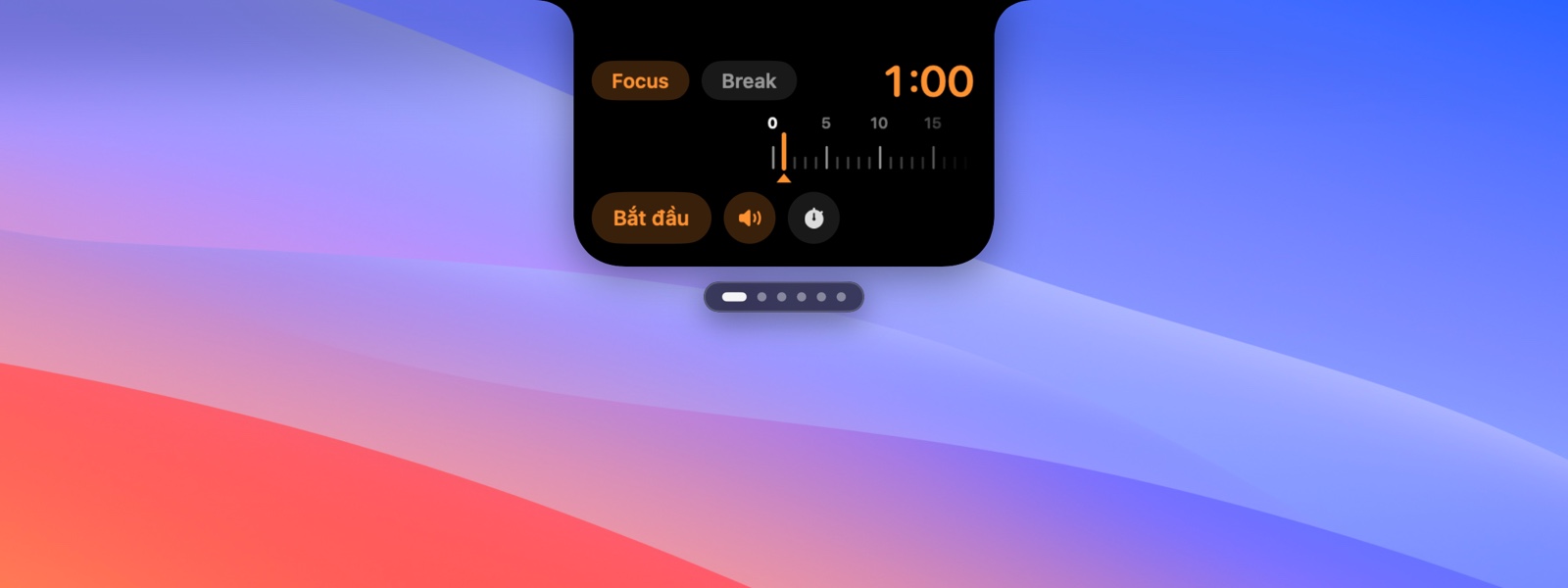
Choose Focus, Break or stopwatch with the minute ruler.

Keep an eye on CPU and memory.
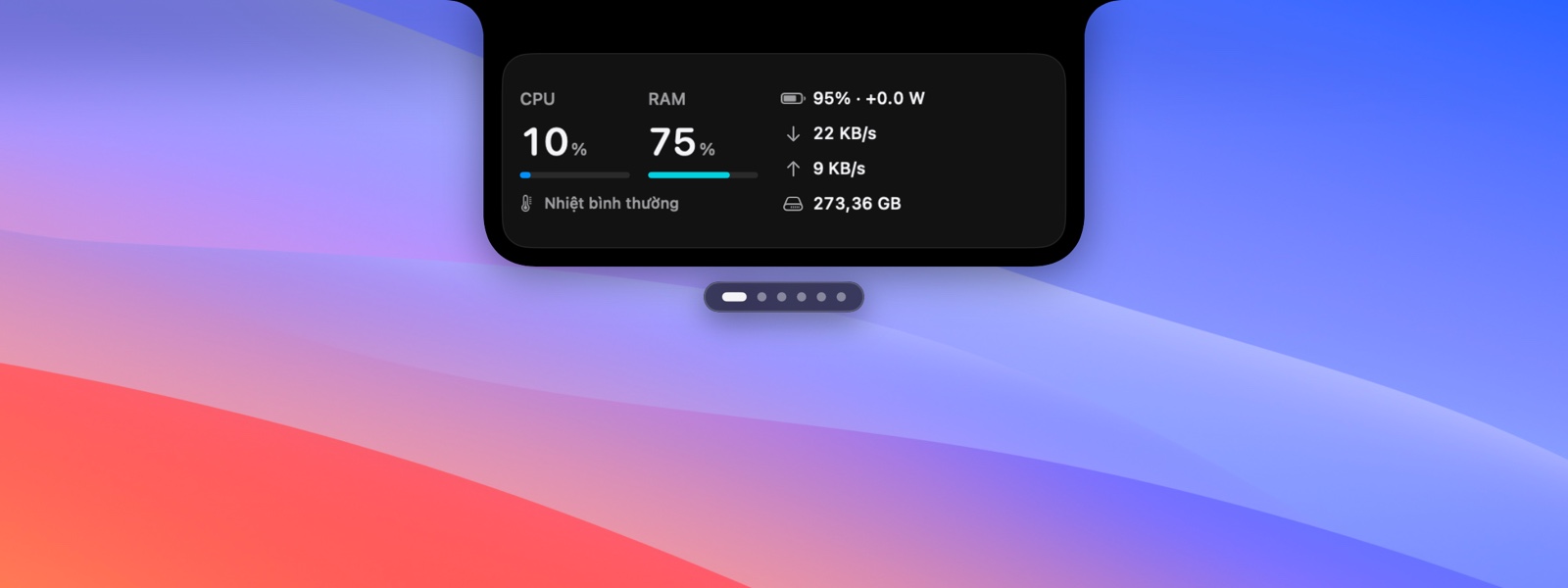
CPU, memory, battery, network, free disk and thermal state while Island is open.

Tick off tasks in the notch.

Time and day/night in three cities.

Jot down a thought; the note saves automatically.

Follow a 4–4–4–4 box-breathing rhythm.
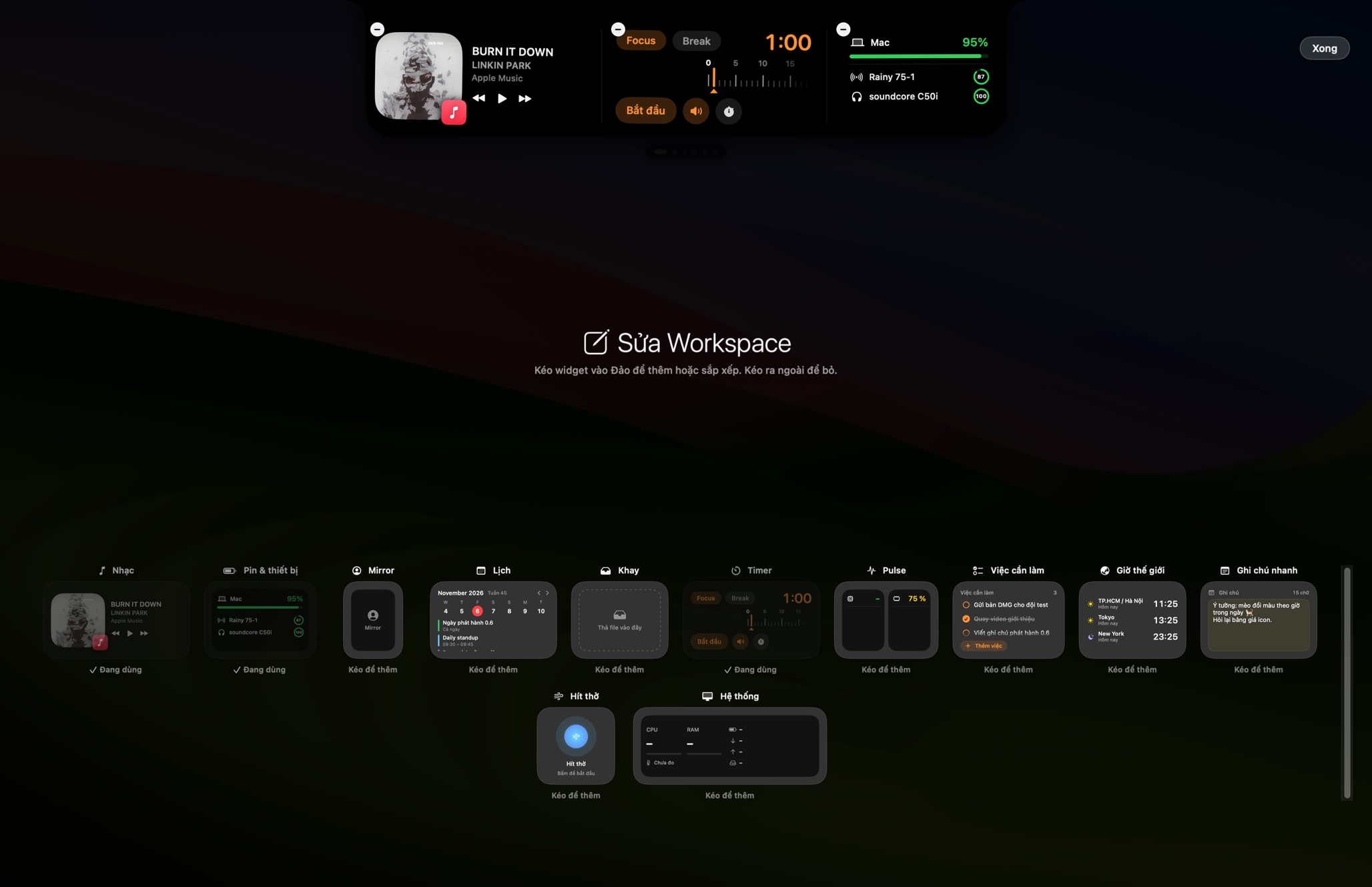
Drag widgets to add, remove and reorder them.
The current track stays in the wings with spinning artwork.
43 features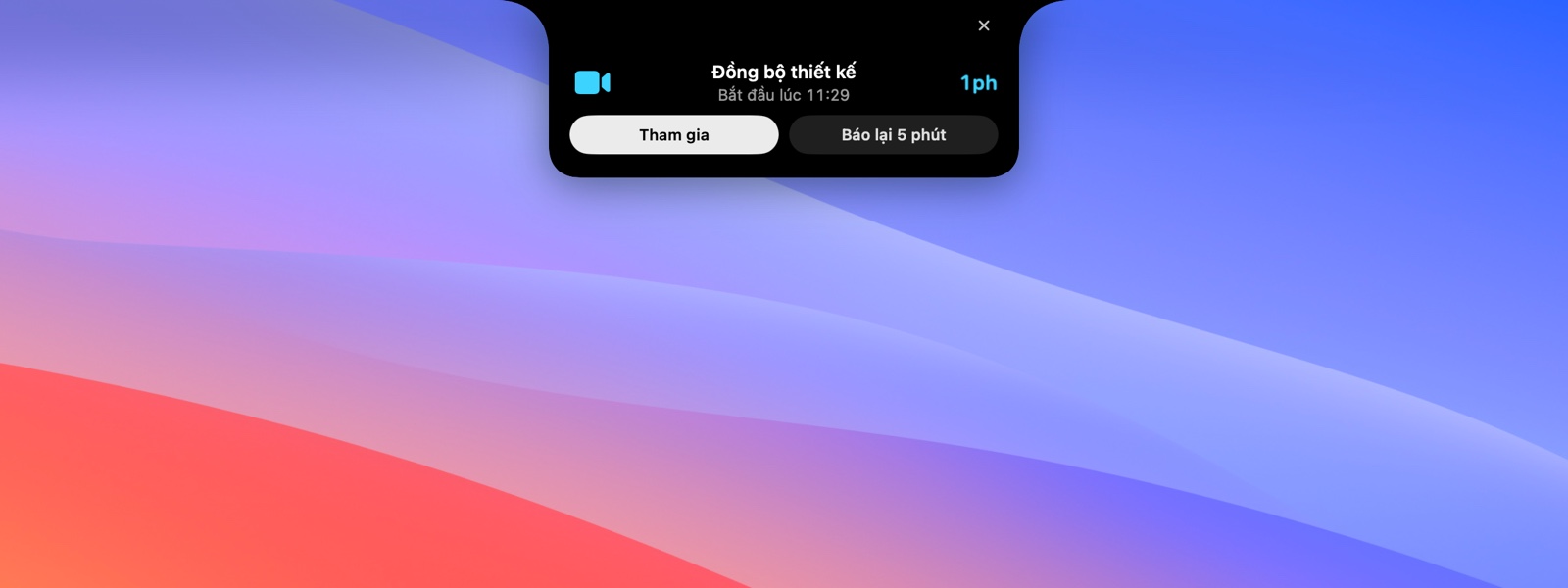
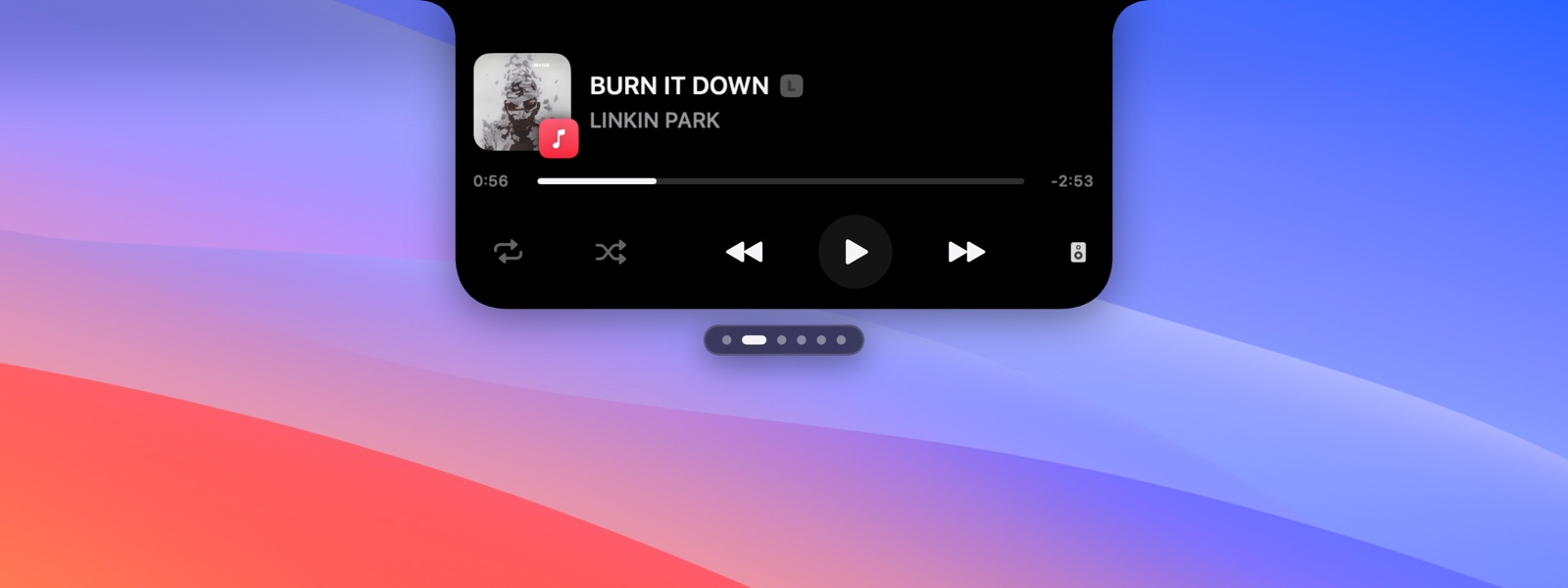
The current track stays in the wings with spinning artwork.
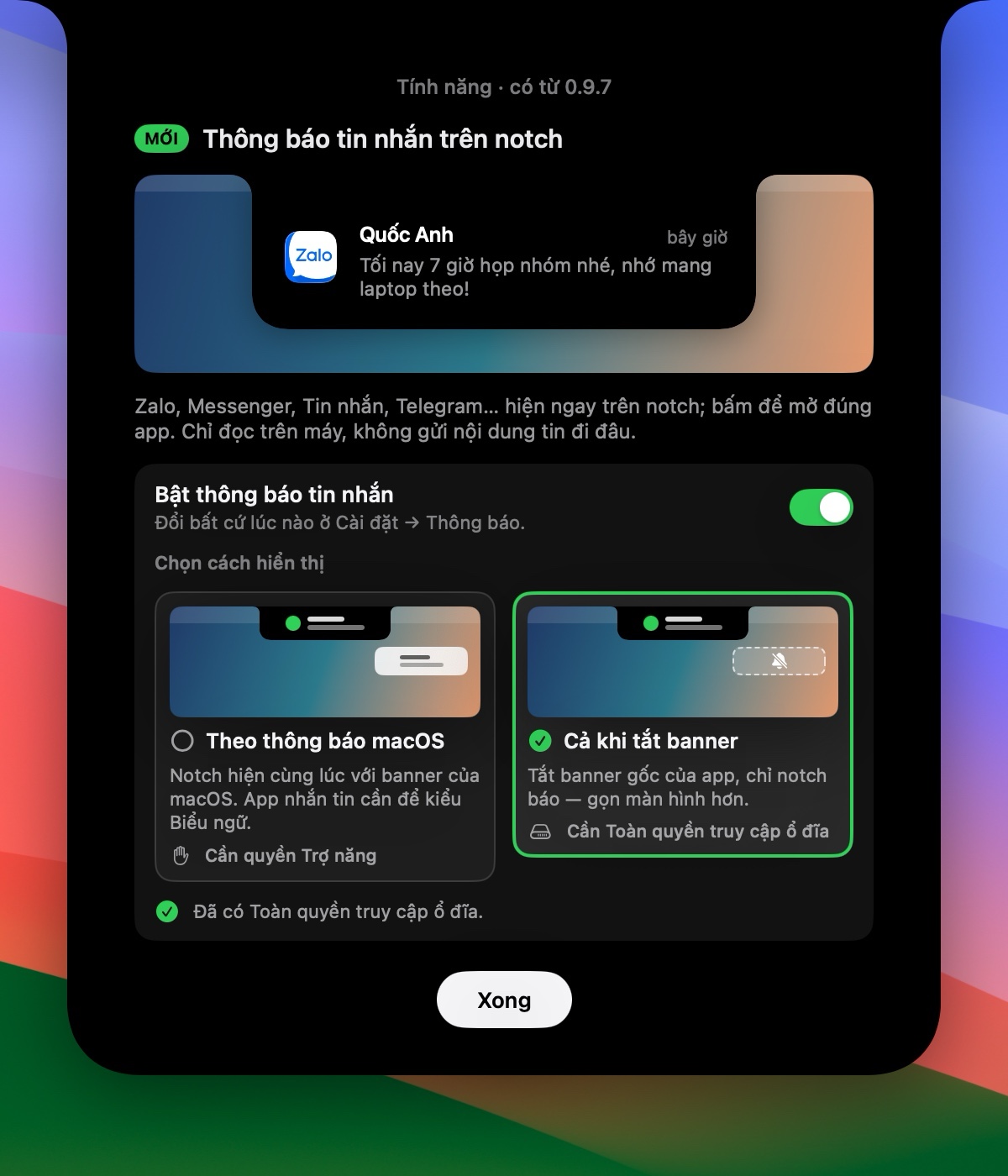
Zalo, Messenger, Messages, Telegram… on your notch; click to open the app. Alongside macOS banners or even with them off. Off by default; turn it on in Settings → Notifications.
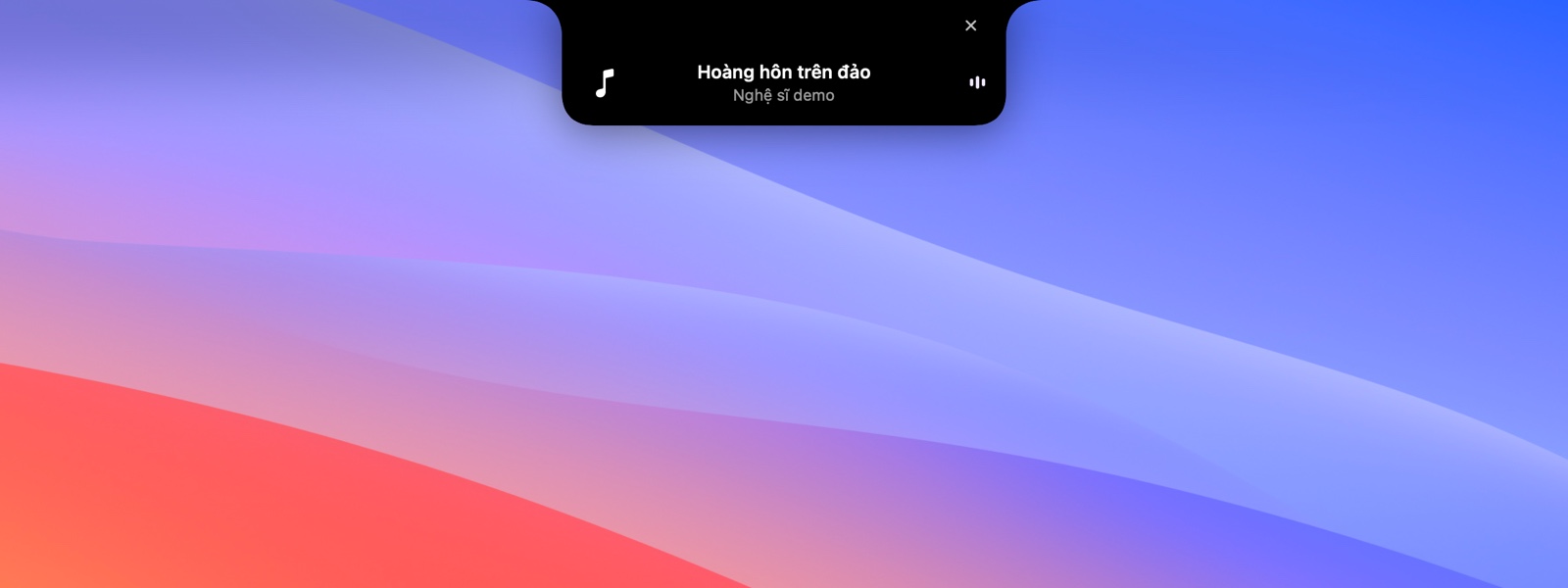
A brief title and artist update when the track changes.
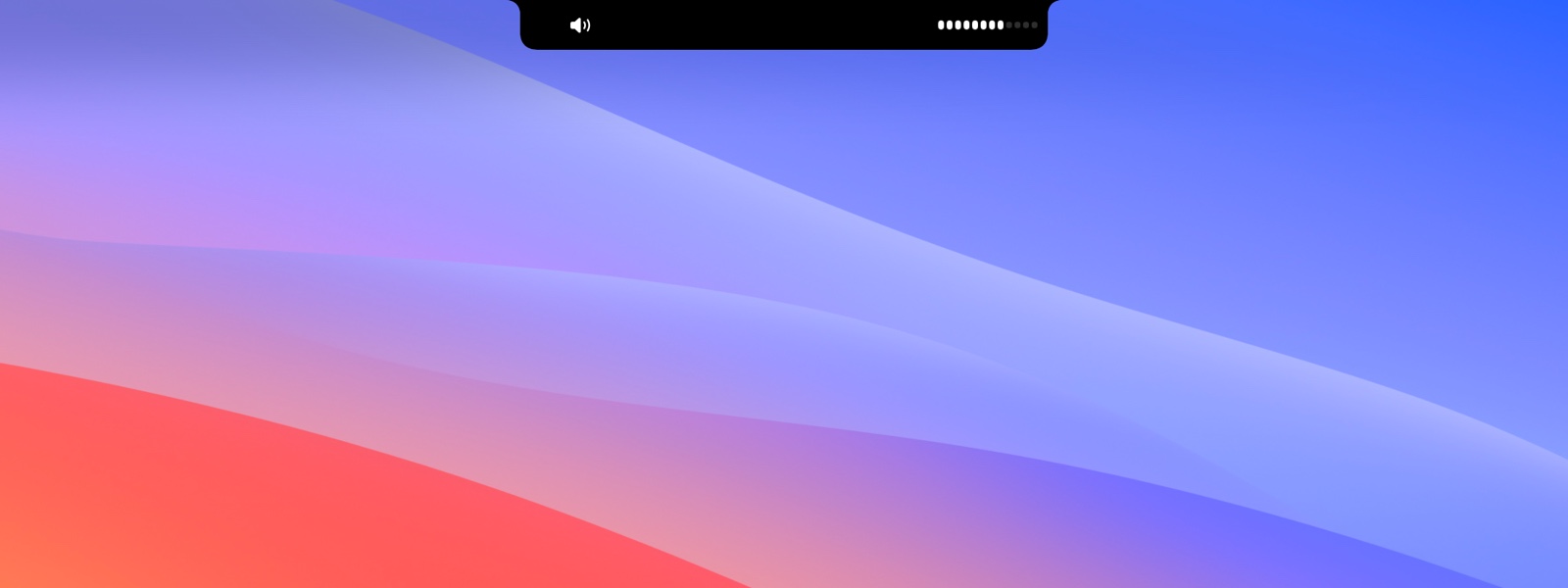
Speaker level fits in the notch wings.
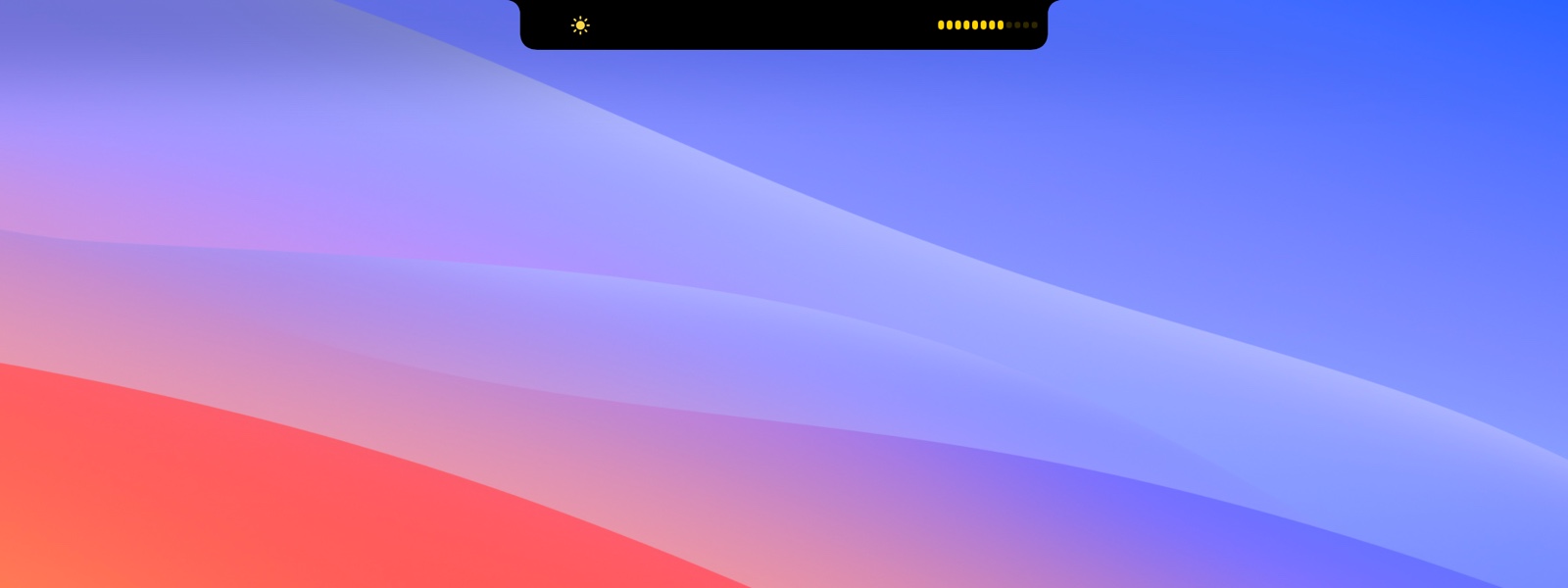
See display brightness next to the camera.
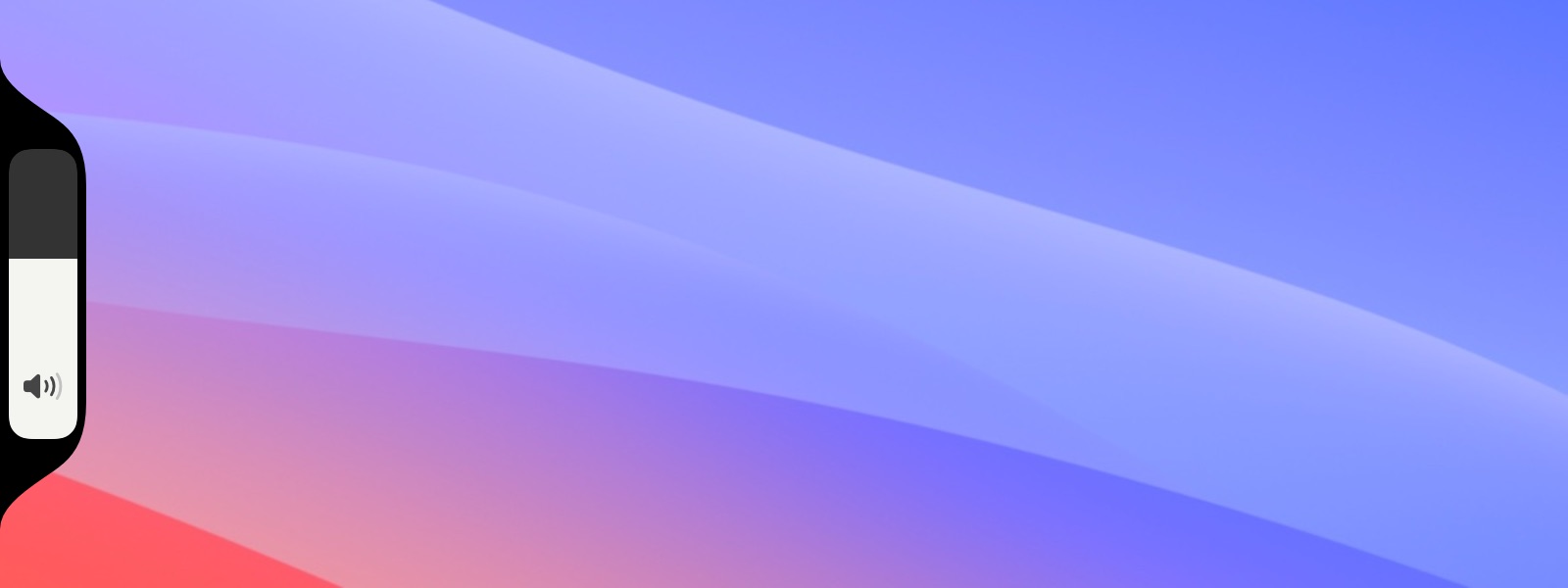
Volume / brightness slide out of the left screen edge with a big vertical bar, like on iPhone.
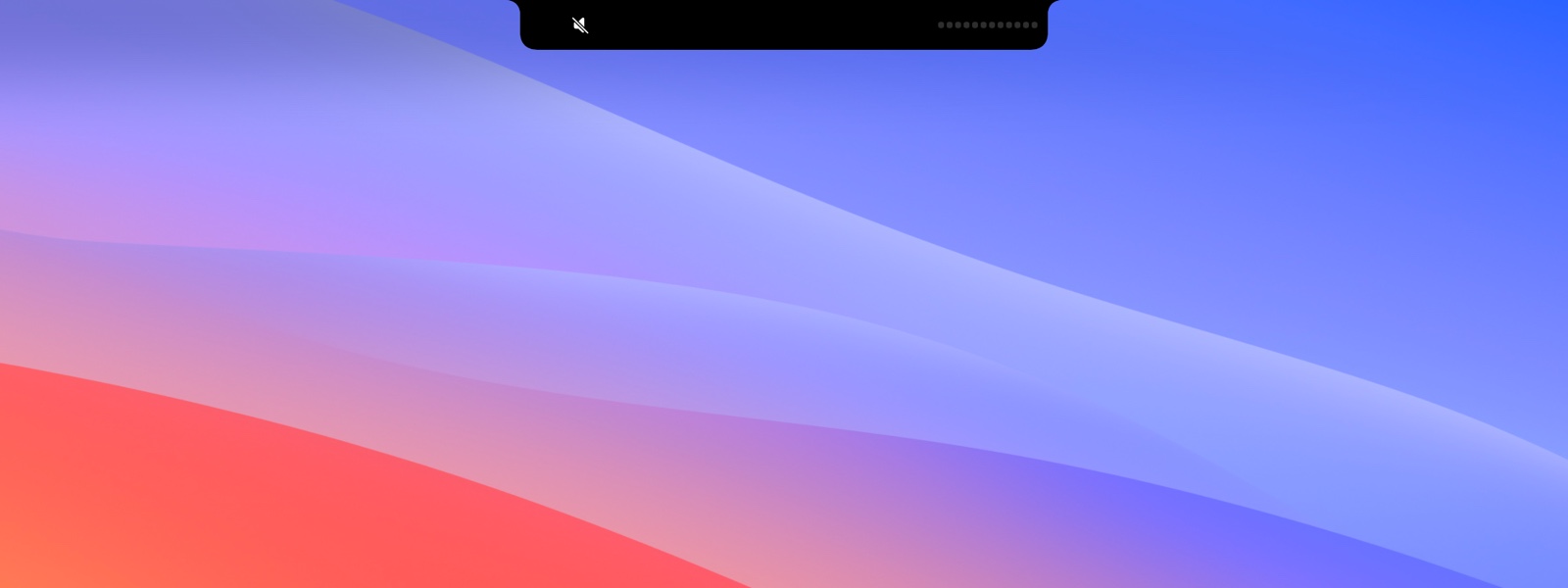
The muted speaker symbol makes the state clear.

See which device is selected for audio output.

See whether Caps Lock is on or off.
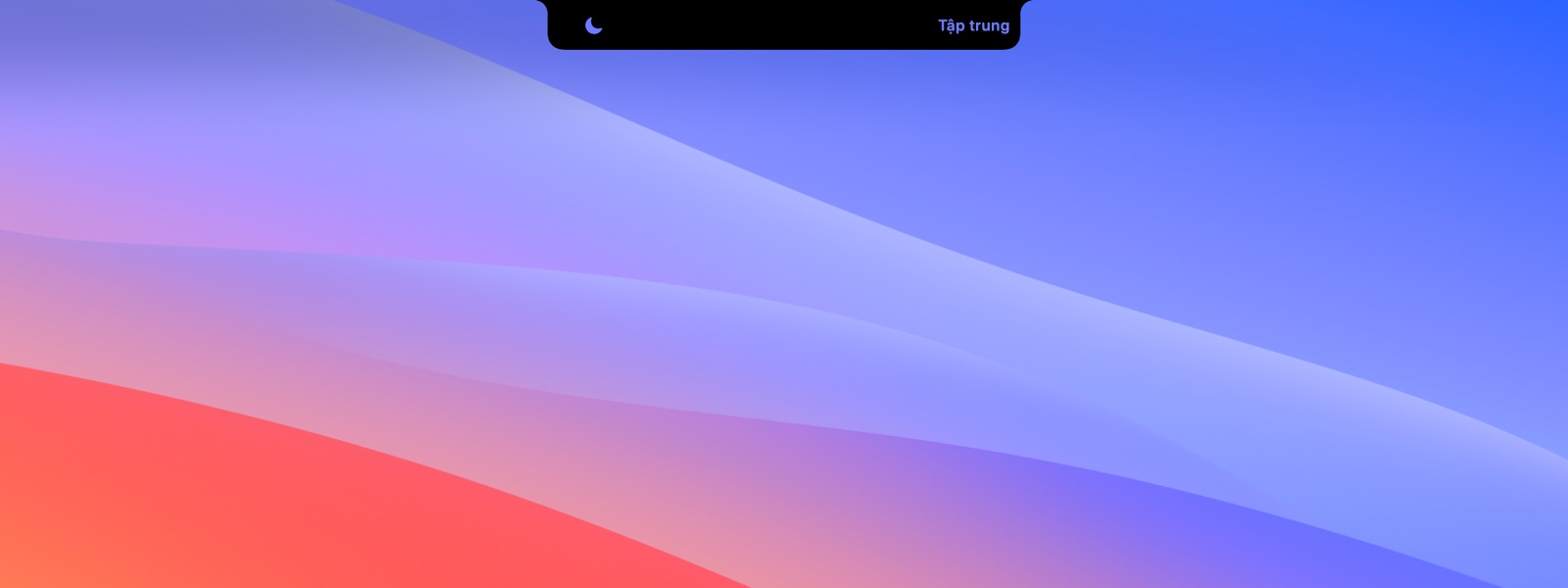
A moon symbol reflects Focus mode.
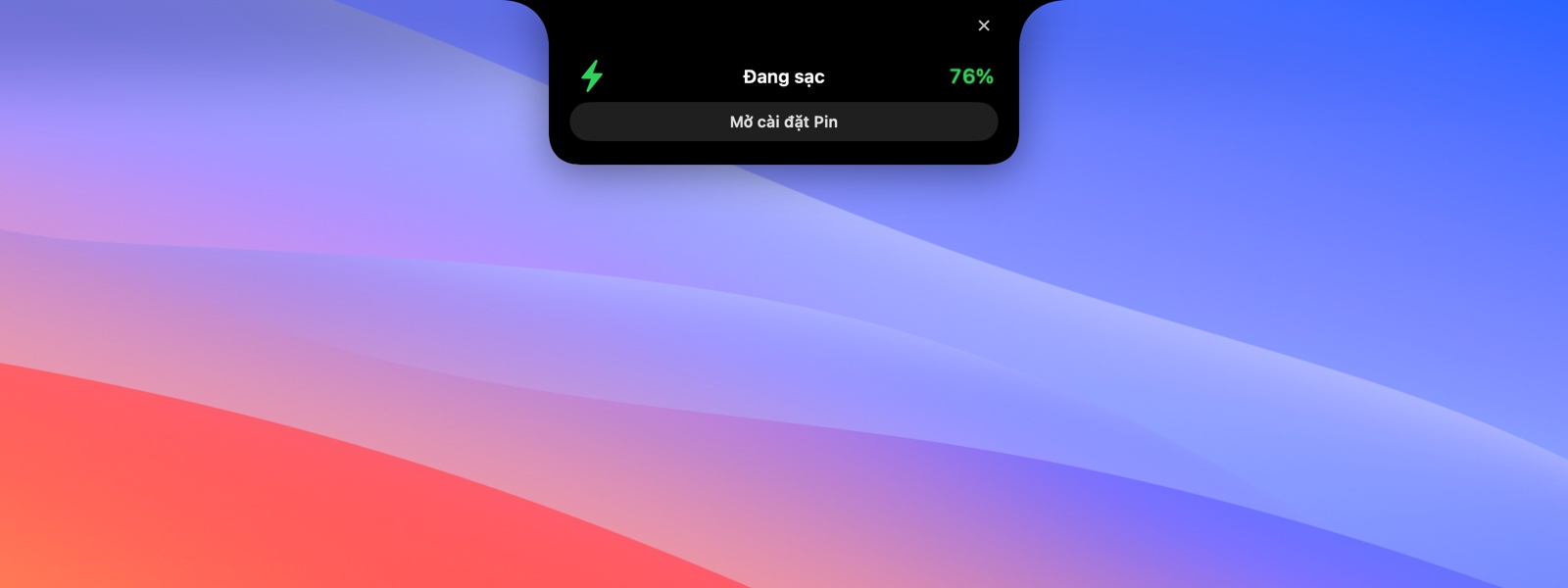
See the power connection and battery percentage.
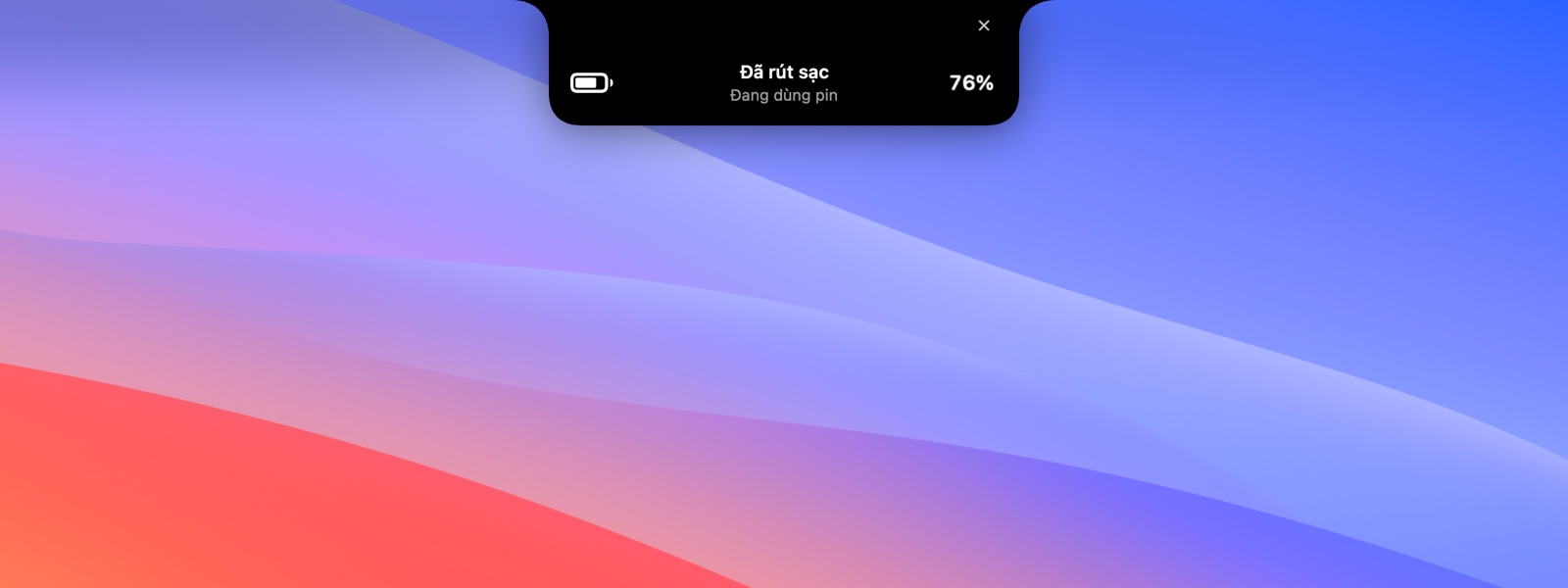
Know when your Mac switches to battery power.
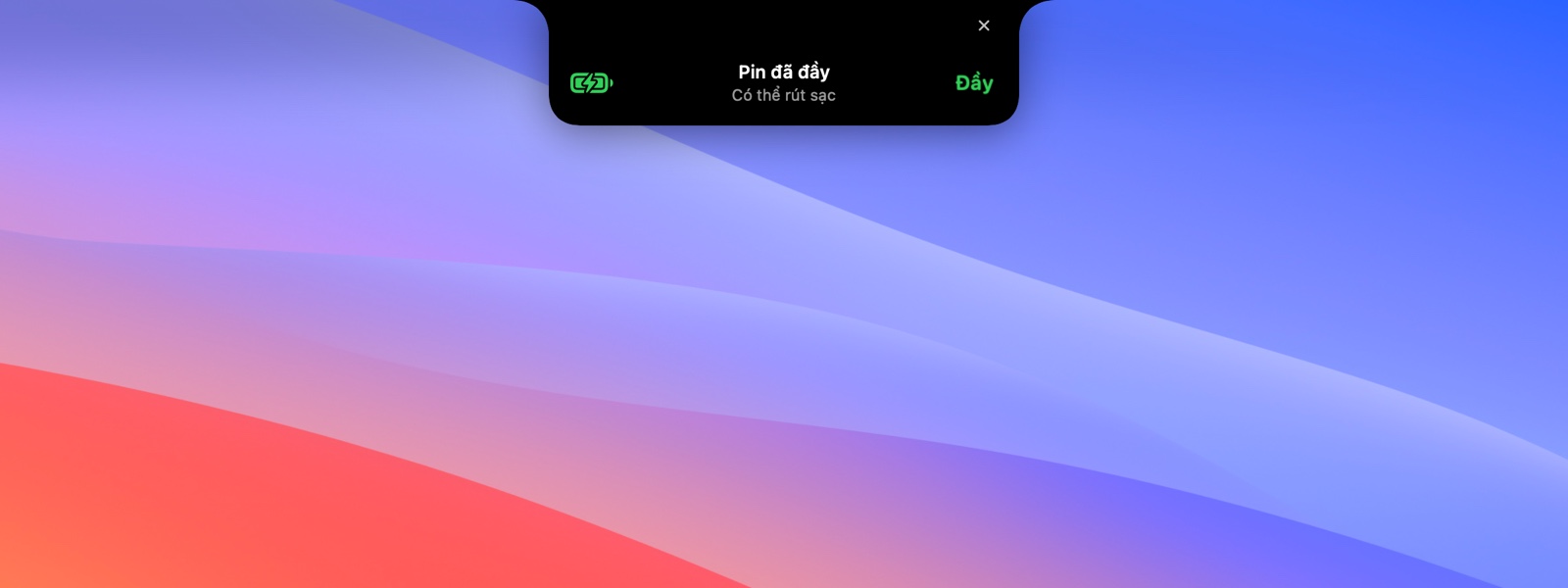
An alert when the battery is full.
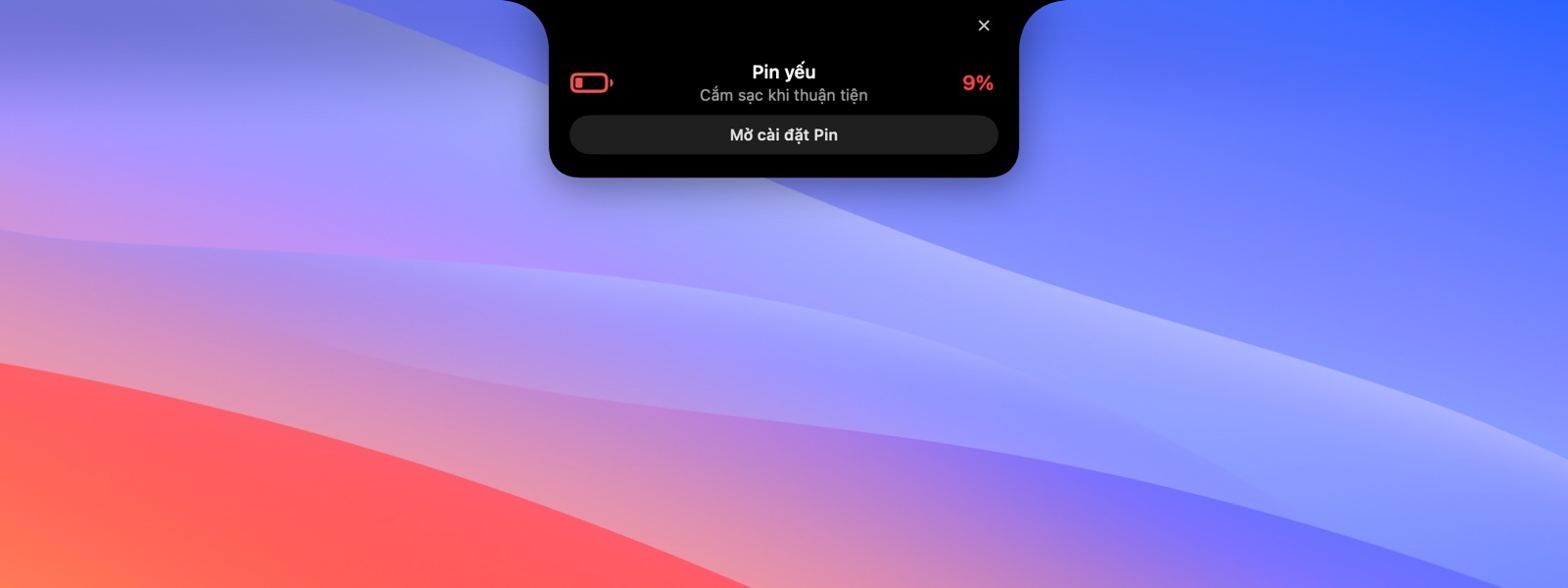
A priority alert gives you time to plug in.
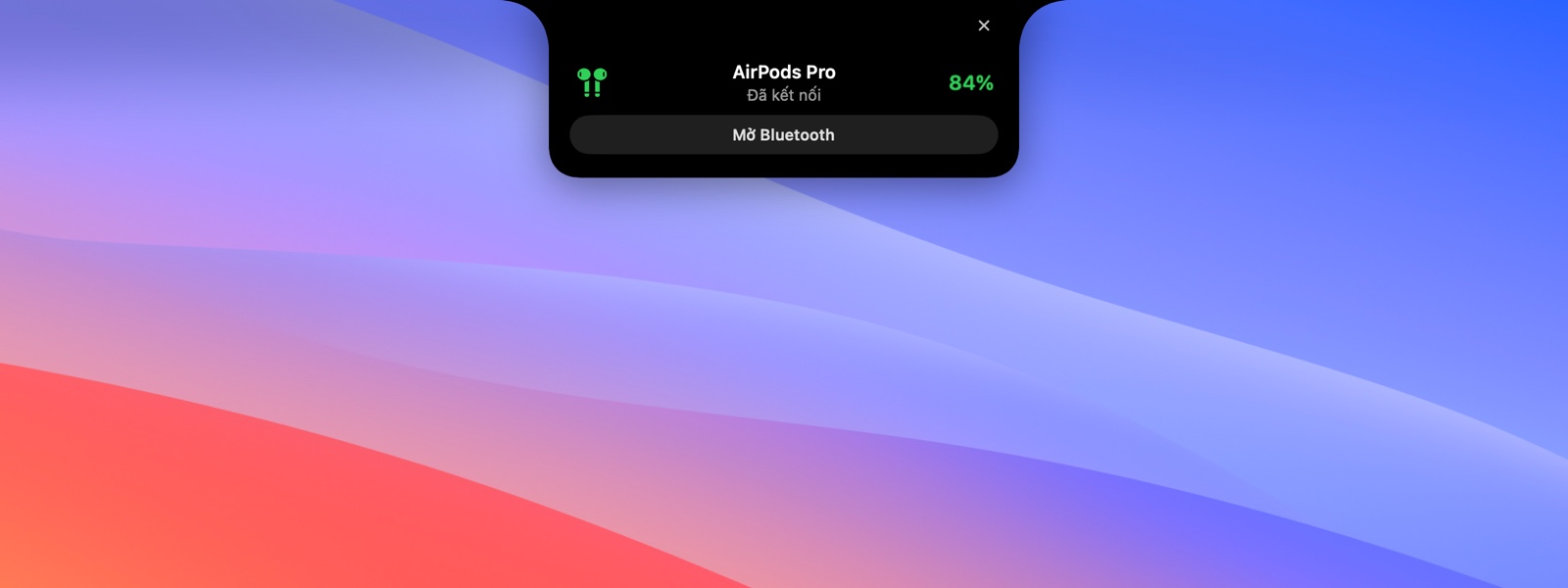
See a newly connected device and its available battery level.
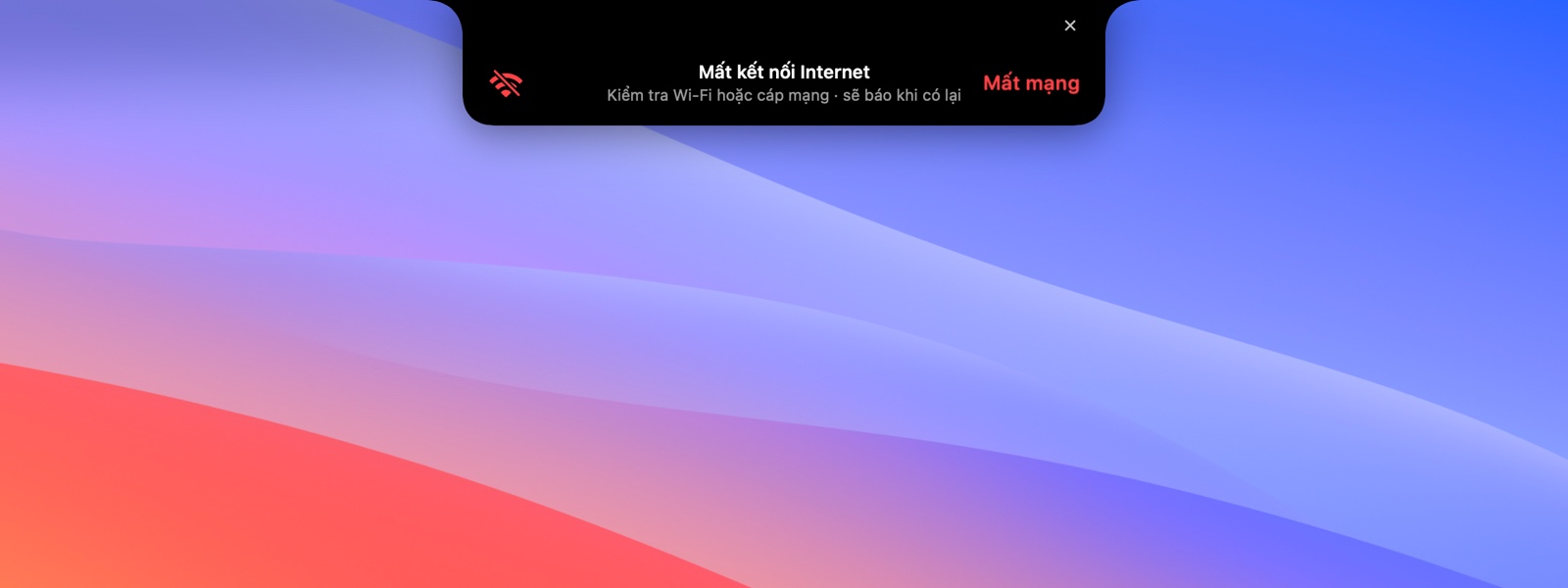
Know when the Internet connection drops.

An update when the connection returns.

A green dot and camera symbol in the notch.

An orange dot signals microphone use by an app.
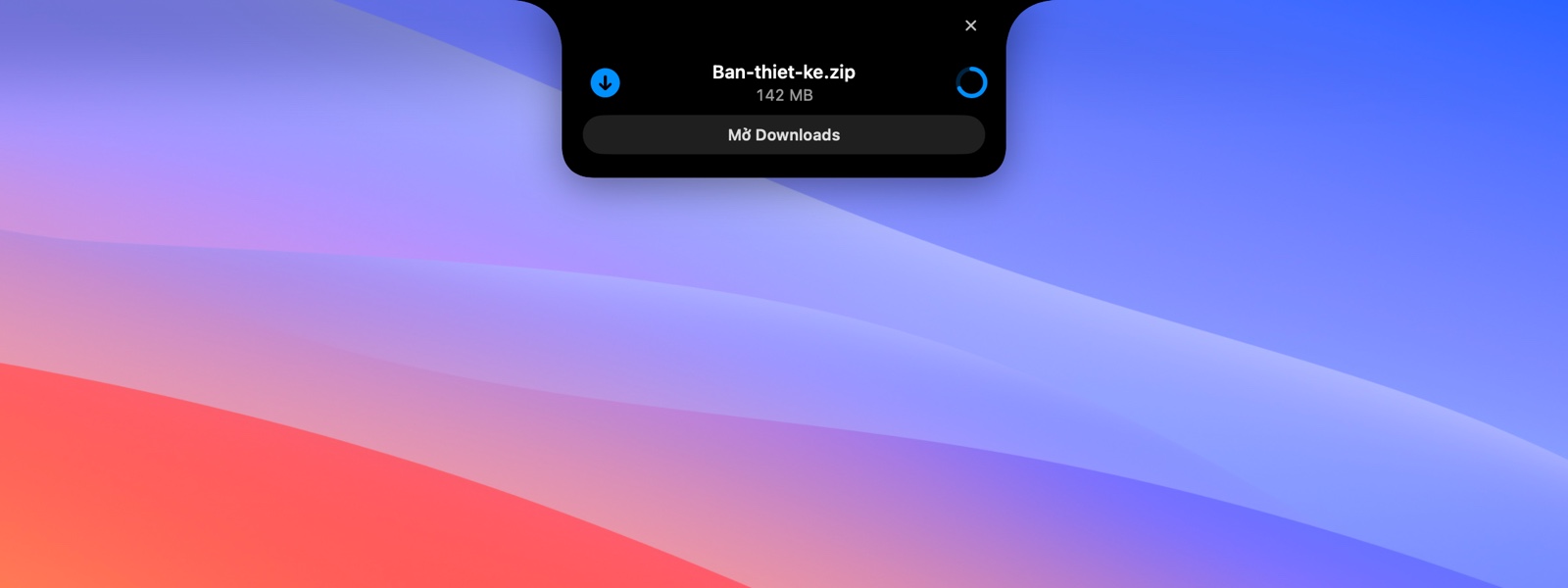
Watch progress or the amount downloaded.
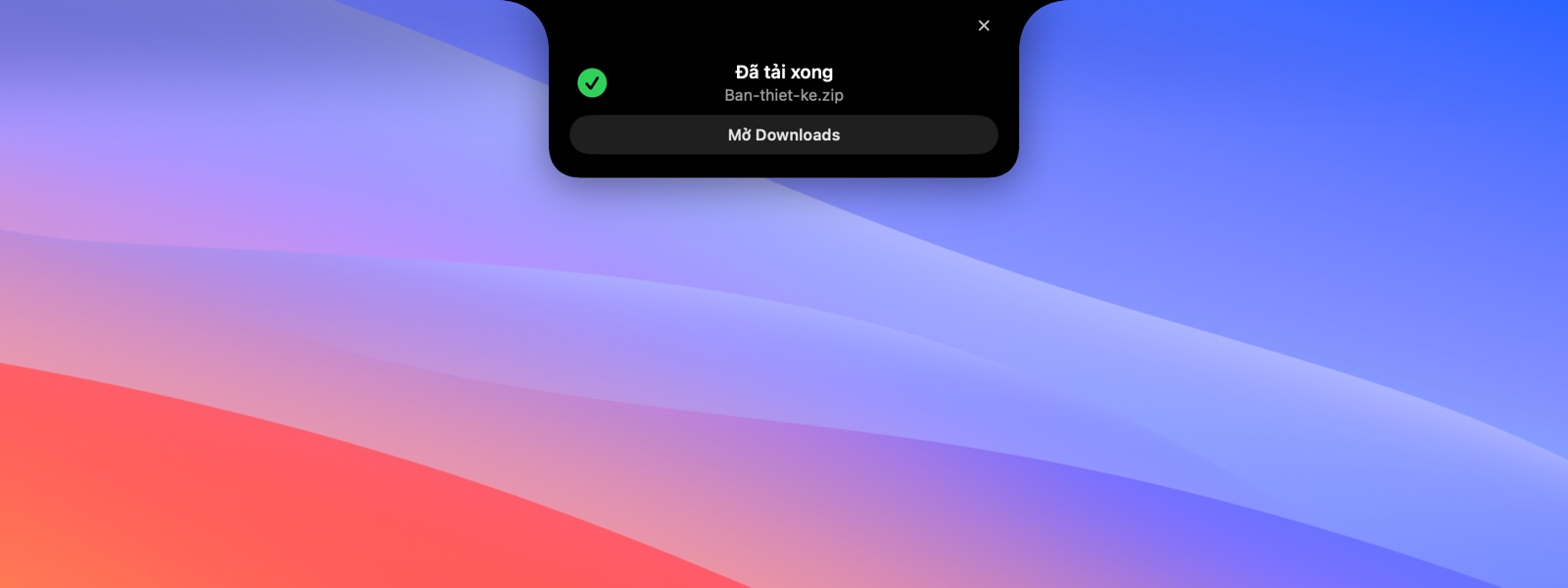
Know when the file is ready and open Downloads.
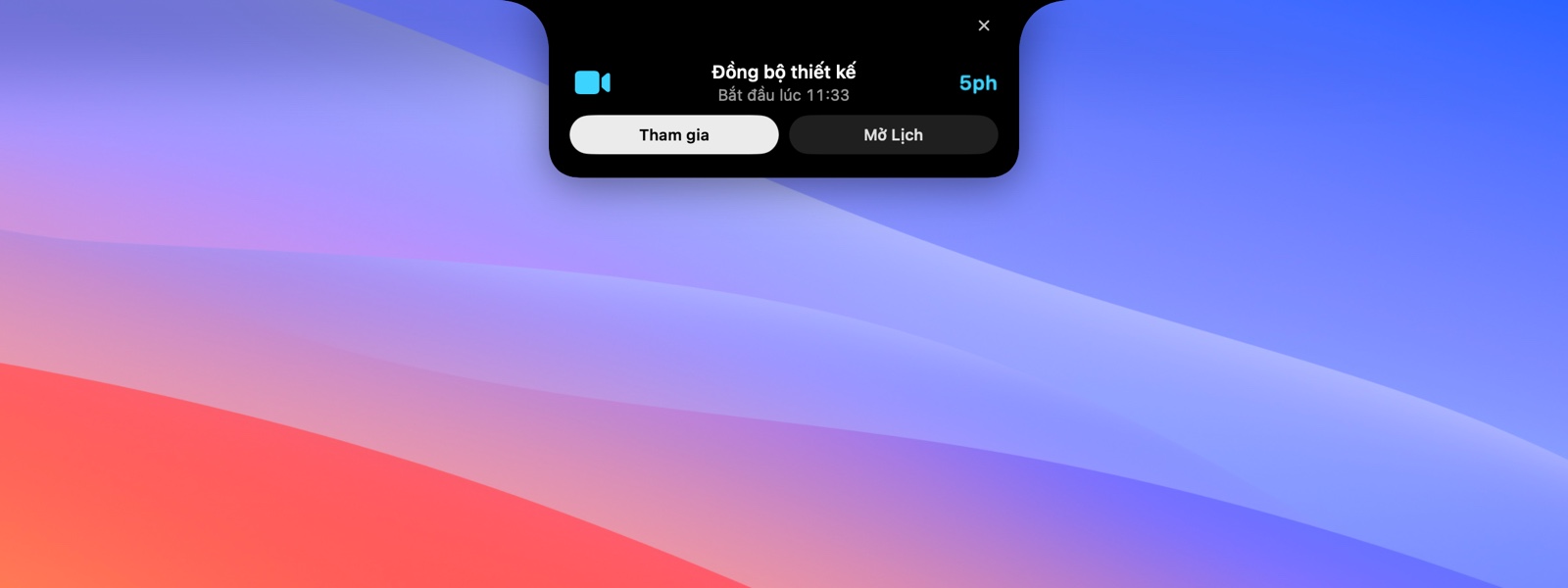
A countdown to the next meeting in the wings.
Join the meeting or snooze for five minutes.
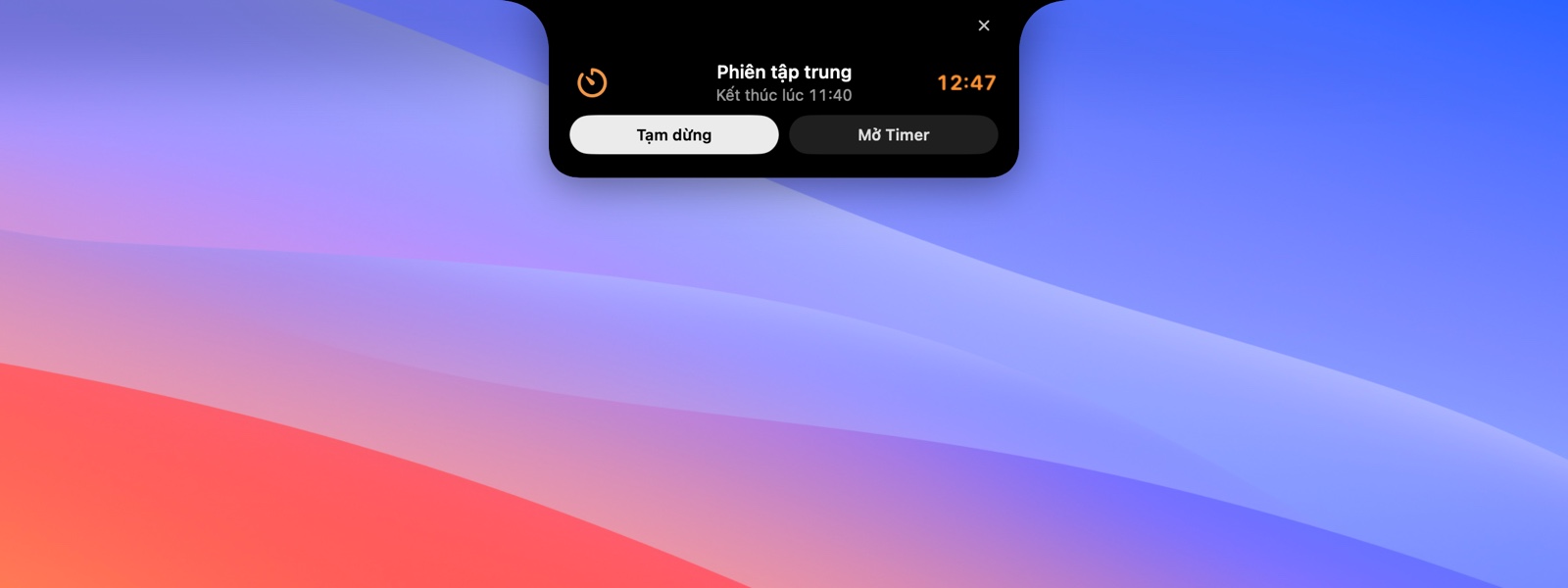
Peek to pause without leaving your work.
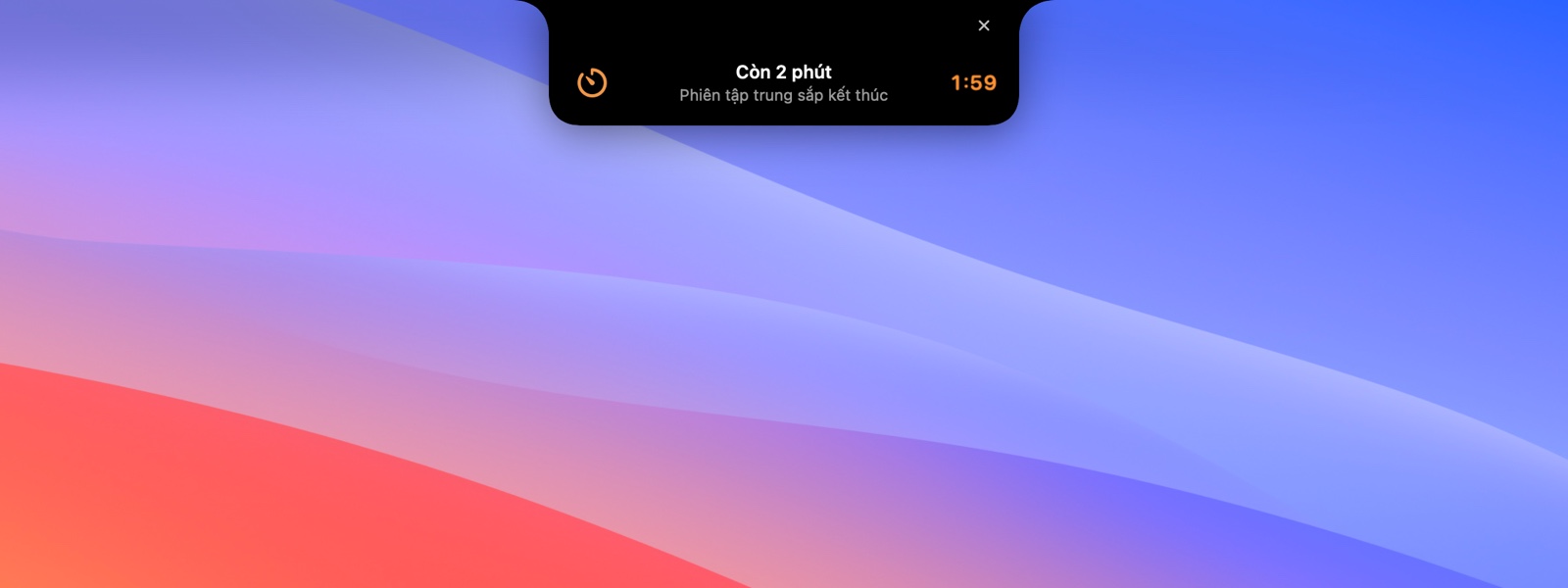
A heads-up two minutes before the session ends.
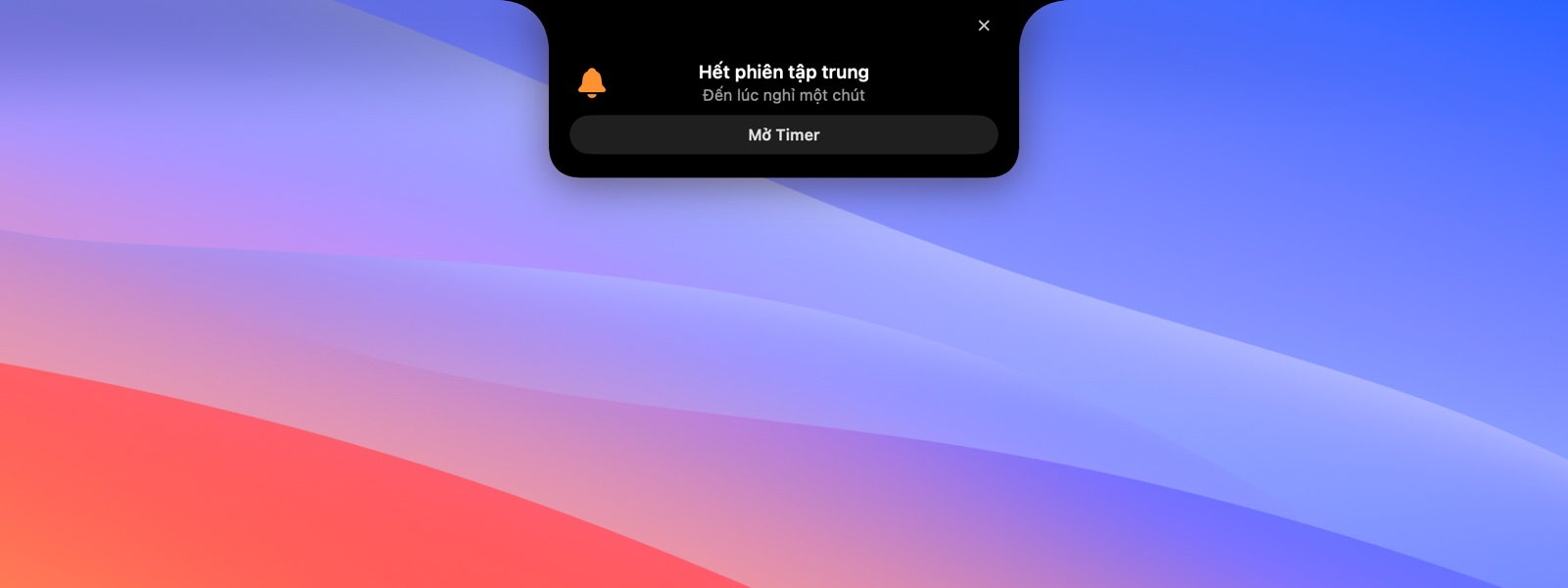
A priority alert at the end of your focus session.
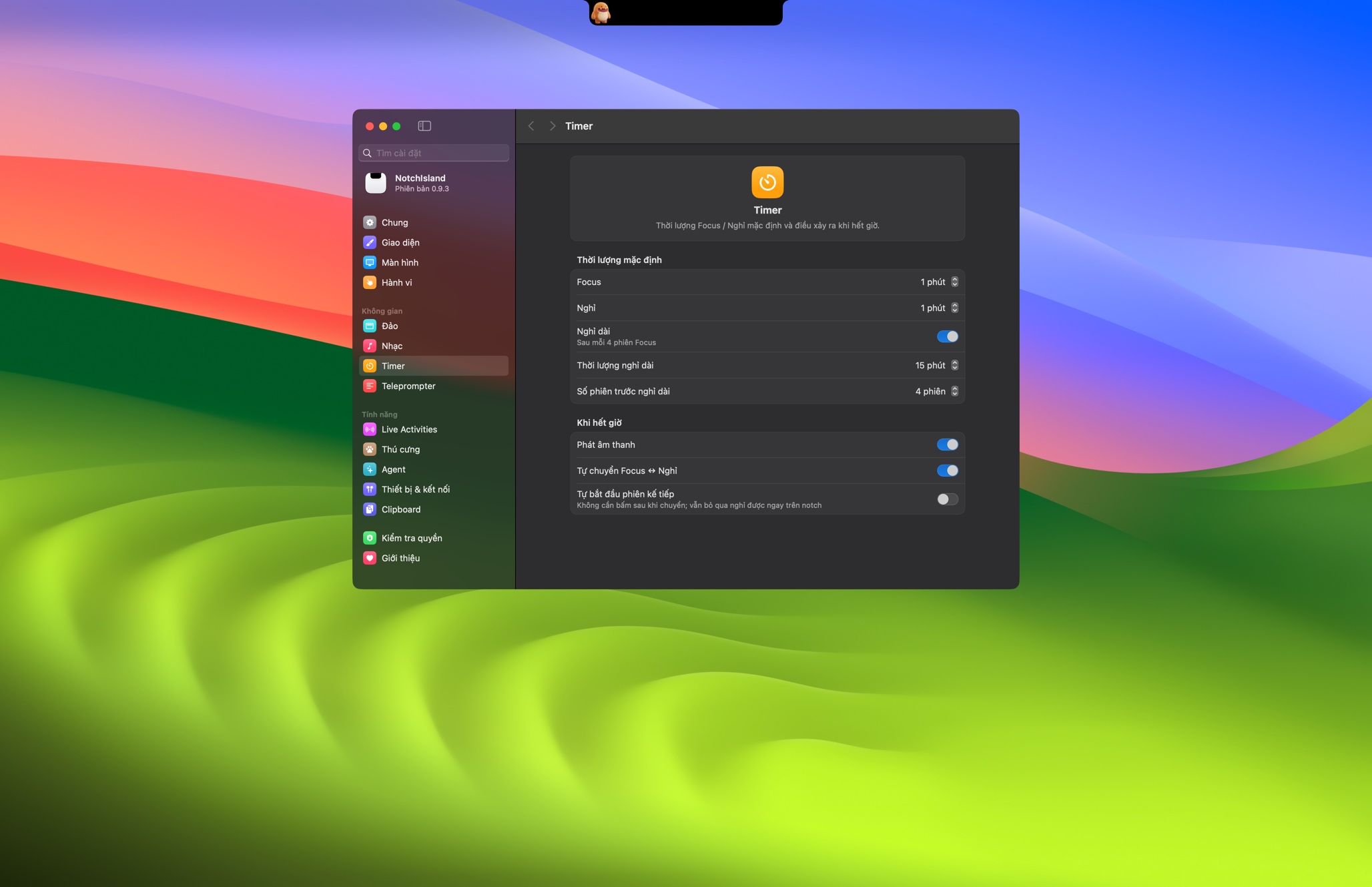
Take a longer break after your chosen number of sessions.
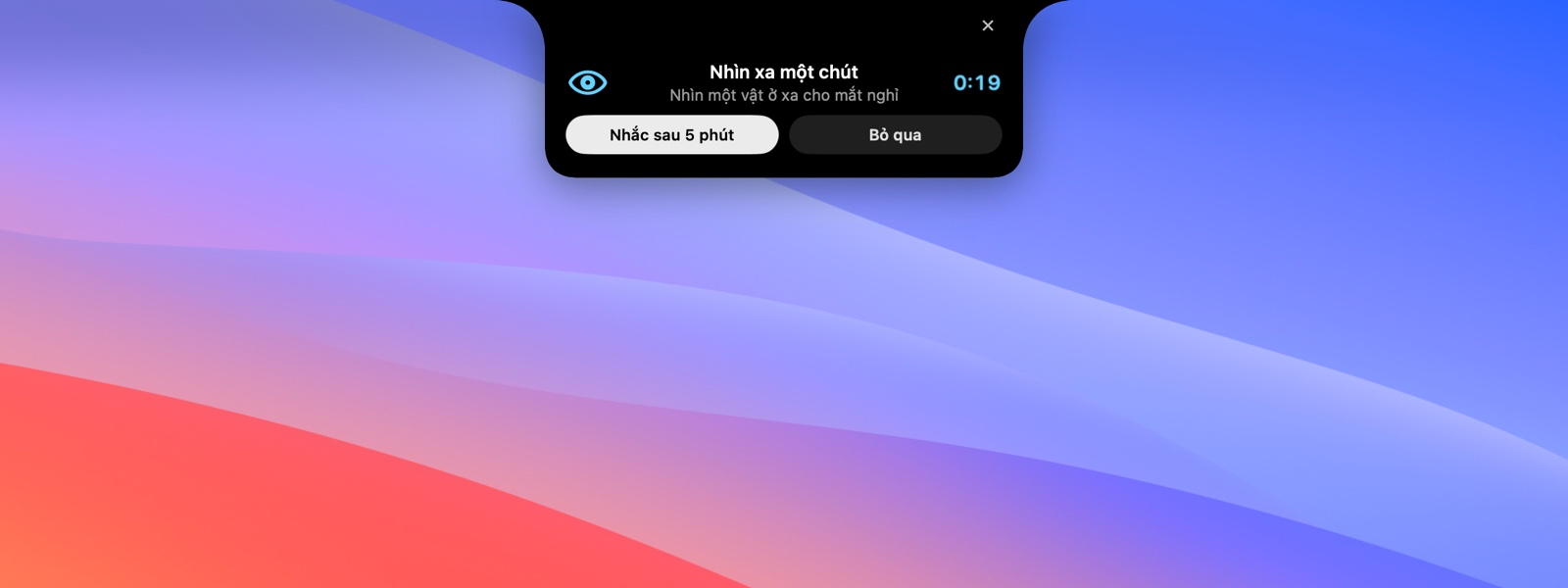
A short reminder to look into the distance.
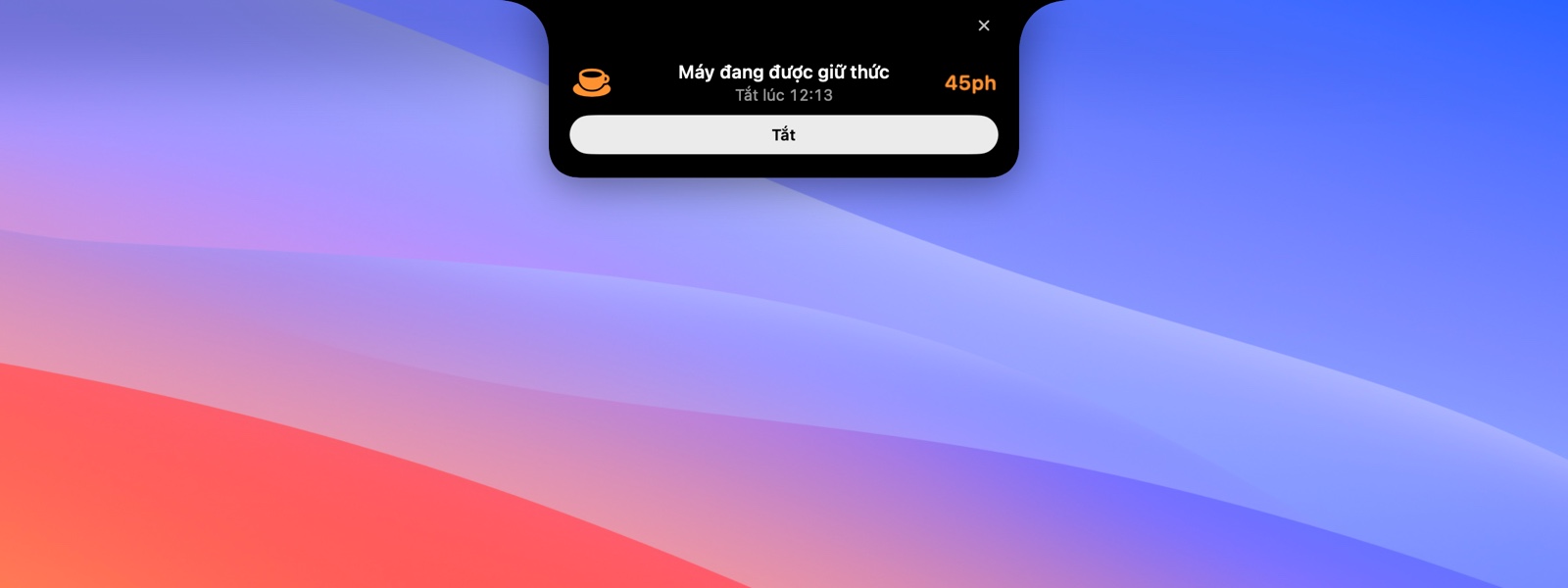
See the remaining time and stop when needed.
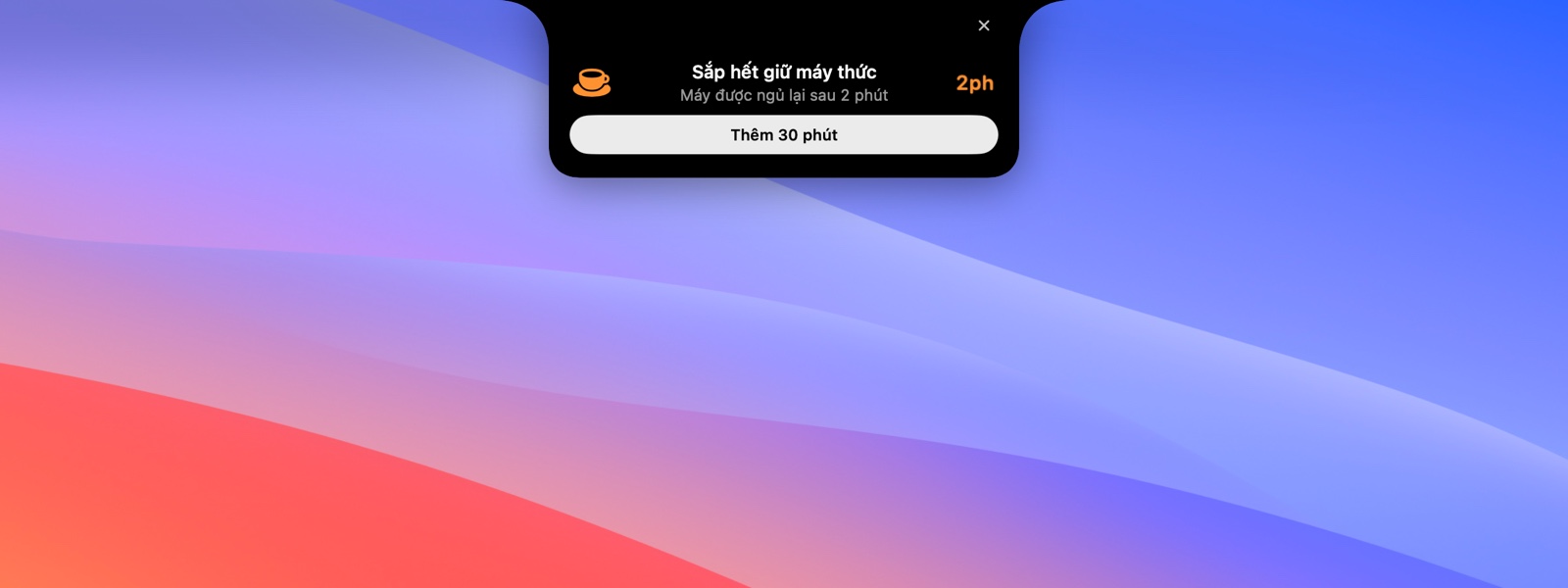
A heads-up before keep-awake time ends.
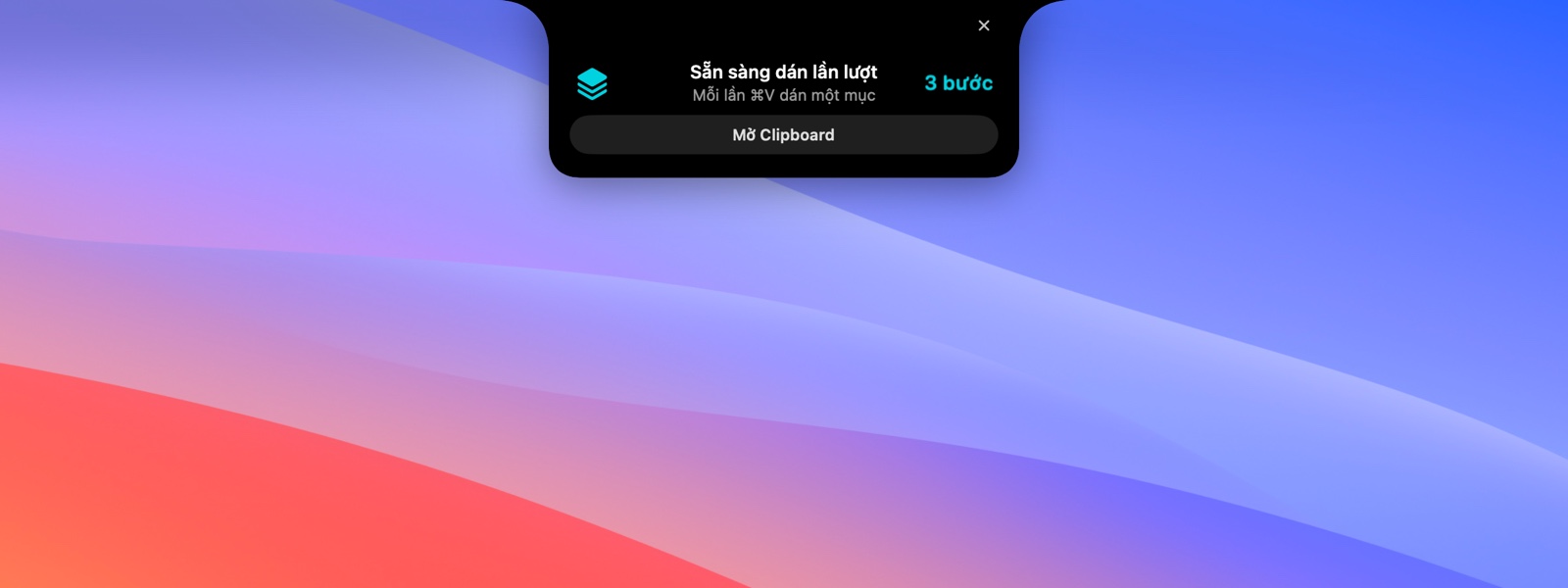
Count the items waiting to be pasted in order.

A brief confirmation after copying.
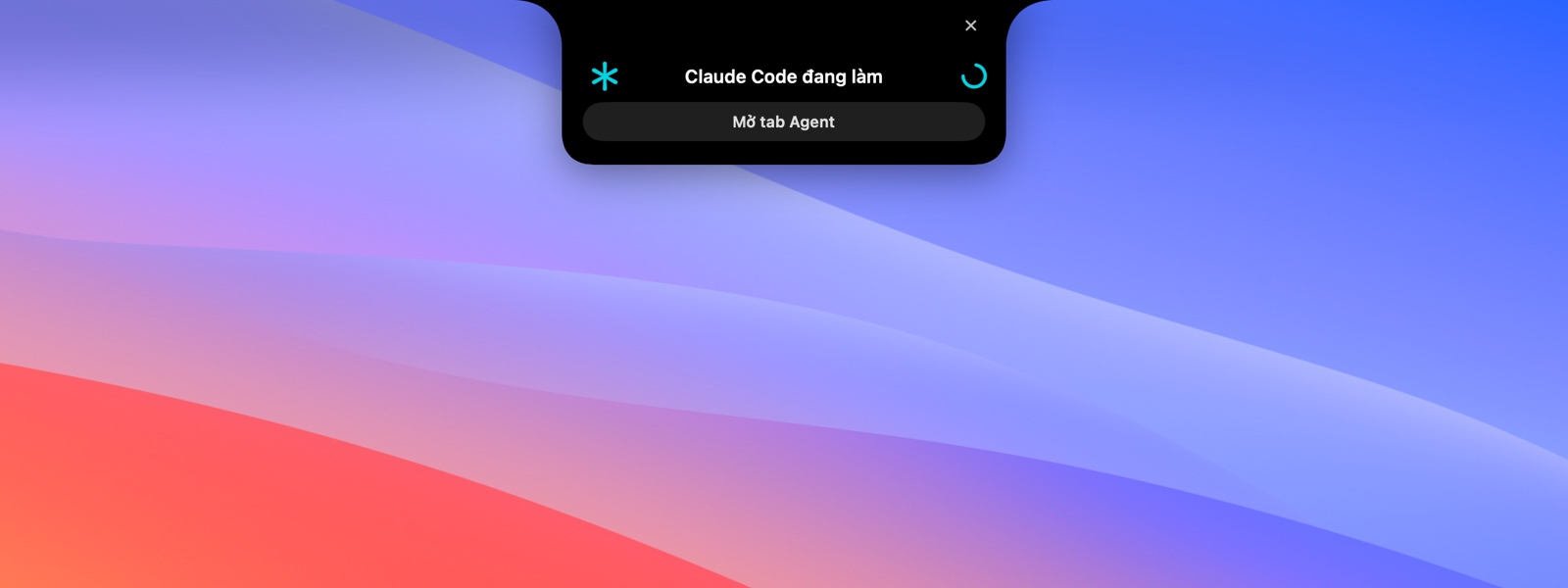
The agent symbol with a working indicator.

A yellow signal when an agent needs you.
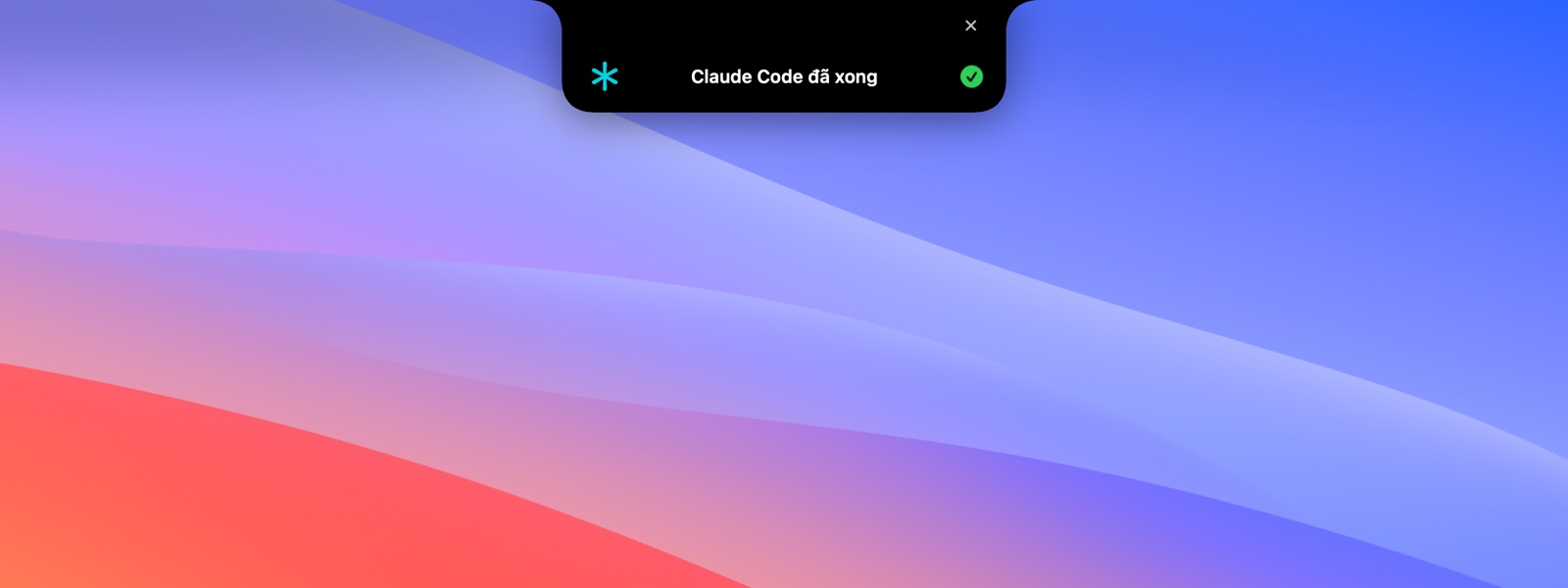
A brief update when the task finishes.
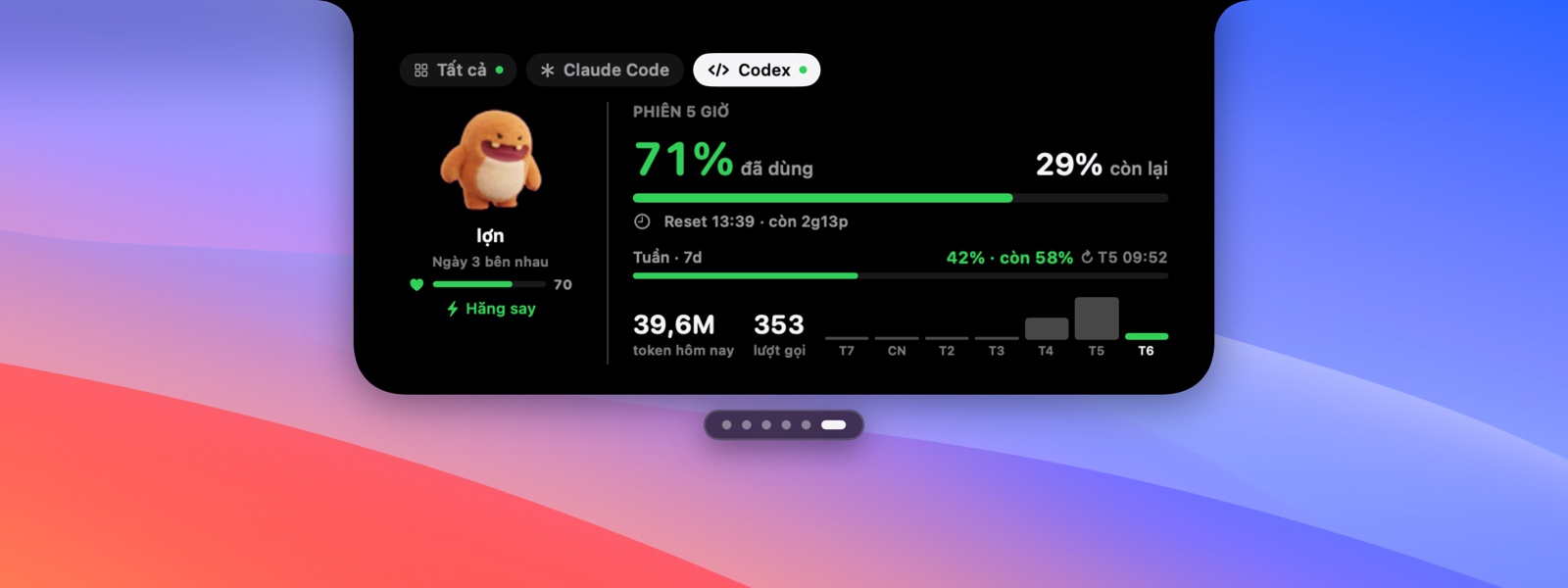
An estimated reset alert for an observed five-hour session.
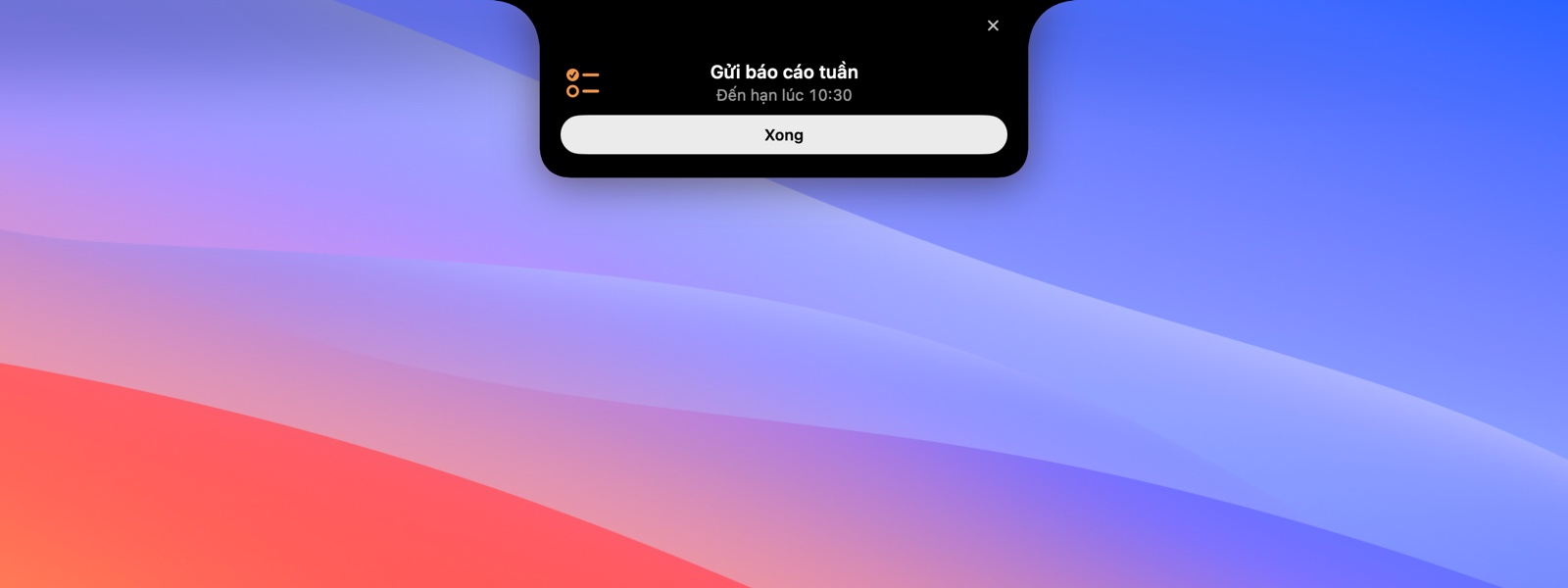
Mark a reminder done from the alert.
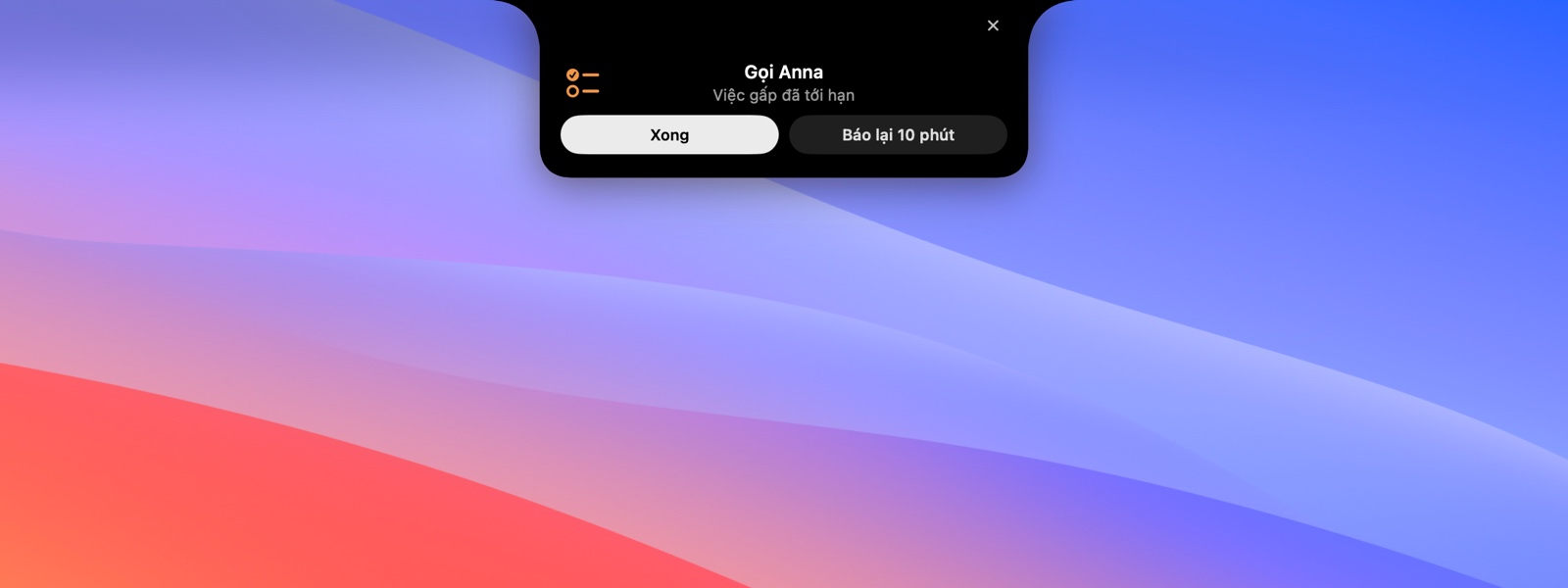
Complete or snooze a scheduled task.
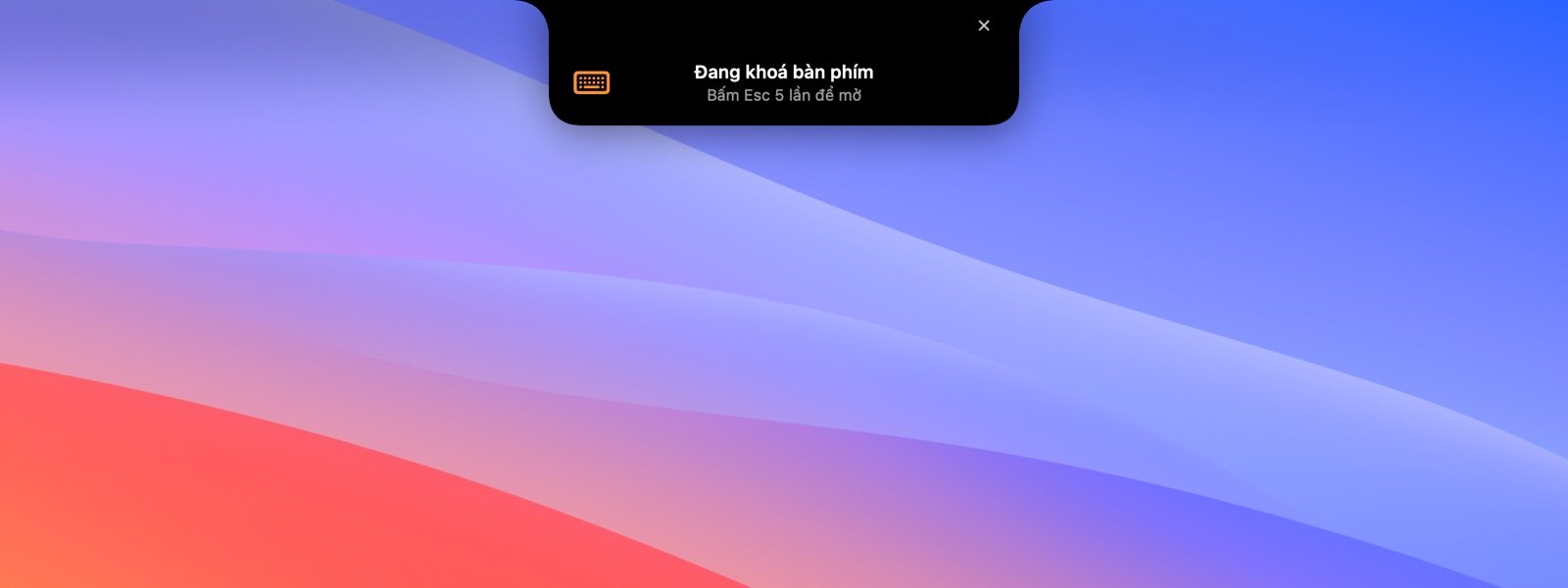
See the keyboard-blocking cleaning session.

Bring a file close and the notch invites it into Shelf.

Your companion returns when no higher-priority activity needs the space.
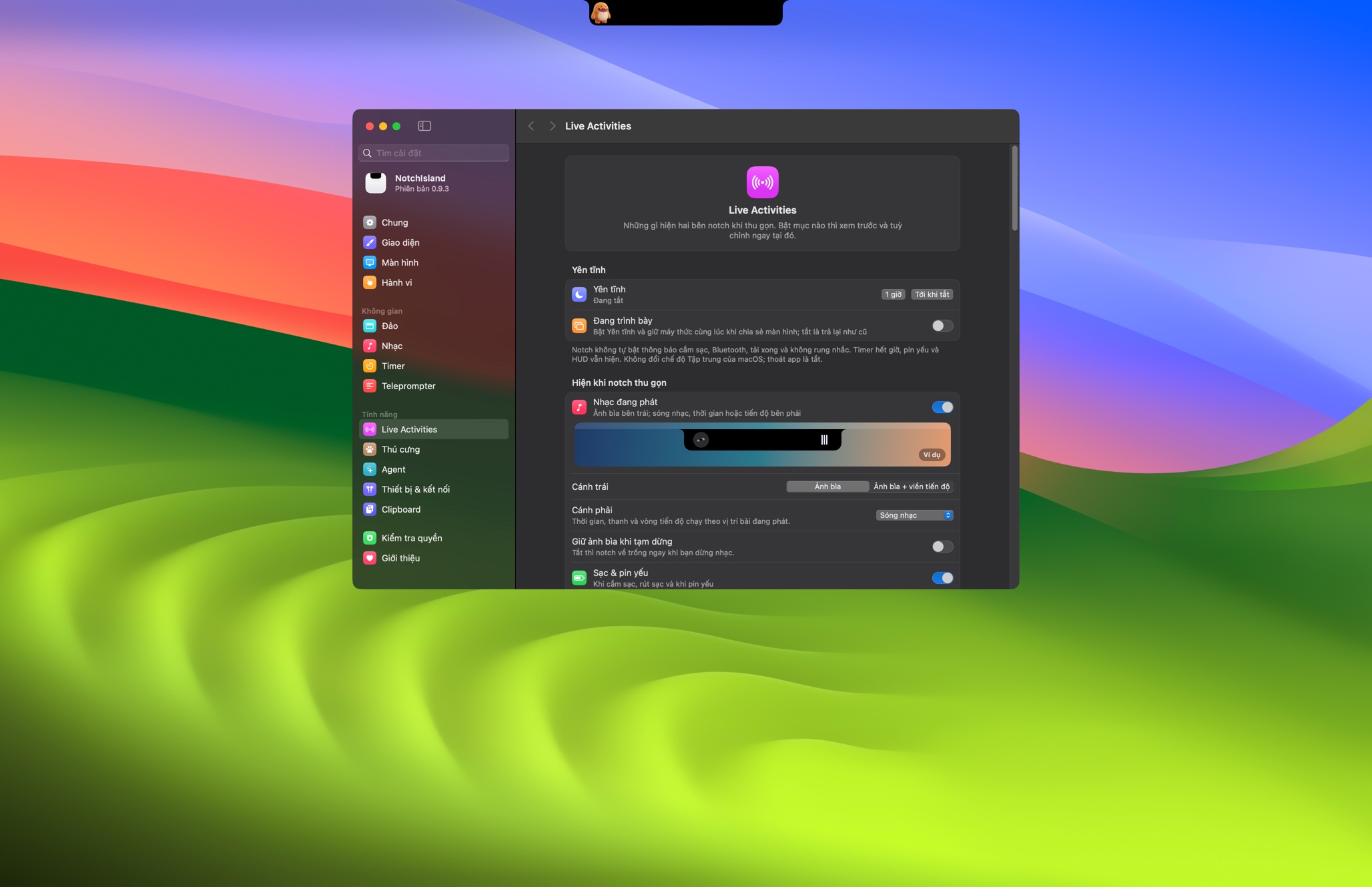
Reduce nonurgent alerts while important warnings remain.
Enable Quiet mode and keep-awake together.
Control the current player without switching windows.
9 featuresControl the current player without switching windows.
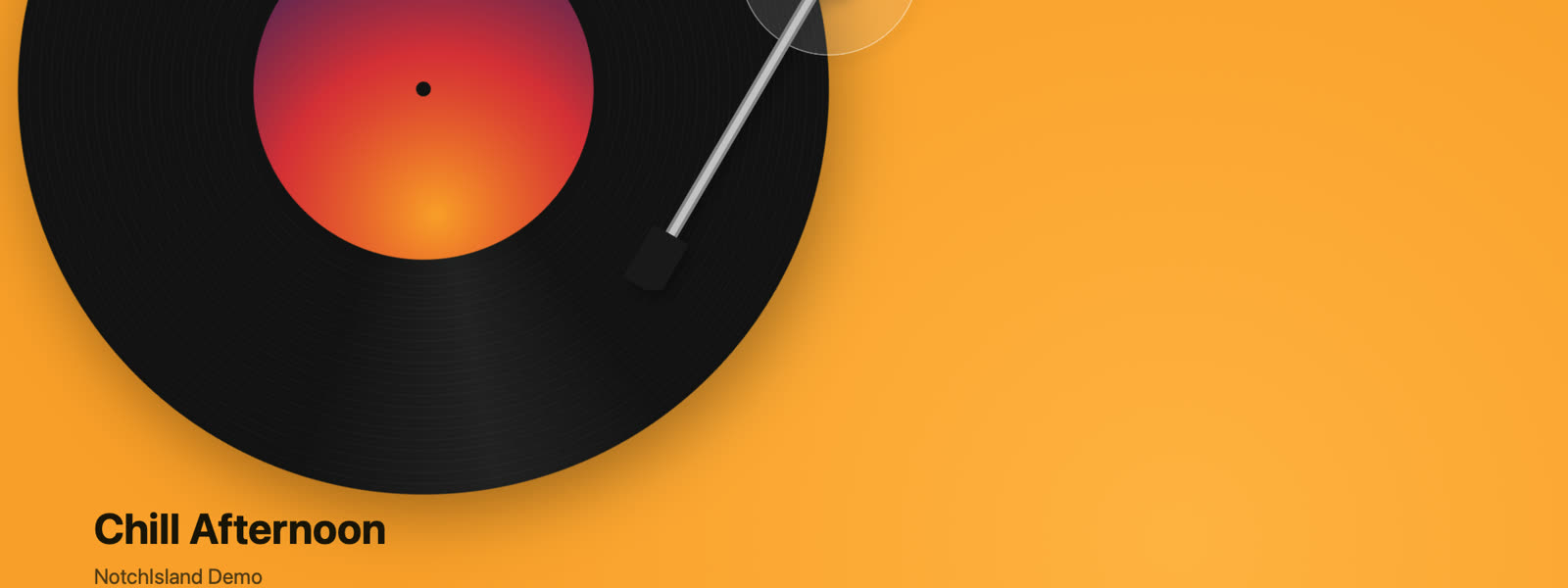
The 📺 button in the Music tab turns the screen into a listening corner: 13 retro themes (new: Lyric video — lyrics as giant LED letters on a curved CRT), line-by-line lyrics.
Follow lyrics when the track and source support them.
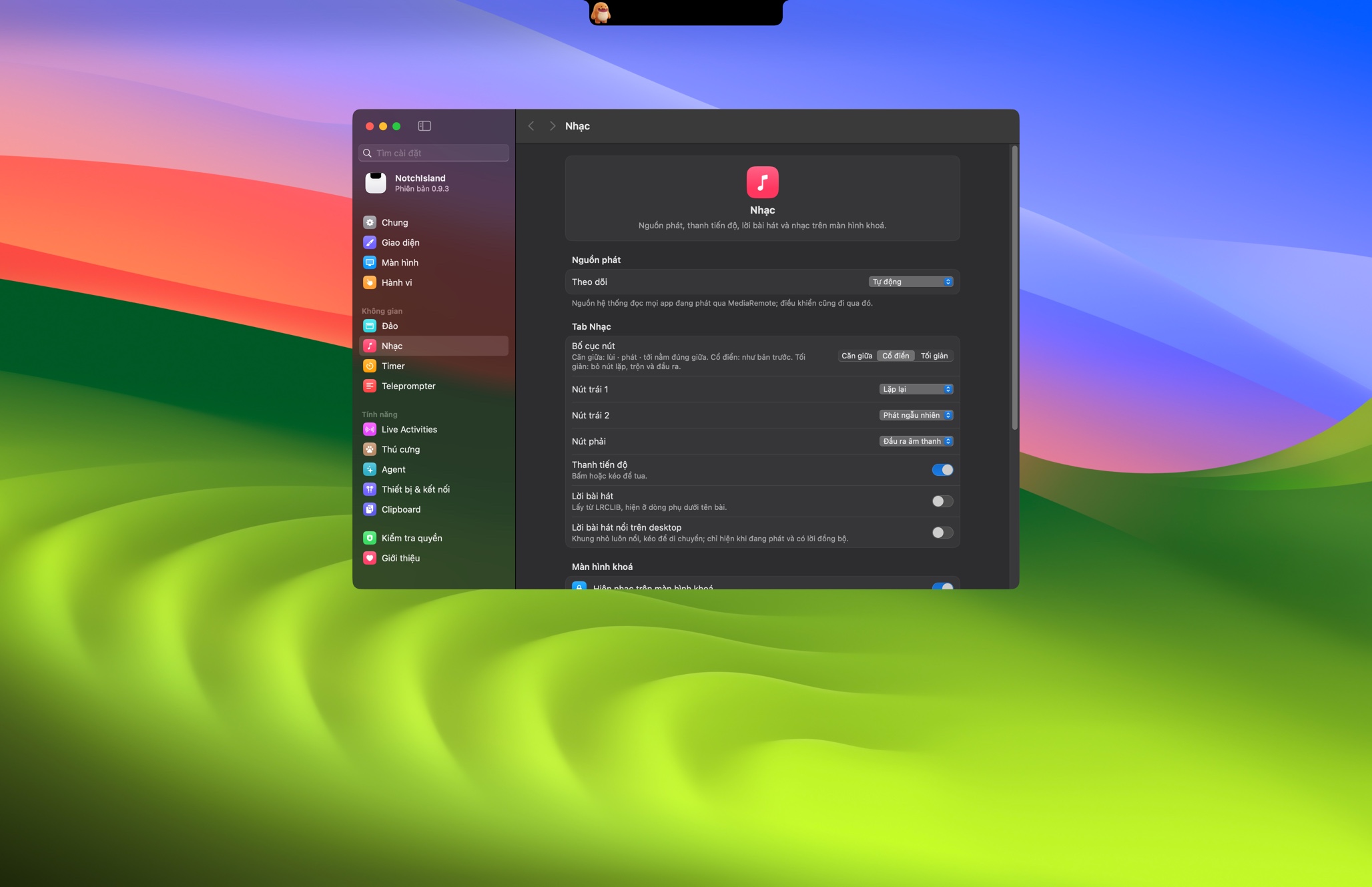
Choose ±15 seconds, repeat, shuffle and output controls for each position.
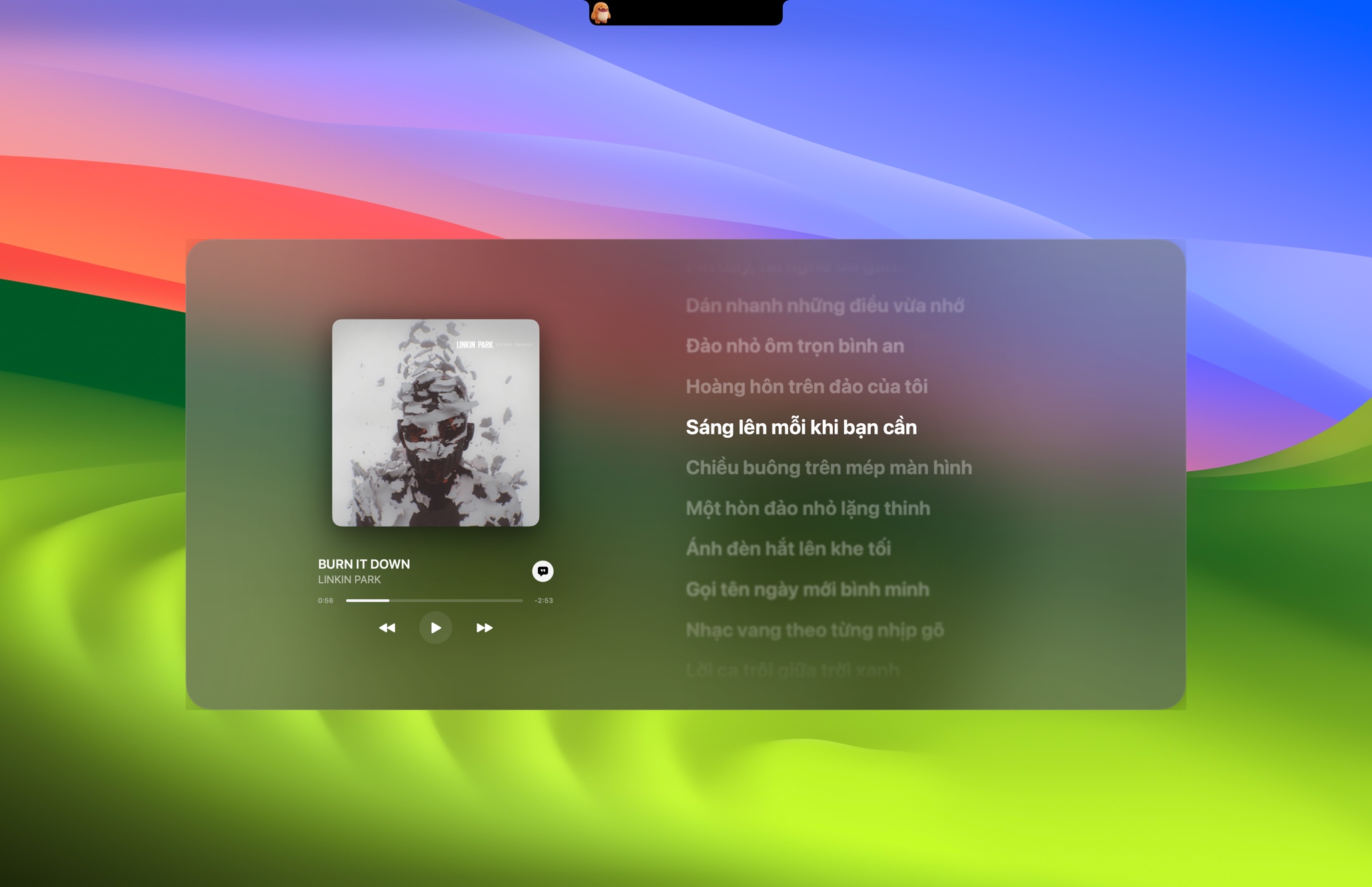
Artwork and lyrics on the lock screen.
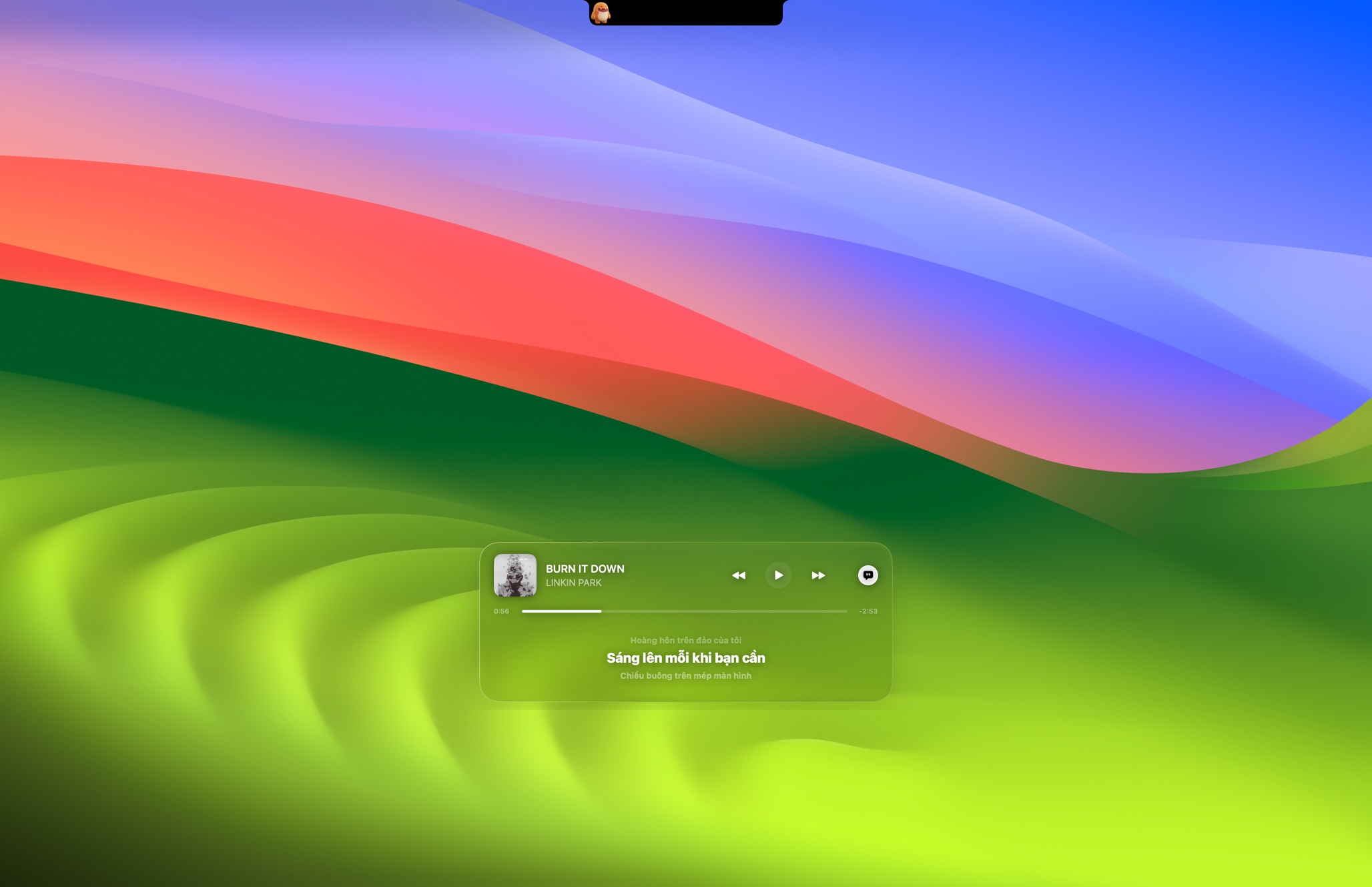
A glass-card player on the lock screen.
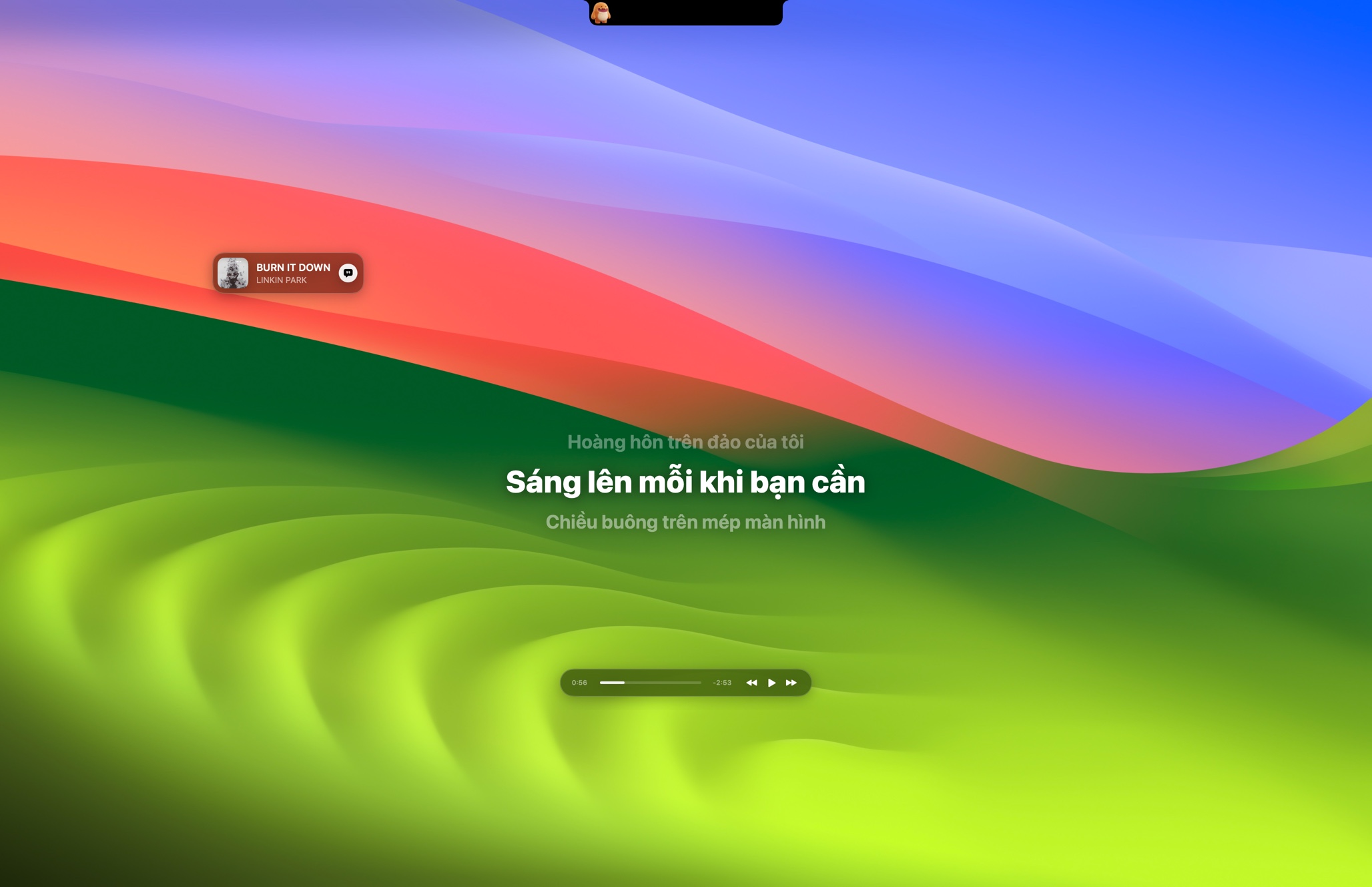
Highlight the words being sung.
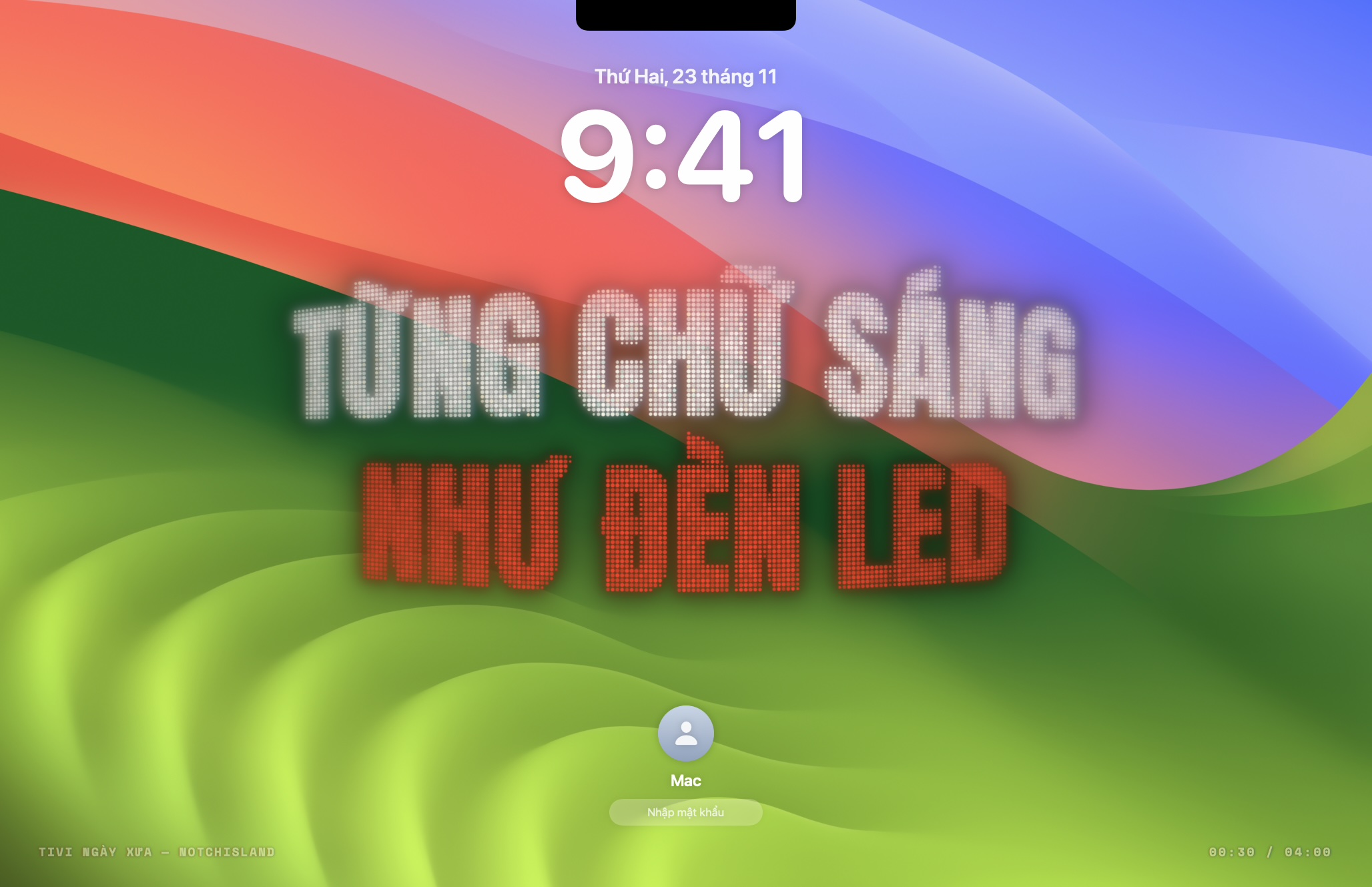
New: lyrics as giant LED letters right on your wallpaper, between the clock and the password field.
Keep lyrics beside your current work.
Bring back recently copied text, links, images and files.
12 features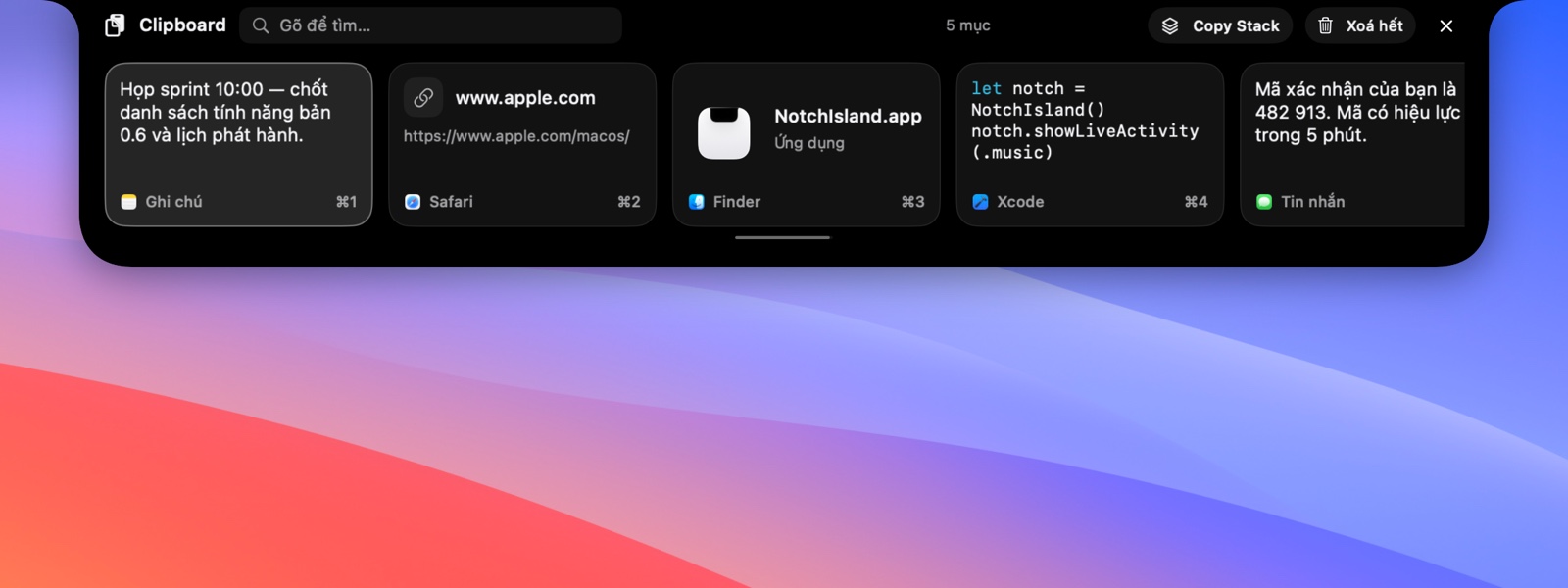
Bring back recently copied text, links, images and files.
Type @image, @link, @file, @color or @code.
Type an app name after @, such as @chrome.
Keep frequently used items in your history.
Recognize colors in rgb() or hsl() text.
Read code structure in text entries.
Preview supported links.
Edit text, clean whitespace and change letter case.
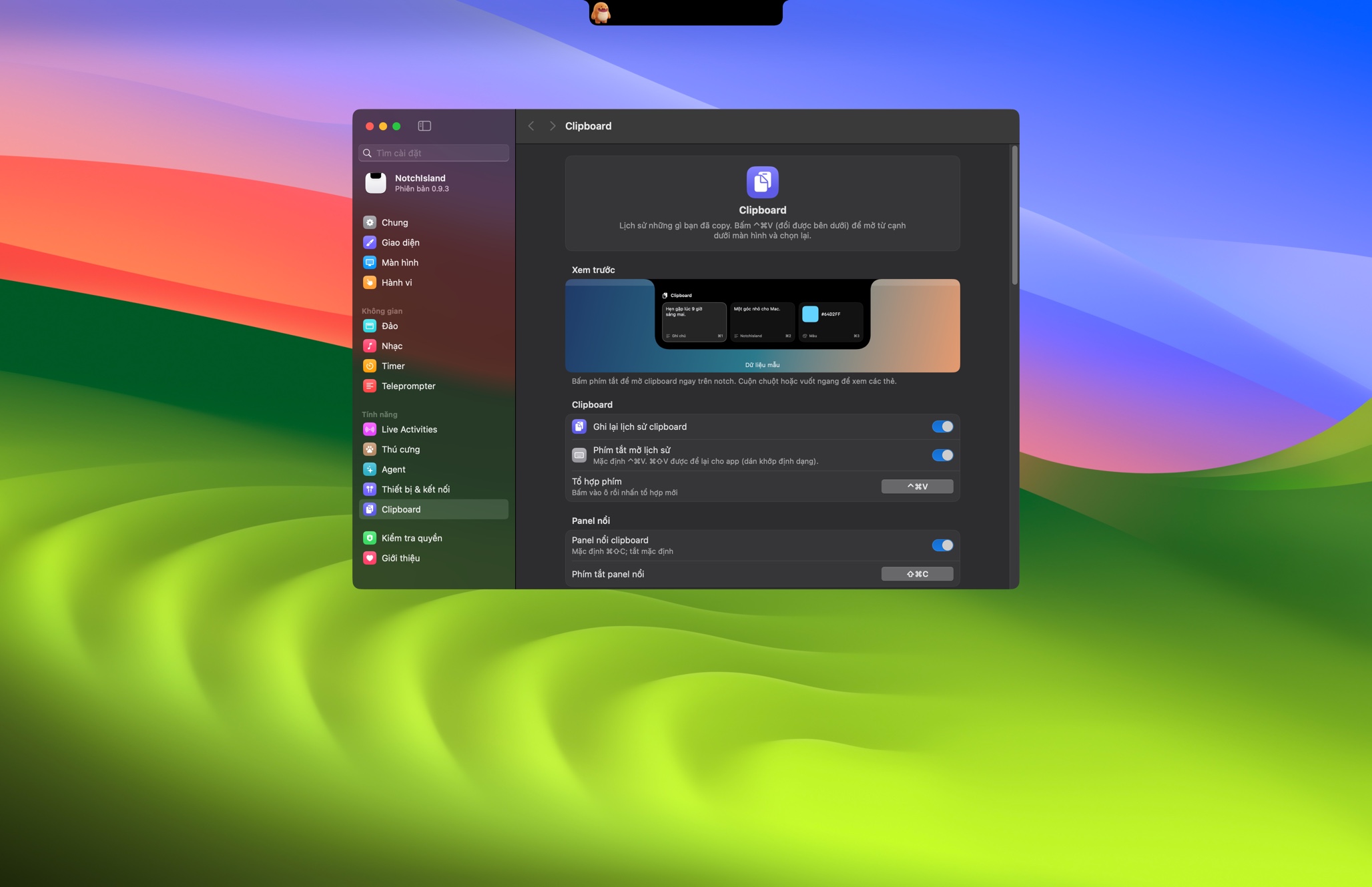
Pause clipboard collection when you need privacy.
Choose history retention; items remain in RAM.
Open a floating clipboard with its own shortcut.
Collect a sequence, then use ⌘V to paste each item.
Keep temporary files and drag them into another app.
6 features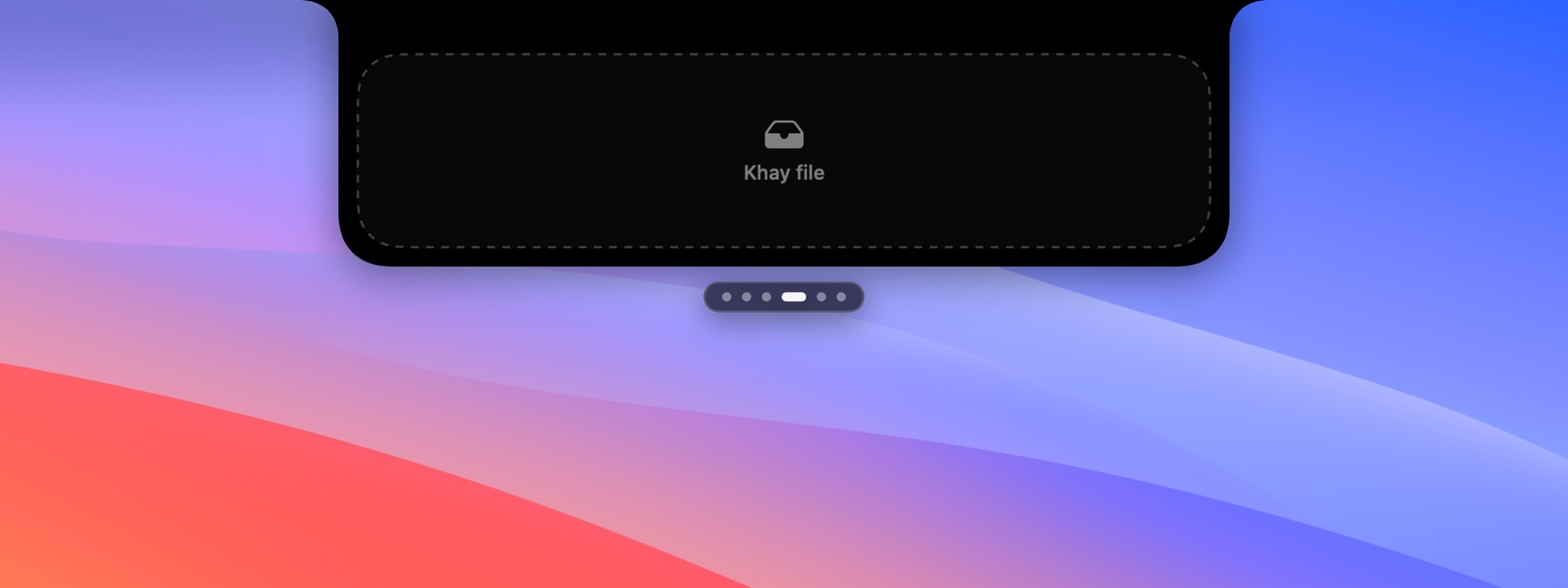
Keep temporary files and drag them into another app.
Bundle files and folders in an archive.
Convert image formats from Shelf.
Choose a maximum side length for smaller images.
Combine still images, one per page.
Share files through the macOS AirDrop sheet.
See your selected week and monthly calendar.
4 featuresSee your selected week and monthly calendar.
Open an event’s meeting link from the notch.
View and complete reminders with Reminders access.
Enter a time such as “9h tối mai” to schedule a task.
Set work-session and break lengths.
5 featuresSet work-session and break lengths.
Measure elapsed time instead of counting down.
Take a long break after a set number of focus sessions.
Optionally start the next session after switching modes.
Return to Focus whenever you are ready.
See local-log session timing, not official account limits.
5 featuresSee local-log session timing, not official account limits.
Read local Claude Code and Codex usage.
Compare activity over seven days.
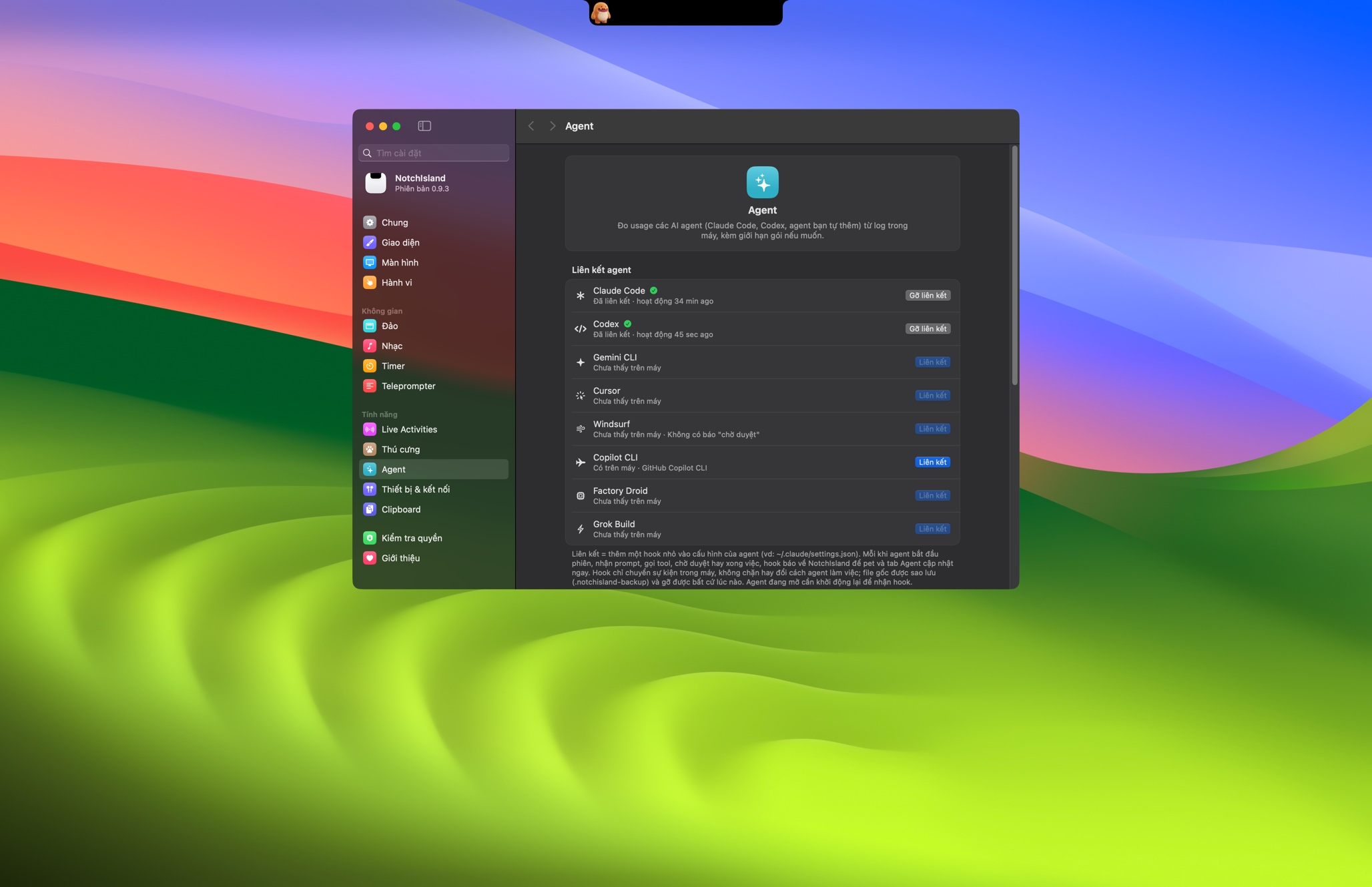
Claude Code, Codex, Gemini CLI, Cursor, Windsurf, Copilot CLI, Factory Droid and Grok Build.
Follow working, awaiting approval and finished states.
A cat that lives on the notch: follows your pointer, pounces, startles, purrs when petted and turns red when teased. Name it and pick its fur and eye colors.
4 features
A cat that lives on the notch: follows your pointer, pounces, startles, purrs when petted and turns red when teased. Name it and pick its fur and eye colors.
Choose a community pet and give it a name.

Choose a symbol and color you like.
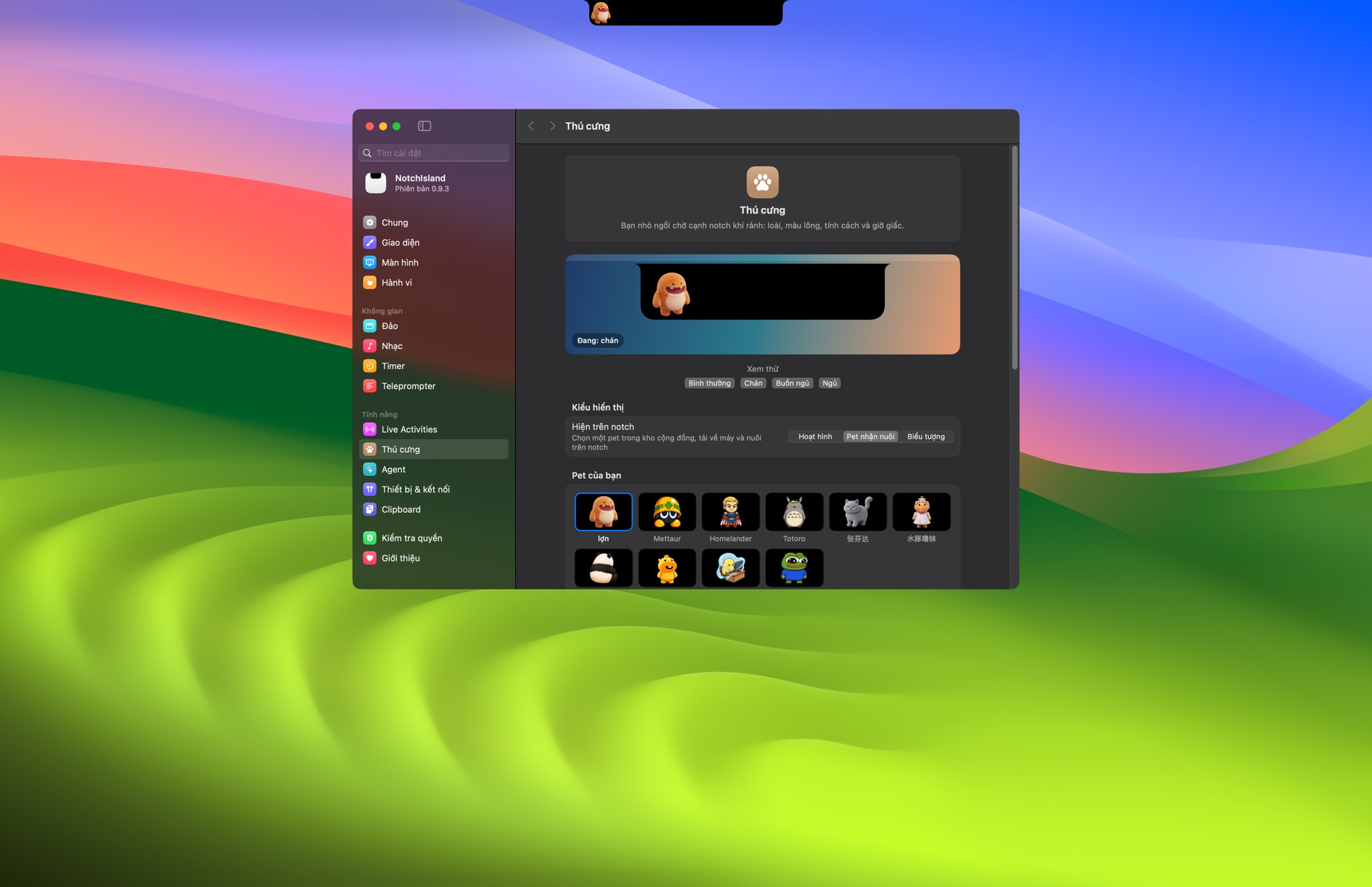
Your companion responds to your agent workflow.
Translate selected or copied text on device with Apple Translation; requires macOS 15+.
7 featuresTranslate selected or copied text on device with Apple Translation; requires macOS 15+.
Drag a window to the notch and drop onto a layout.
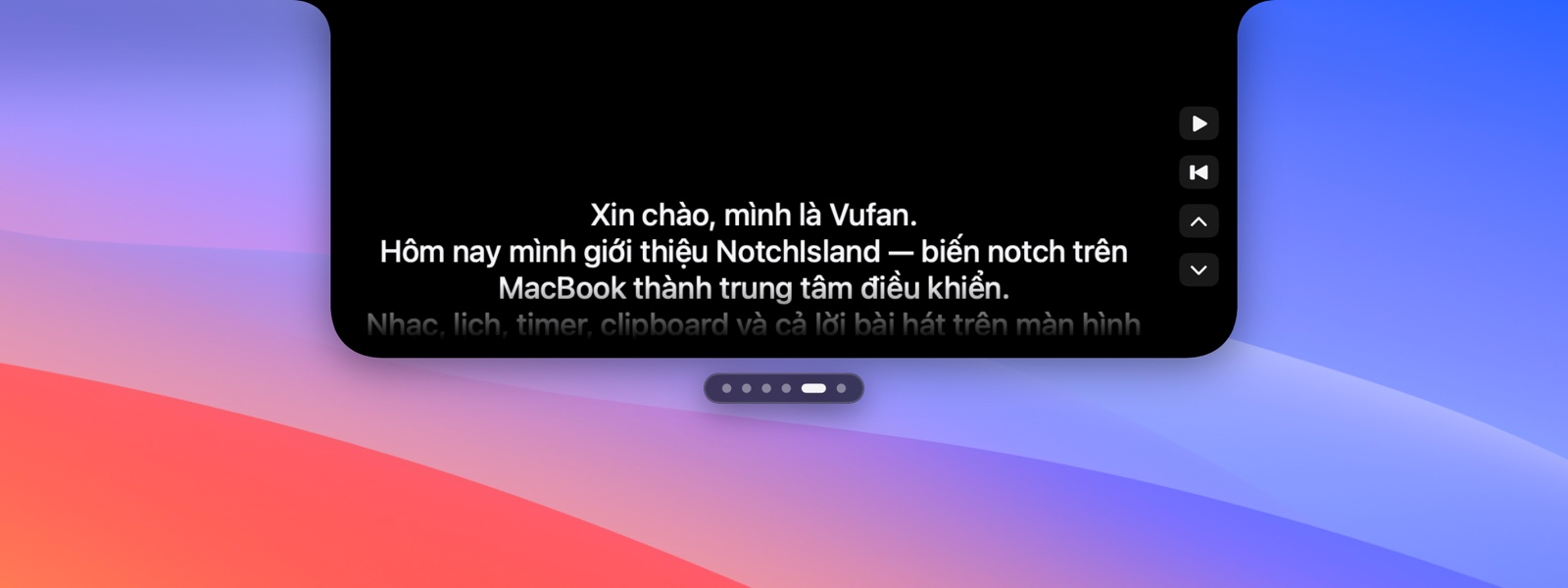
Scroll your script under the camera at your reading pace.
Choose a duration or end time; stops when the battery is low.
Wait for an idle moment instead of interrupting calls or typing.
Temporarily block keys for cleaning with a countdown.
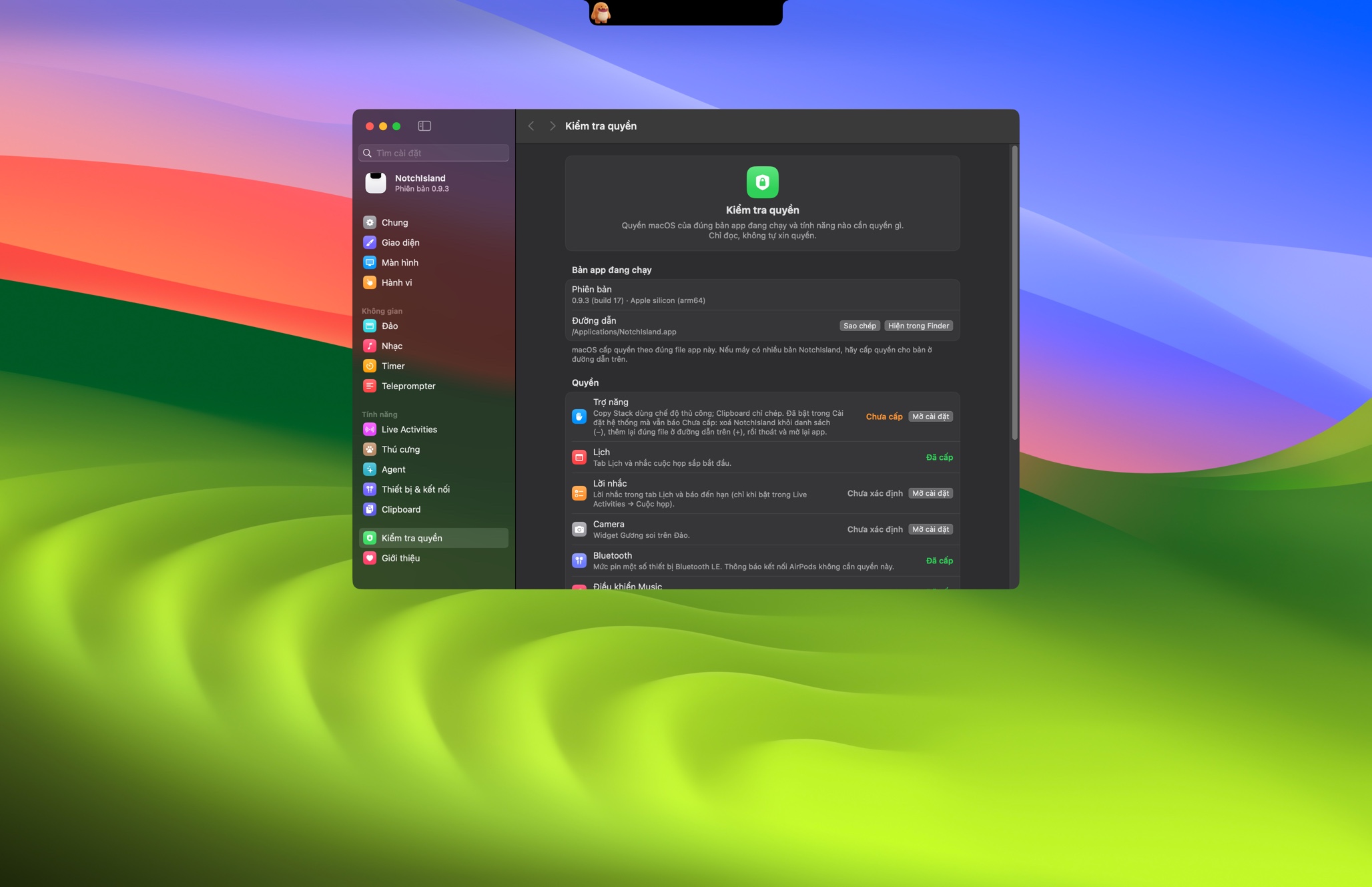
Check permissions for the exact app build running.
No matches. Try another term or choose All.
Free for Mac. macOS 14+, Apple Silicon and Intel.
Download for Mac ↓