 NotchIsland
A little space. Very Mac.
Your Mac.
A little magic.
Music, clipboard, calendar and everything in motion.
Right where you need it. On your notch.
macOS 14+ · Apple Silicon & Intel

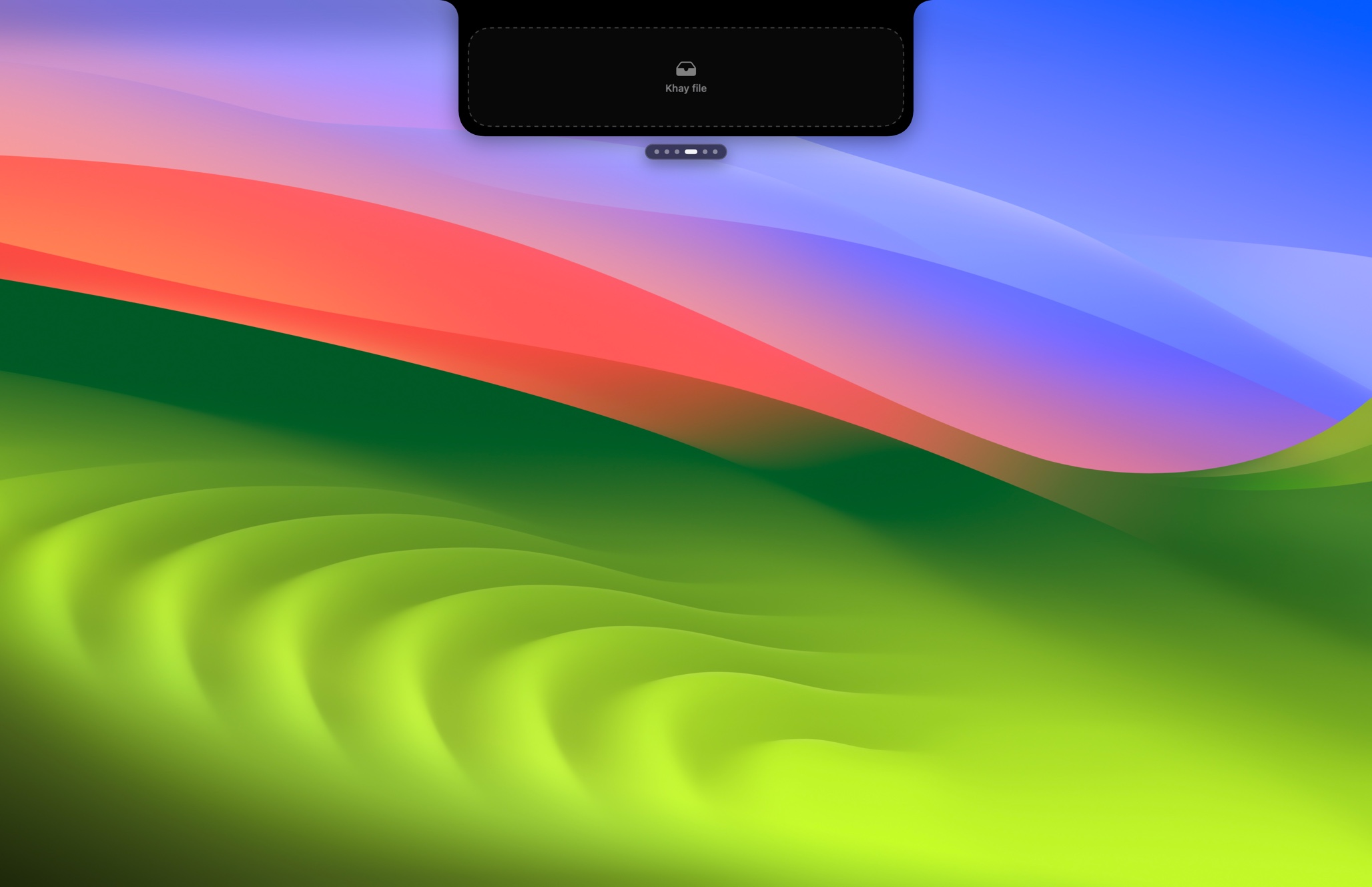
Your notch
has a cat.
New in 0.9.23: a little cat lives on your notch. It watches you, pounces on your pointer, sulks, and purrs when petted — a friend waiting by the camera.
Follows you Head and eyes follow your pointer; let it linger and the cat crouches, wiggles and pounces.
Go on, it is waiting!
Name it. Color it.
Seven bright furs that pop on a black notch — Cream, Ginger, Butter, Silver, Smoke blue, Peach, Latte — and six eye colors. Settings → Pet.
A home inside the notch.
The Agent tab is now the Pet tab: feed, play, tuck in, count your days together. Tap Work and the cat puts on glasses next to your Claude Code and Codex stats; when your agent finishes, it celebrates.
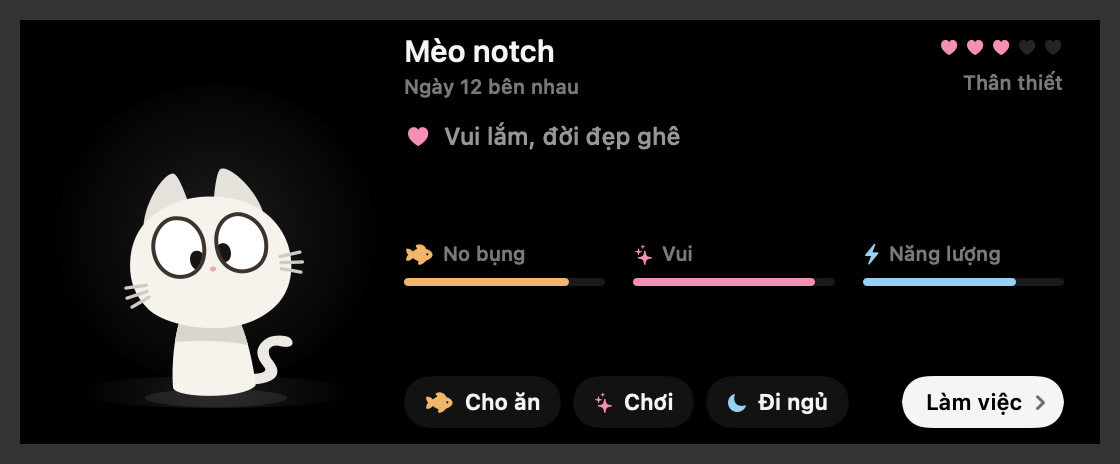
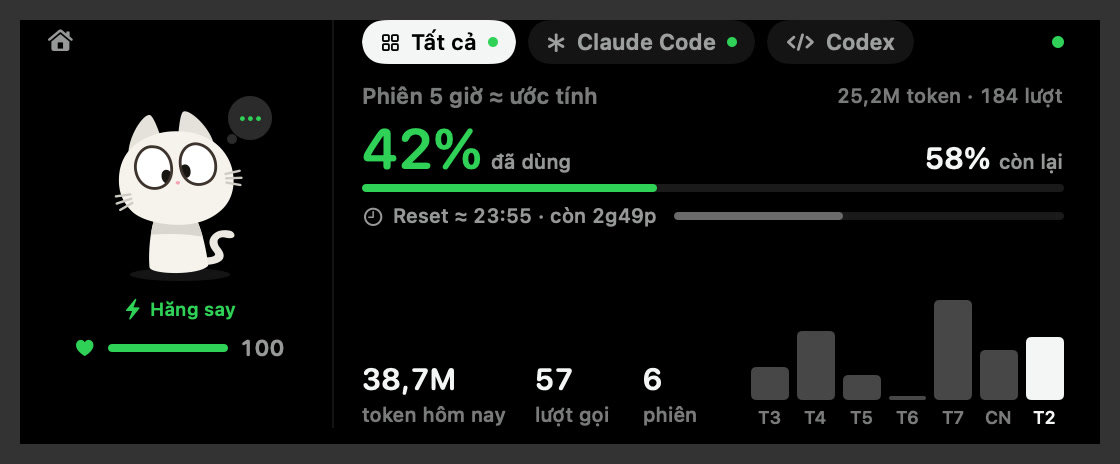
Character based on “CATTT” by ariskid (Rive Marketplace, CC BY 4.0); recolored, with new expressions and motion by NotchIsland. See the original
One little space.
Your whole day.
Your everyday tools. Pick one to explore.
Follow your curiosity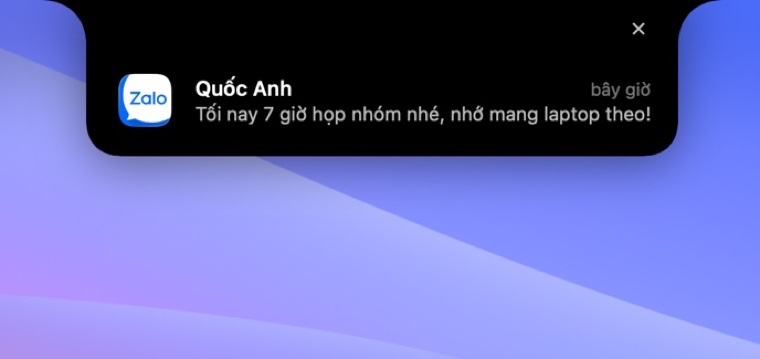
New · 0.9.7
New message?
Right on your notch.
Zalo, Messenger, Messages, Telegram… right on your notch: who sent it and what it says, one click to open the app. Show it alongside macOS banners, or turn those off and let only the notch alert you. New in 0.9.7, off by default.
Explore every featureDrag it in. Make it yours.
Arrange your widgets around the way you use your Mac. Choose one below for a closer look.
Explore every feature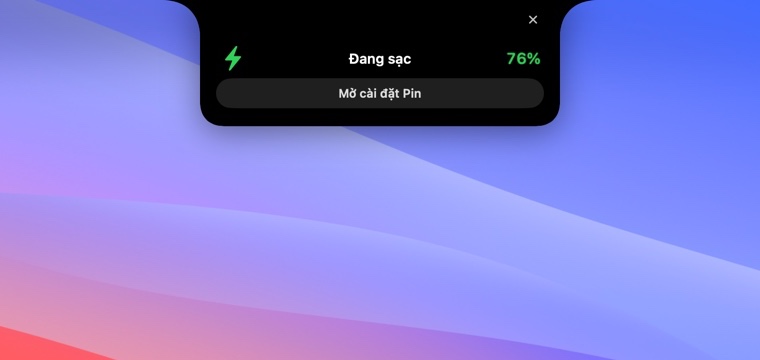
Right moment. Right place.
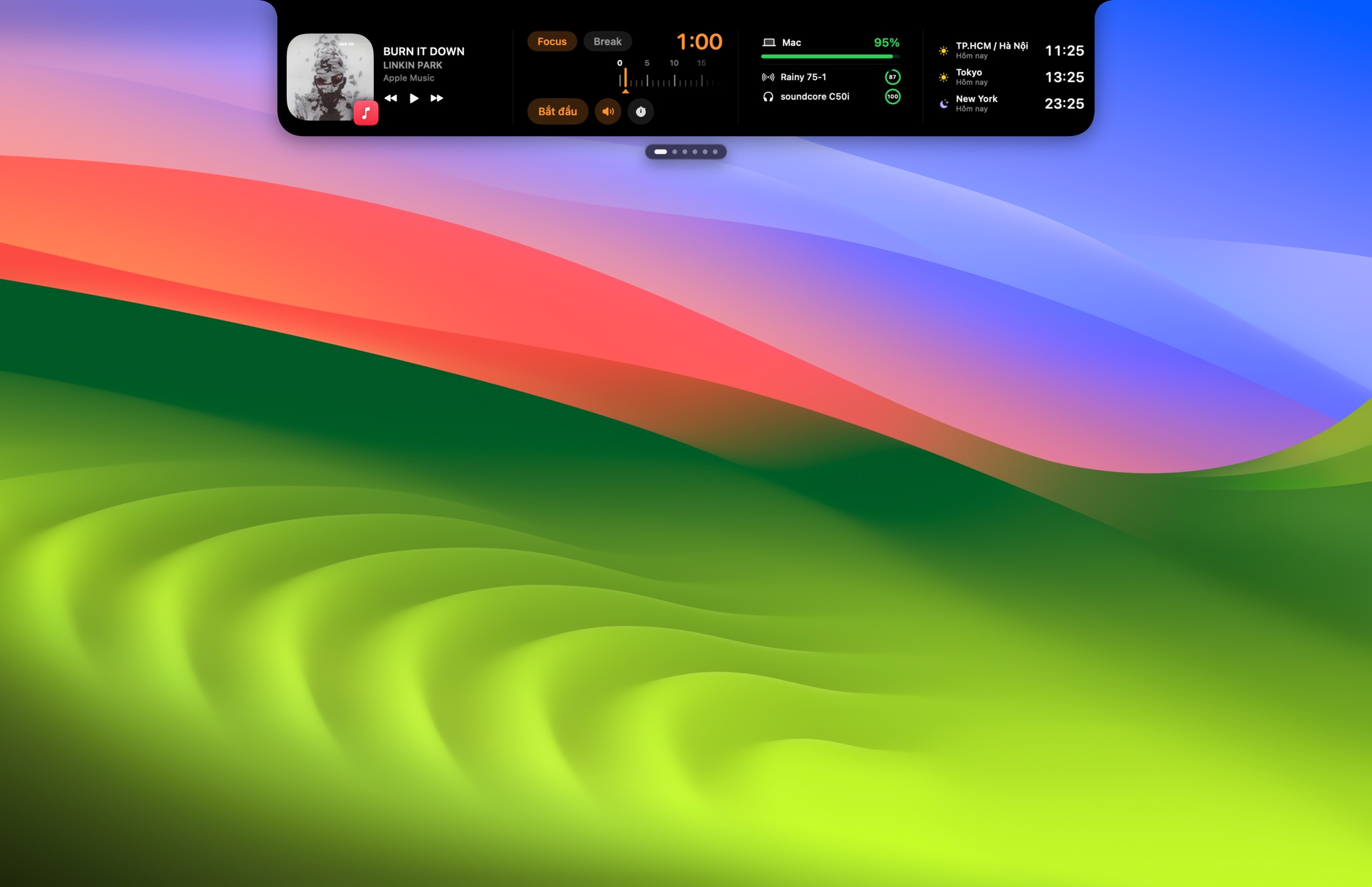
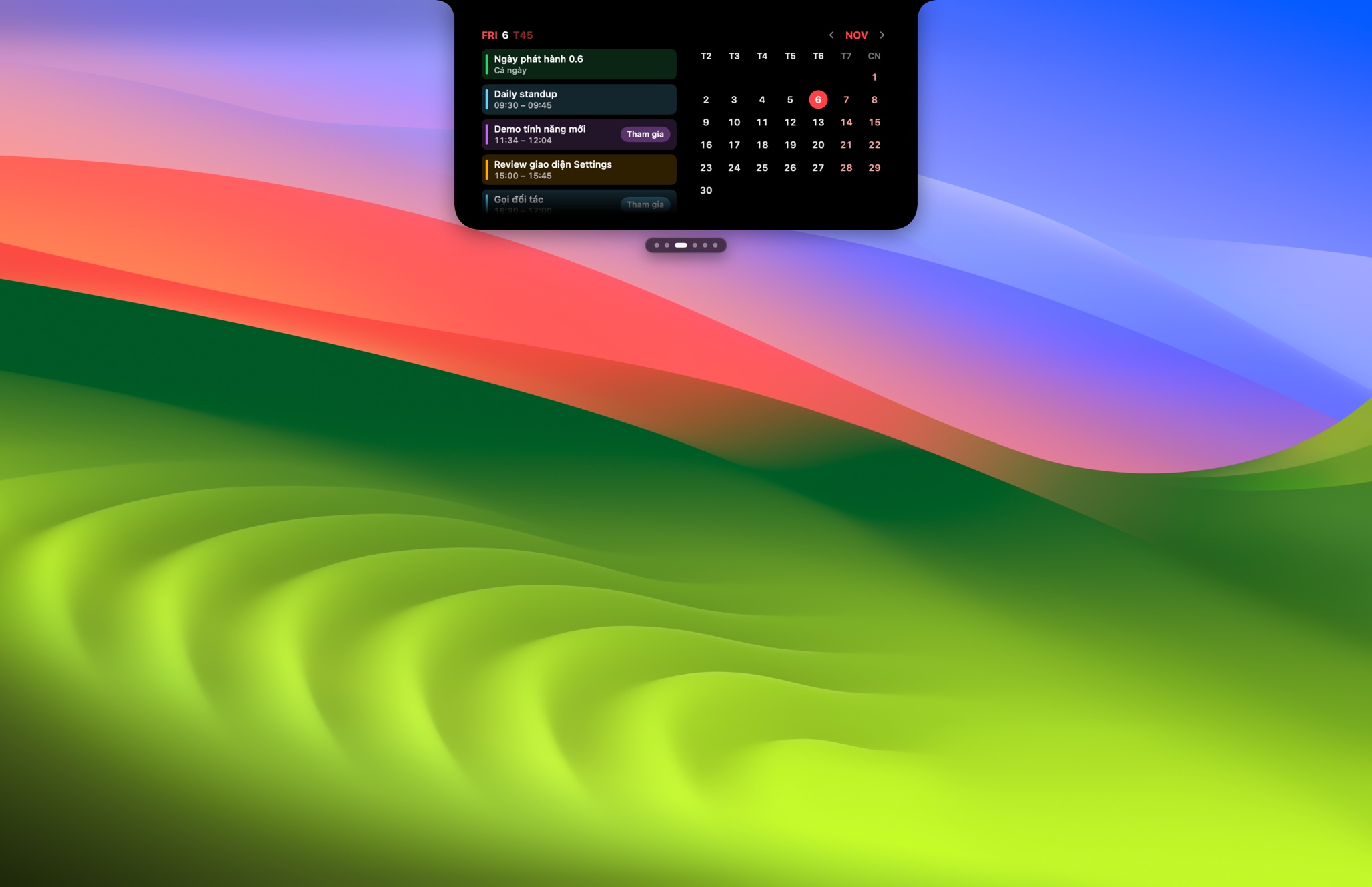
Battery, connections, meetings and focus sessions. Little updates, right on the notch.
Explore every feature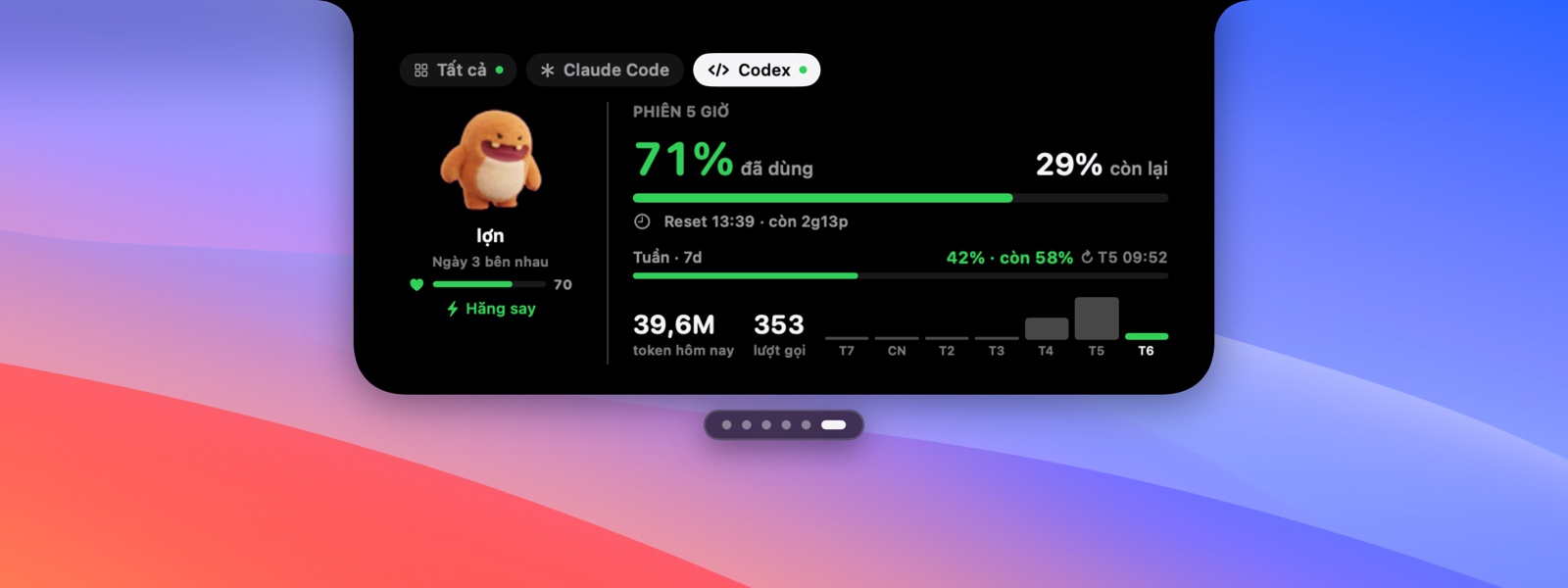
Your agent works. You stay in the loop.
See when your agent is working, waiting or done. Local usage estimates and a companion share one tab.
Explore every featureLittle friends. Big personalities.
New: the notch cat follows your pointer, pounces, sulks and purrs when petted — name it, pick from 7 furs and 6 eye colors. Or adopt a friend from the community.
Explore every feature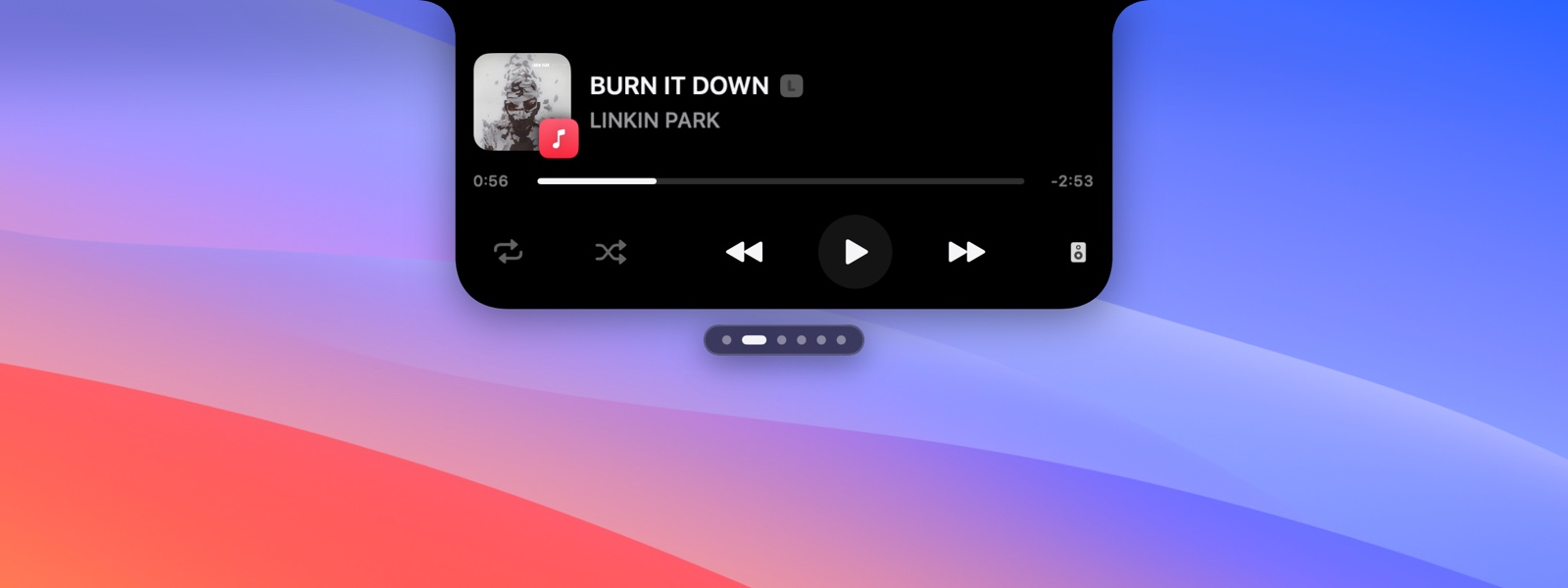
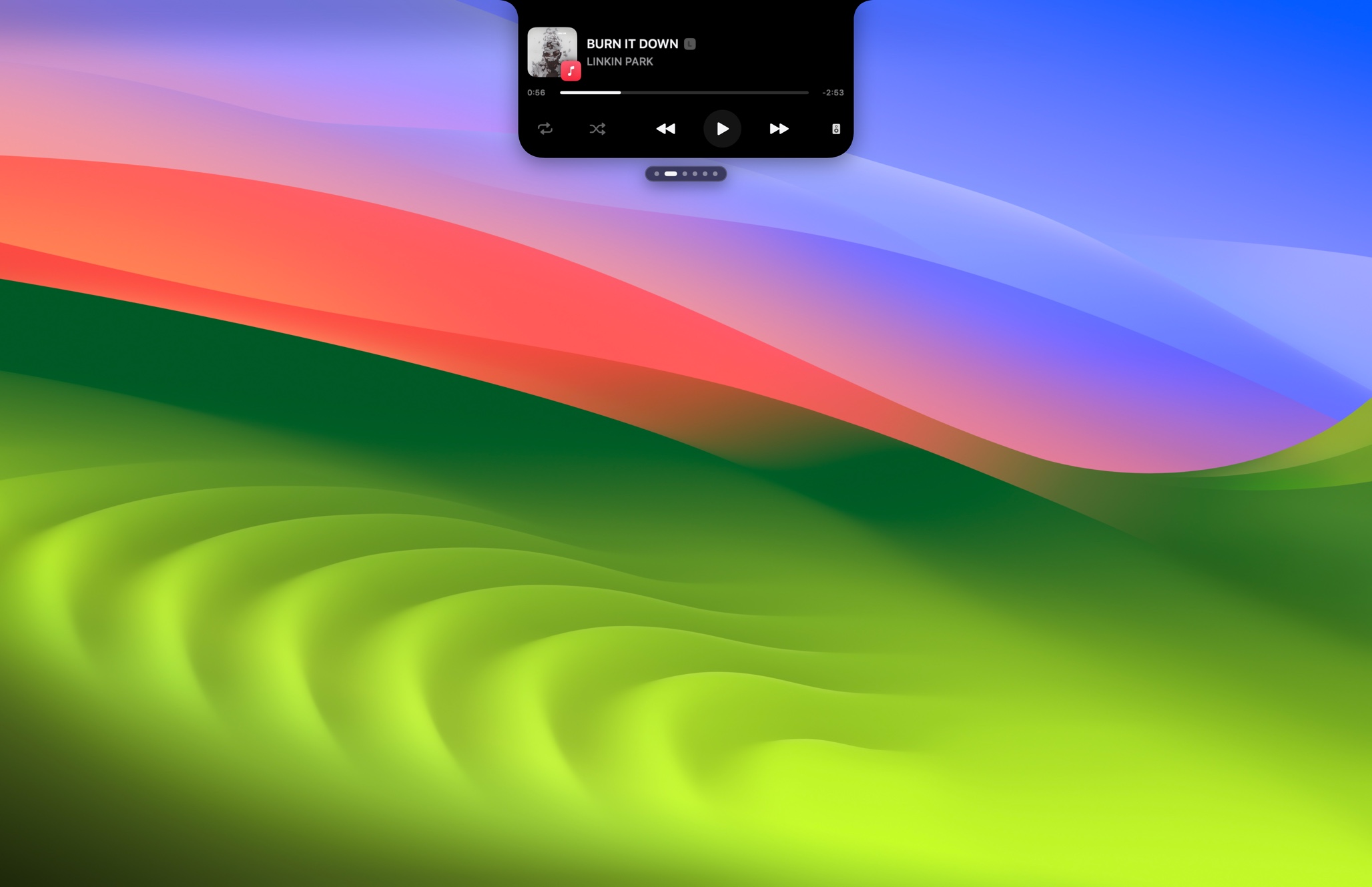
Change tracks. Keep your flow.
Your current track and playback controls, always within reach.
Explore every feature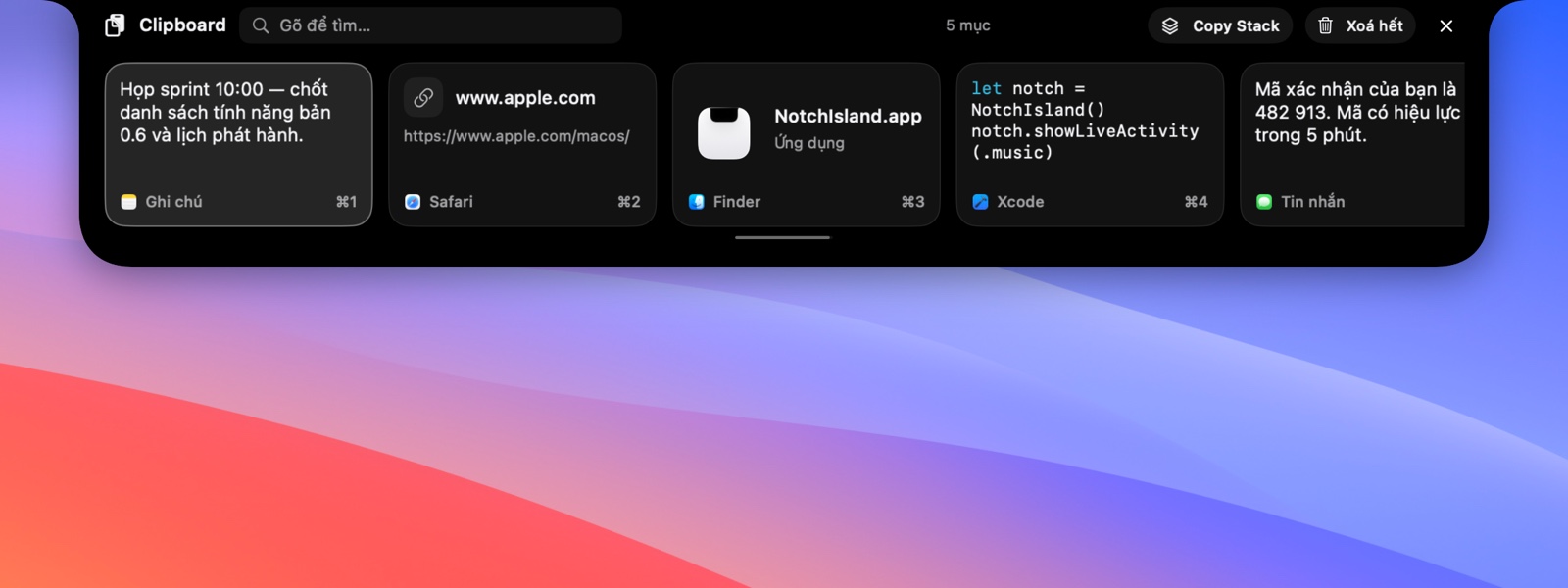
Copied. Still here.
Find the text, image or file you just used in your clipboard history.
Explore every featureA little hello from your notch.
A handwritten welcome. Then this little space is yours.
Explore every featureNew · 0.9.35 — Lyric video
The whole screen
for one song.
Music Showcase turns your Mac into a calm listening corner. The music pauses for a breath, you pick a space, then the record starts spinning — slowly, with lyrics line by line.
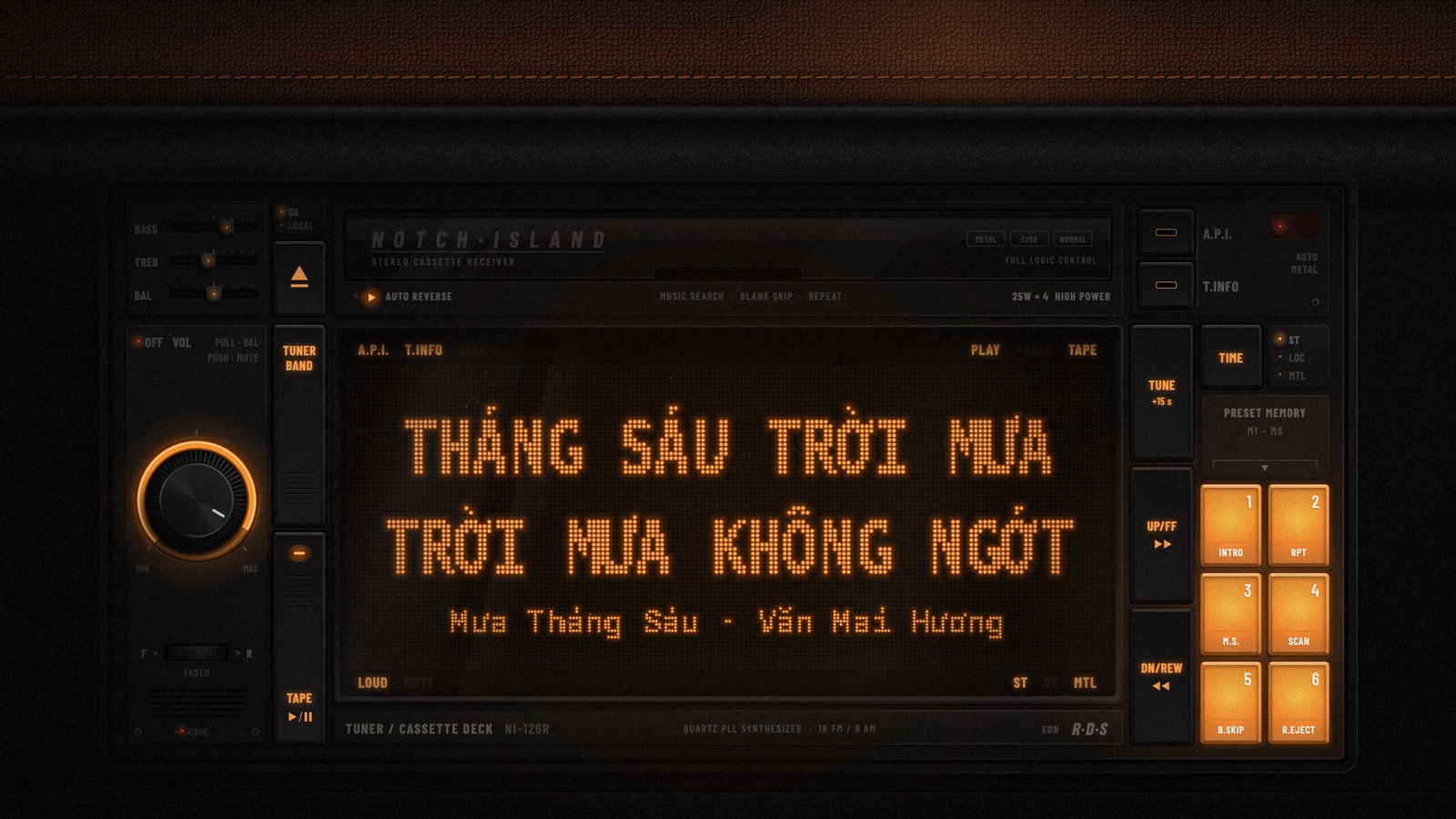
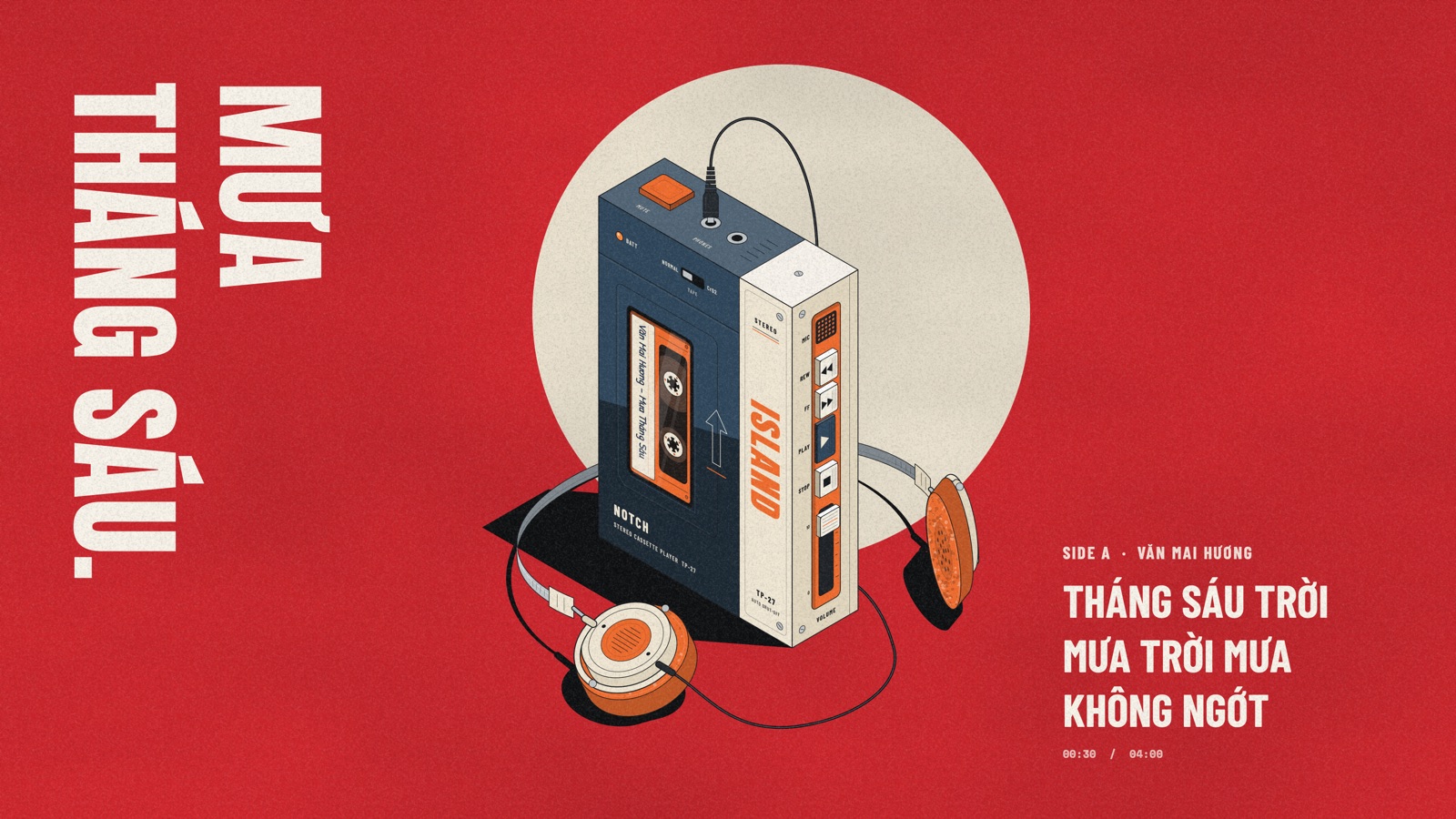
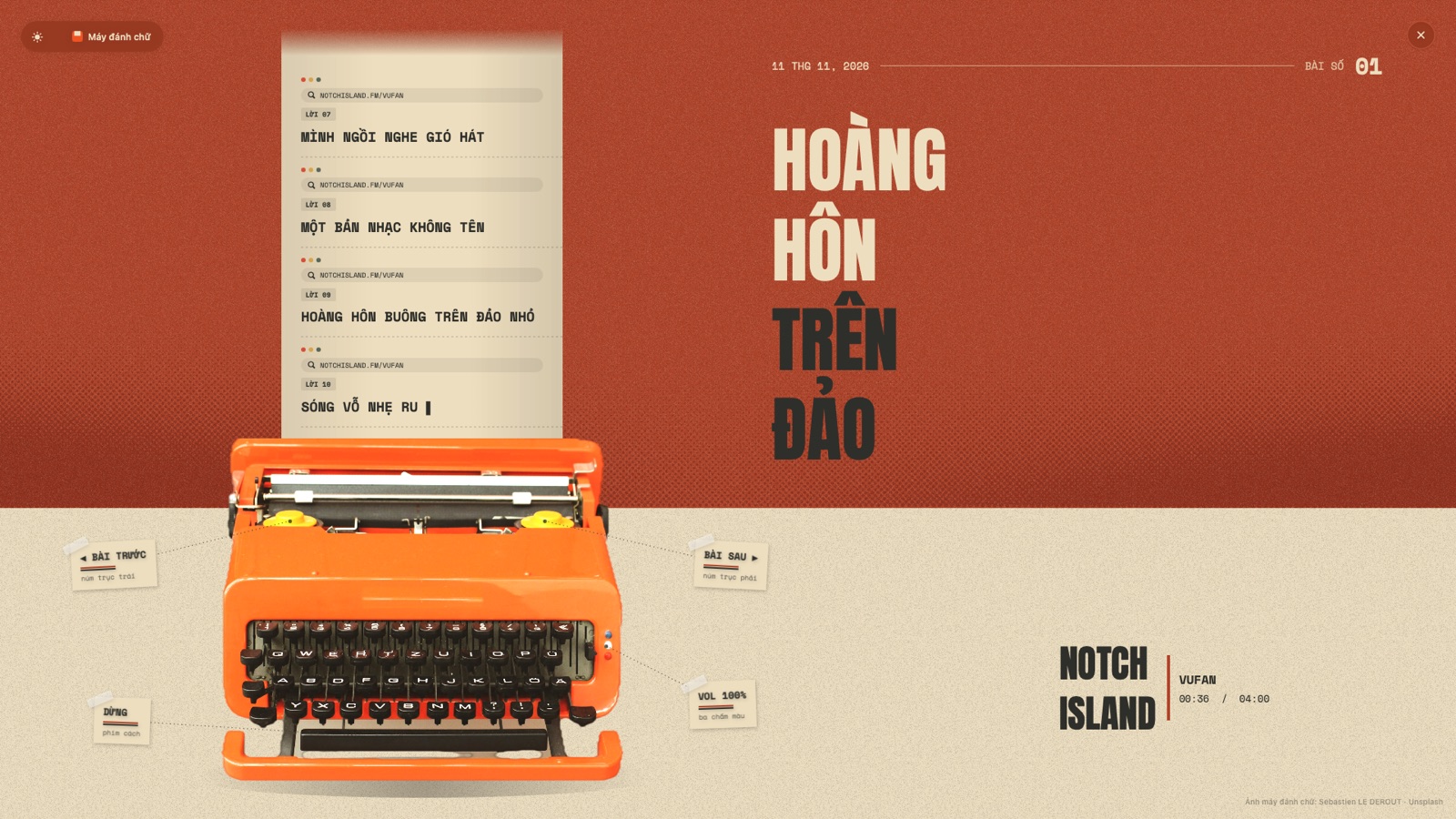
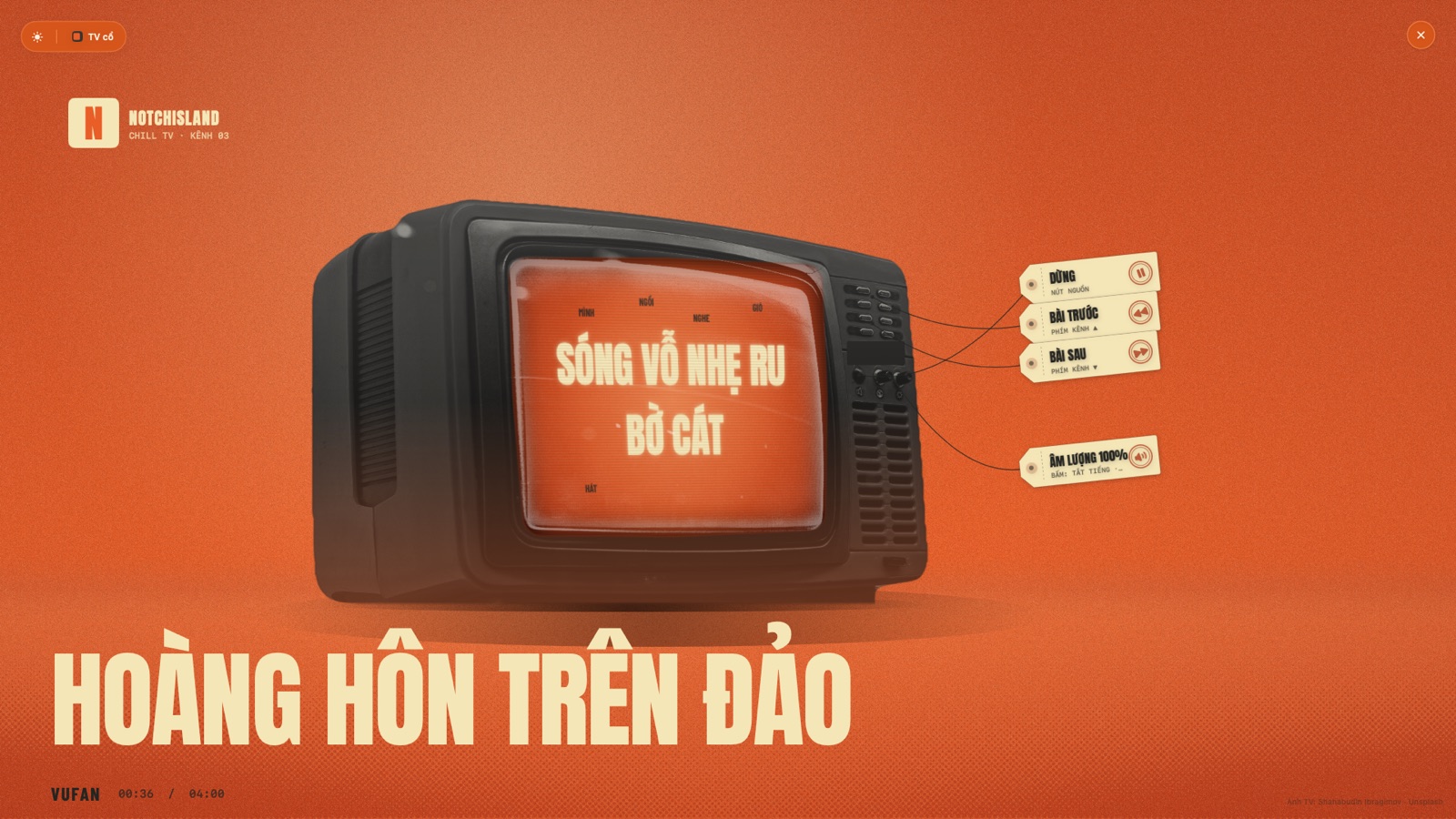
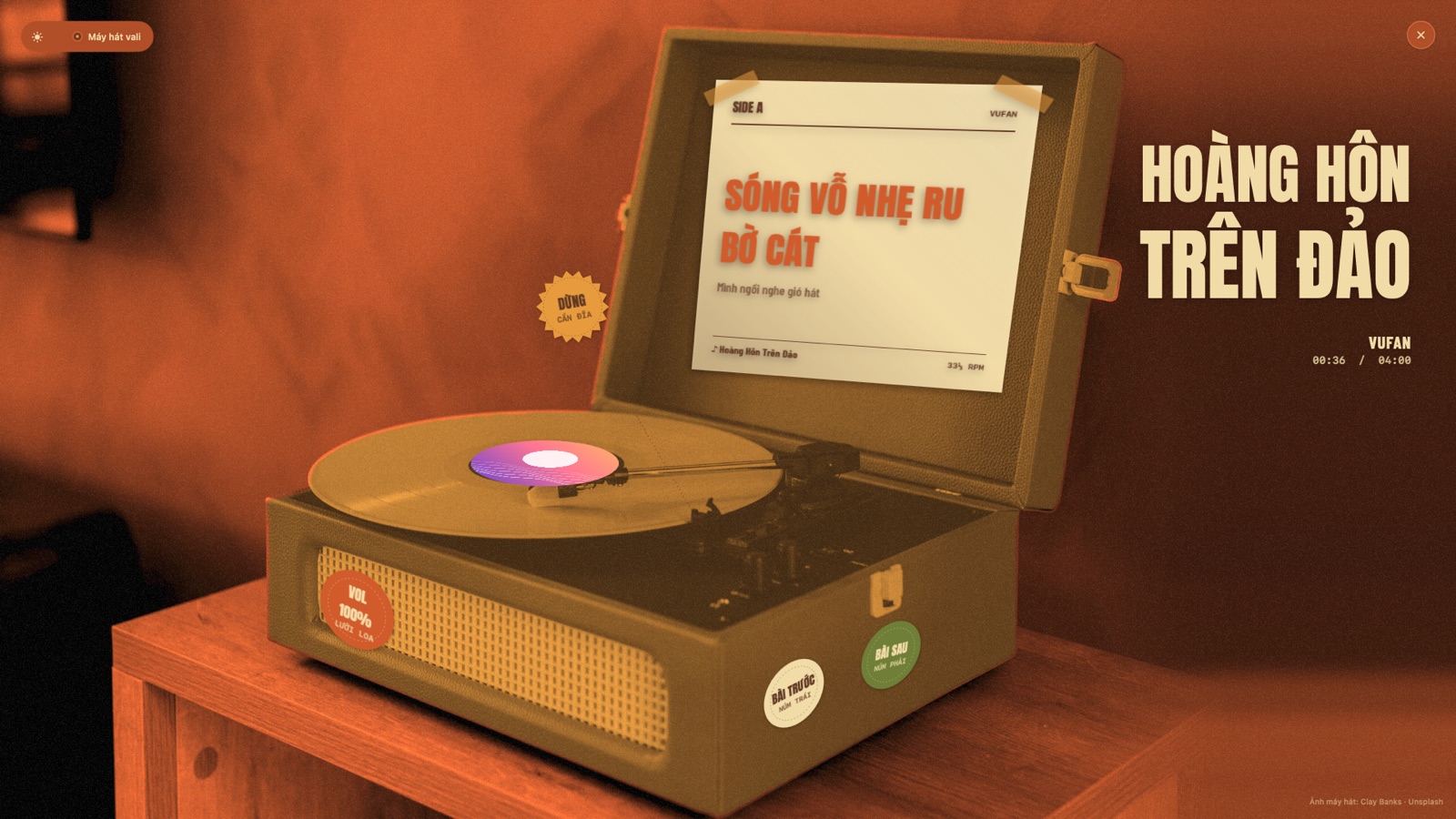
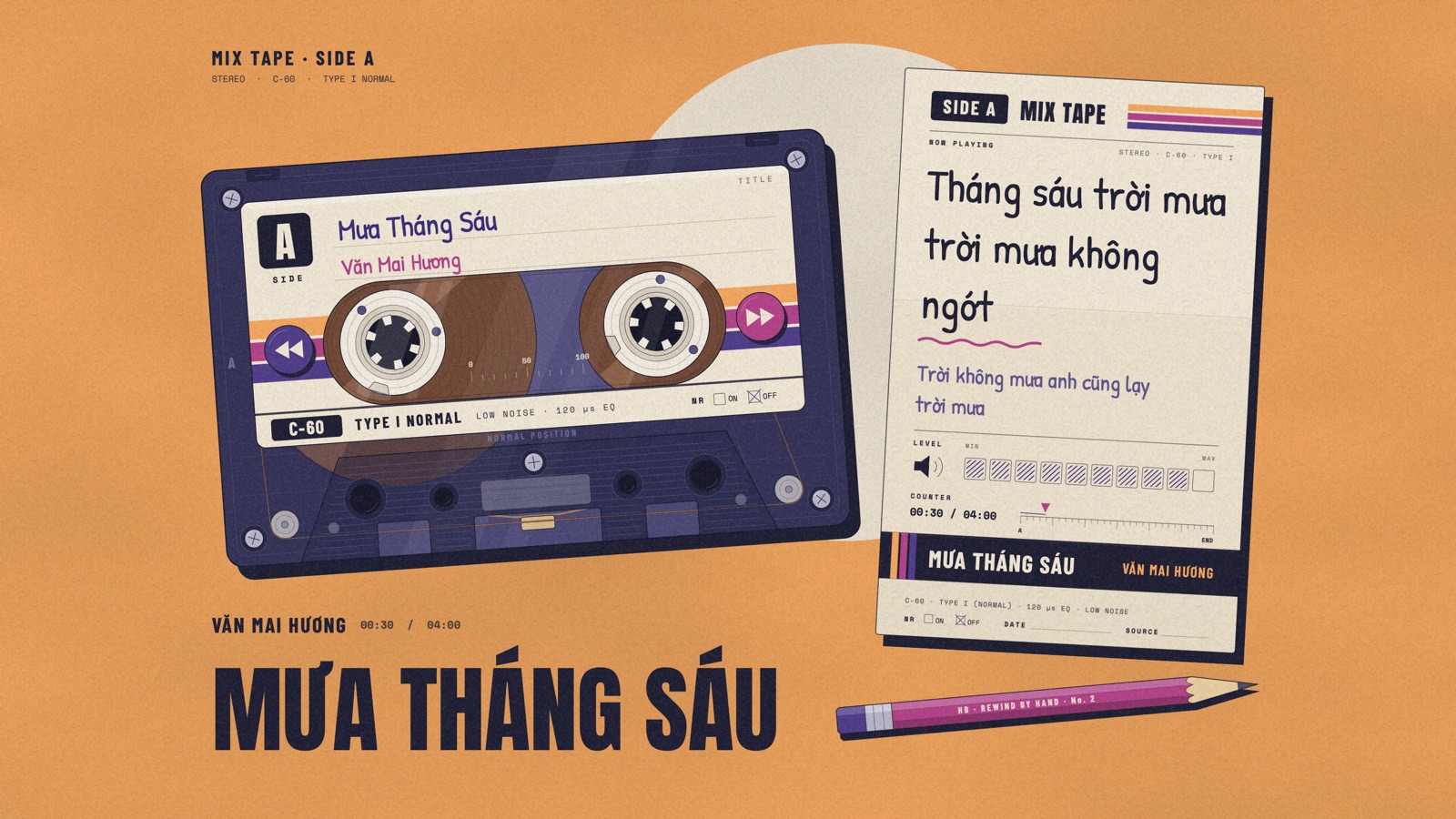
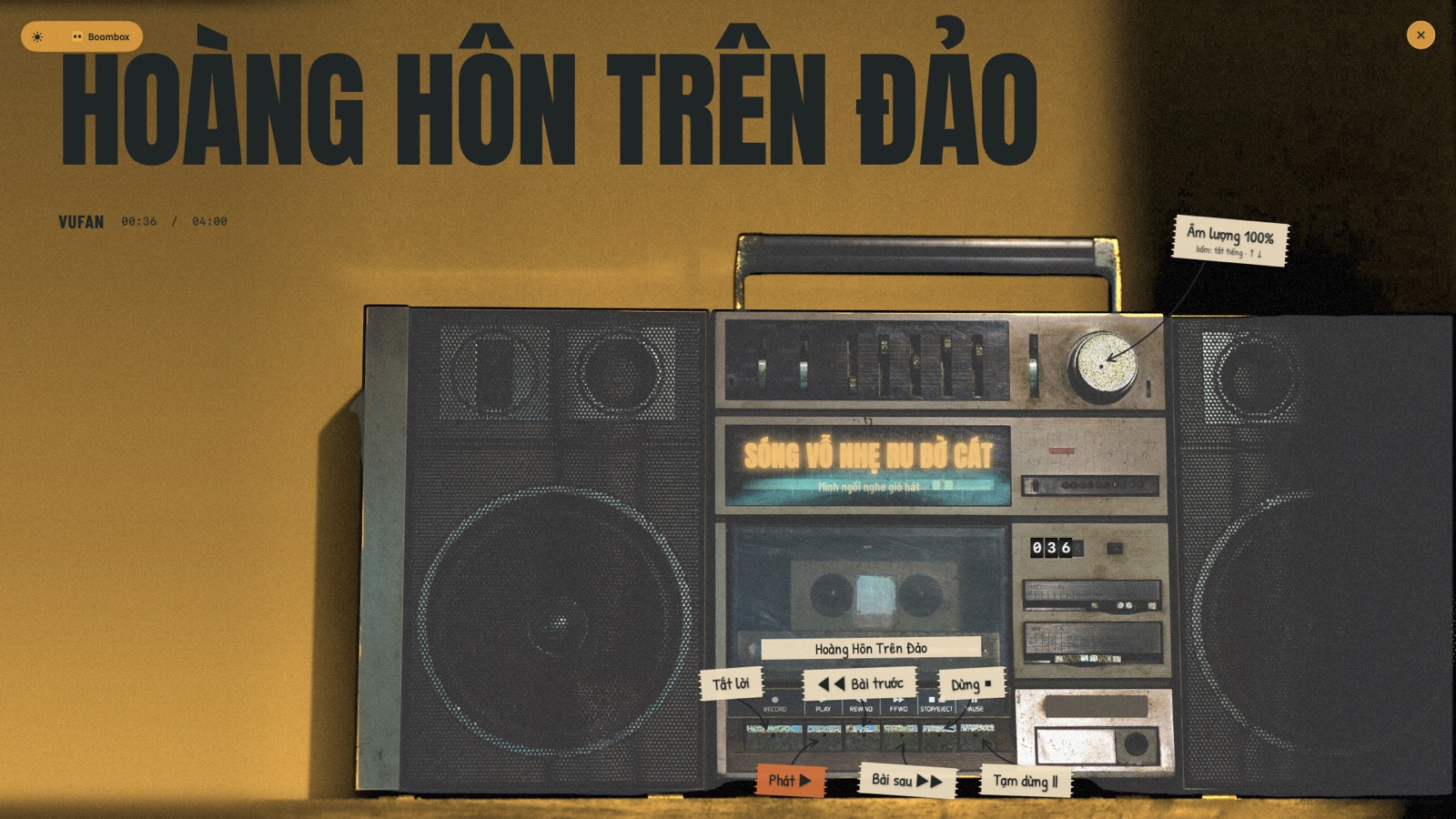
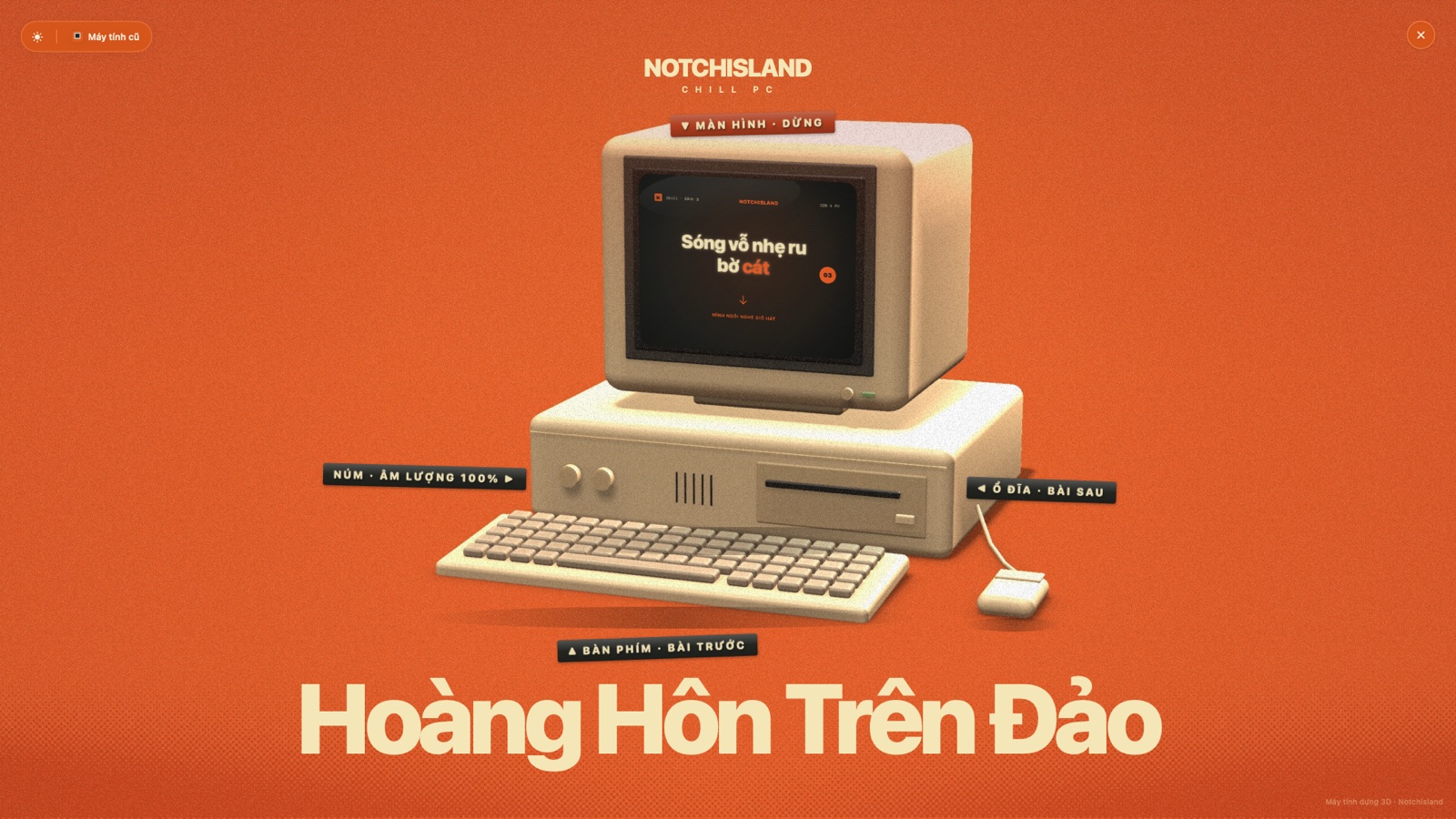
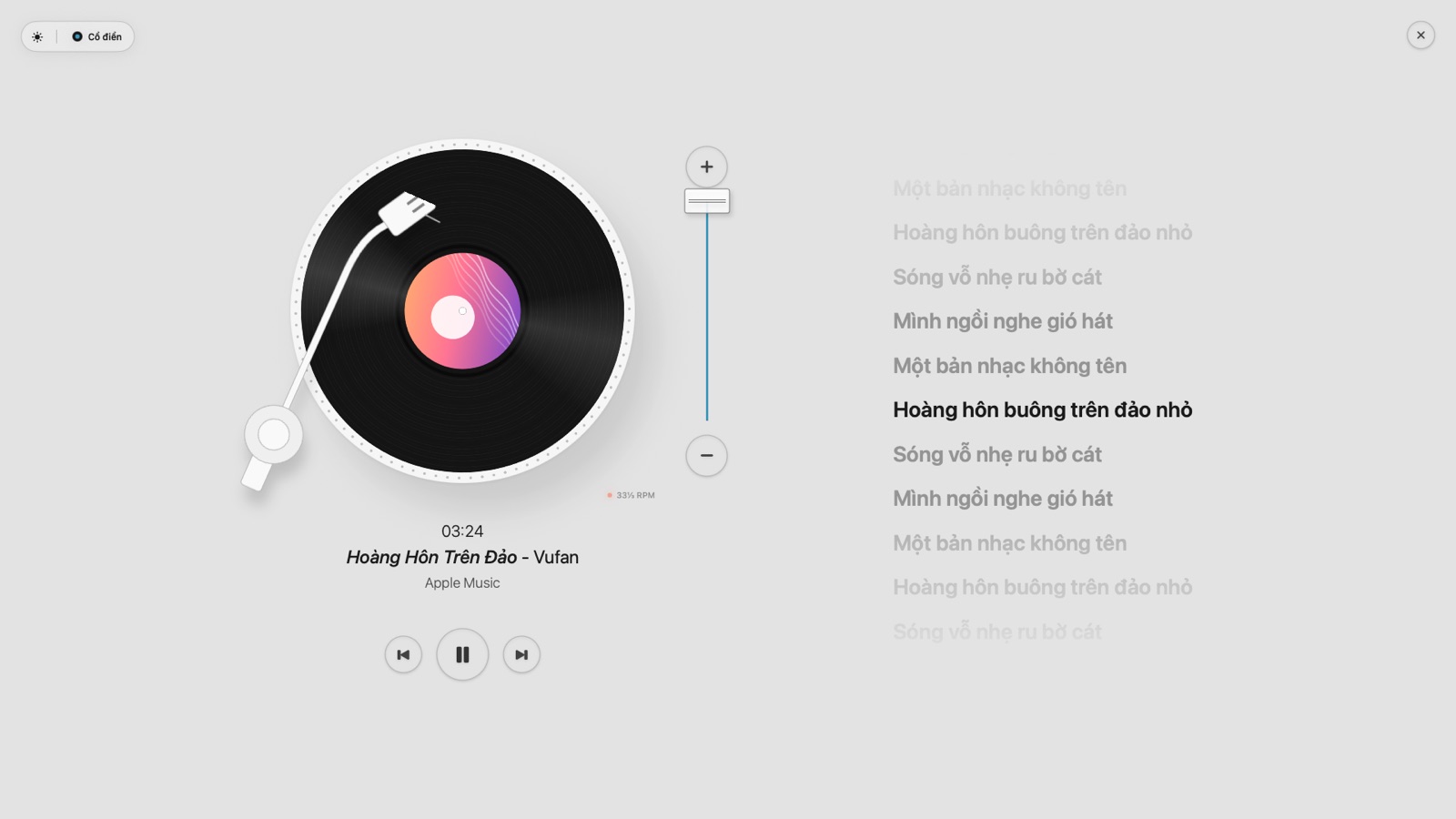
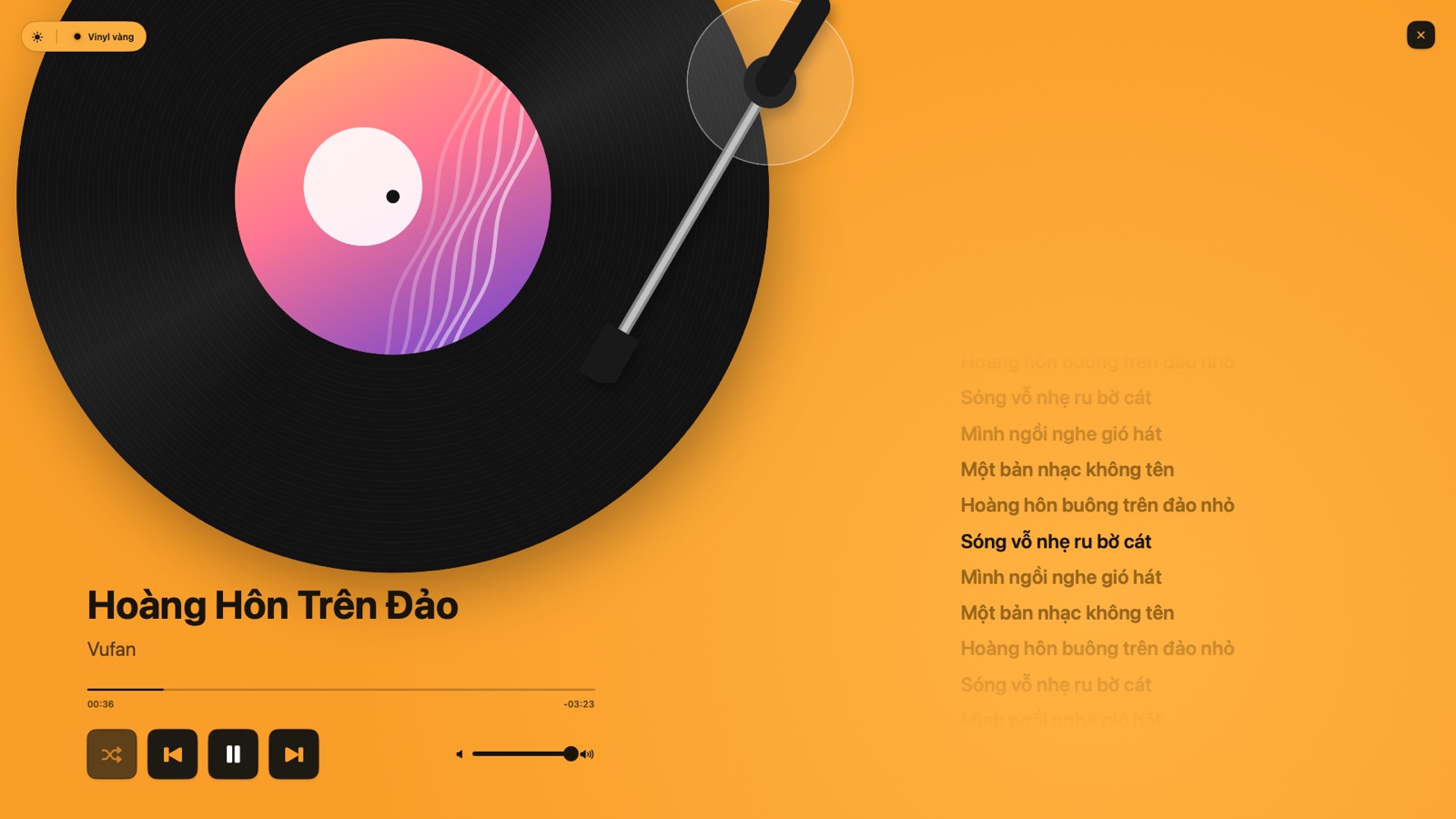
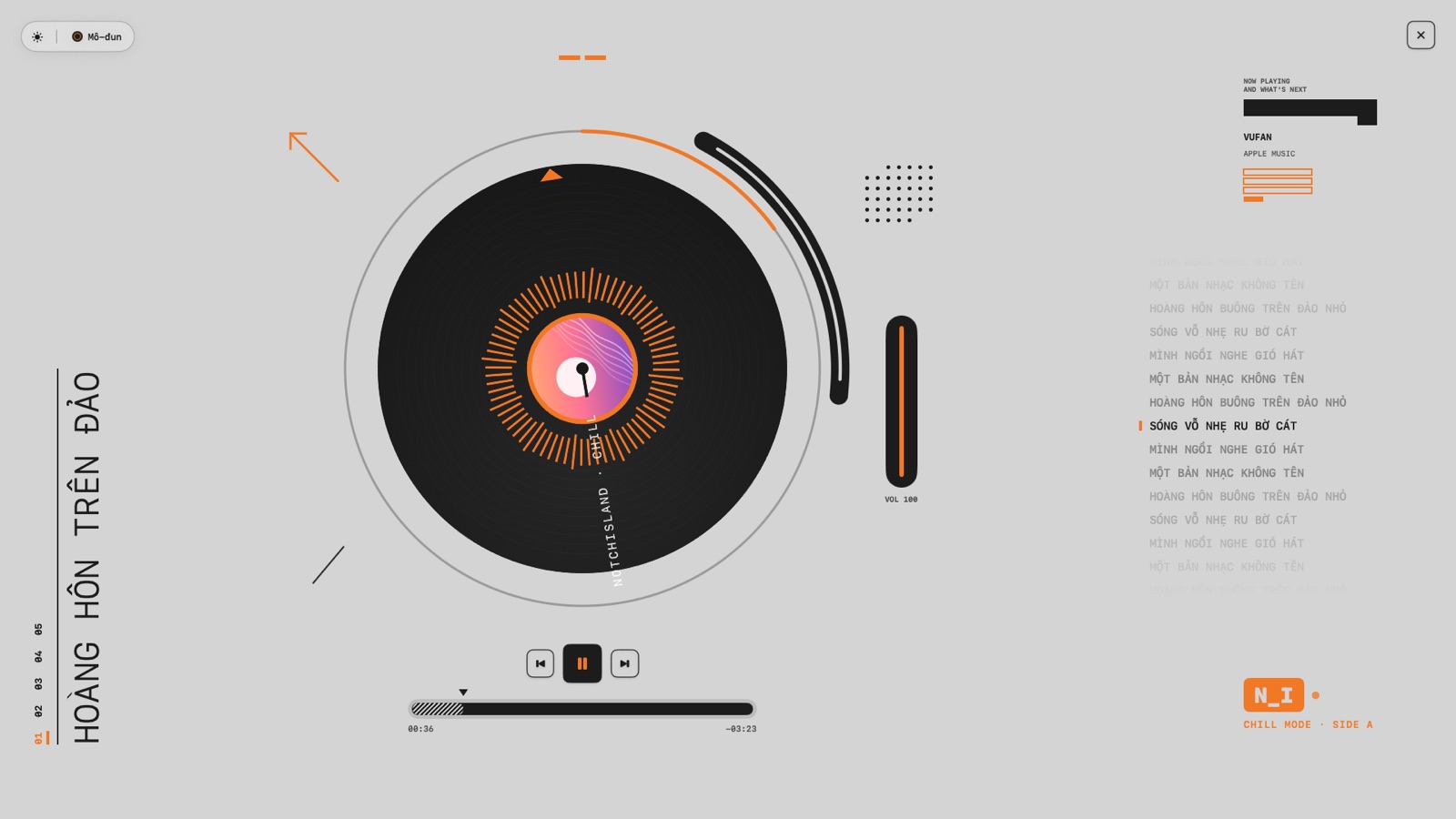
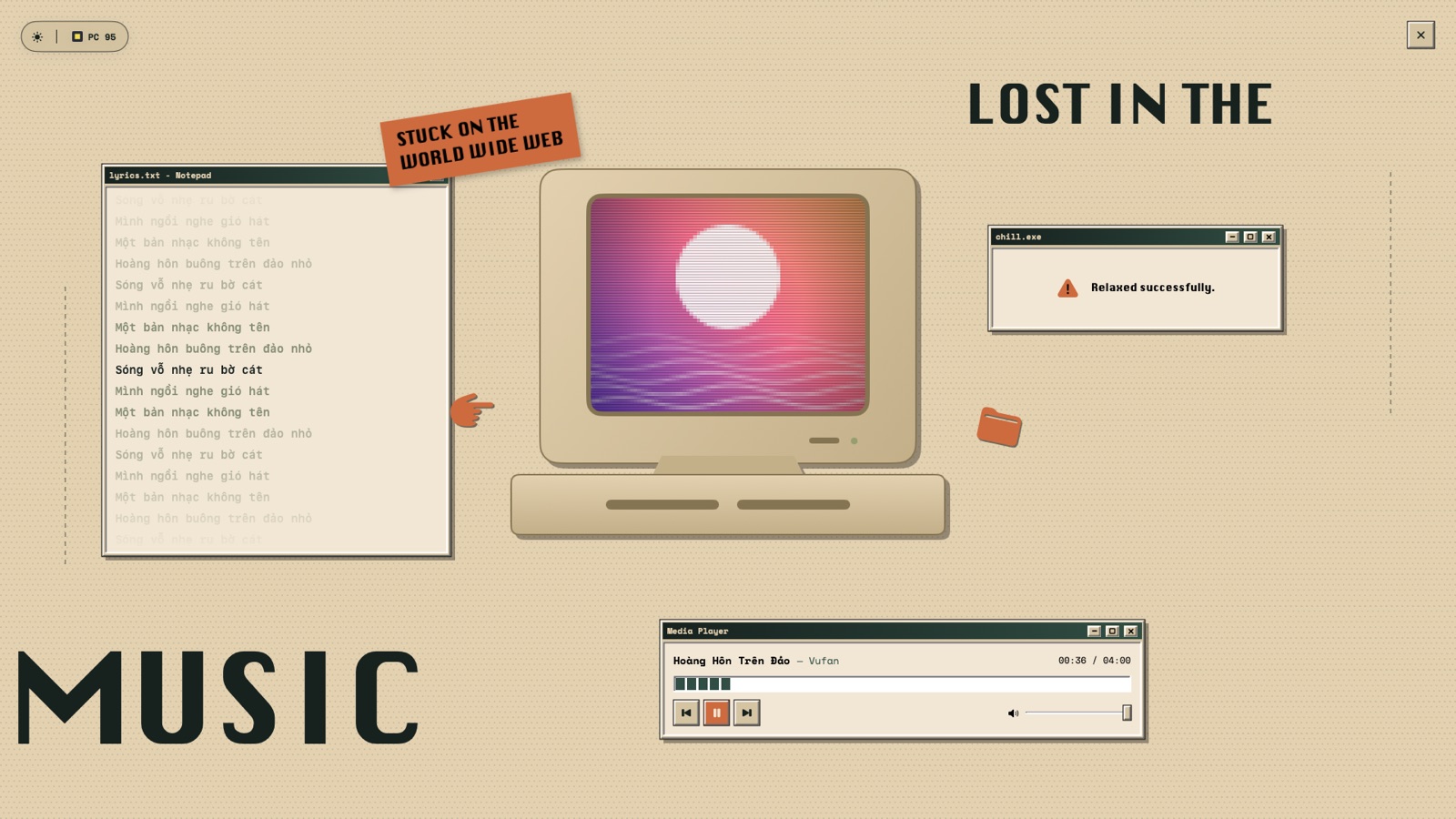
Lyric video New. Lyrics become giant LED letters on a curved CRT: color fringing, scanlines, line changes like an old VHS tape. Also on your lock screen.
- 1
Open the Music tab
Hover the notch and switch to Music.
- 2
Click 📺
The round button next to the song title. Or Settings → Music → Open Showcase.
- 3
Click a TV
The TV room appears; hover to see names, click a TV to open its theme. Light on your Mac.
Esc exit Space play / pause ←→ pick a TV / change track M theme menu D light / dark
A little setup.
Then it is yours.
Three steps. That is it.Download & open
Open the DMG, drag NotchIsland to Applications and launch it.
Choose your tools
Pick widgets and shortcuts. Grant permissions for the features you use.
Hover over the notch
Open your workspace. Move away to get your screen back.
Good to know.
What is Music Showcase and how do I open it?
A full-screen listening mode (since 0.9.11): hover the notch → Music tab → the 📺 button next to the song title, or Settings → Music → Open Showcase. Music pauses and the TV room appears: click one of 13 TVs to open its theme (new: Lyric video). Press Esc to leave.
What do message notifications on the notch read?
Notifications are read on your Mac only; message text is never sent anywhere. "With macOS banners" reads the banner on screen (needs Accessibility, messaging apps set to Banners). "Even with banners off" reads the macOS notification store (needs Full Disk Access). The feature is off by default; turn it on in Settings → Notifications, and turn off "Show message text" to see only the sender.
I took a screenshot but ⌘V pastes nothing?
Wait for the floating thumbnail in the corner to disappear (about 5 seconds), or turn on Settings → Clipboard → "Copy right after capture". If the notch asks for access: System Settings → Privacy & Security → Files and Folders → NotchIsland → allow the folder your screenshots are saved to (usually Desktop).
Which Macs are supported?
macOS 14 or later. The current download includes Apple Silicon and Intel binaries. Liquid Glass requires macOS 26 or later.
Is NotchIsland free?
The current version is free and released under the MIT license. Supporting the developer is optional.
Why does it need Accessibility?
To send a paste action to another app. Without it, you can still copy content back and paste it yourself. Permission must match the app you are actually running.
Is clipboard history permanent?
History stays in memory, clears when the app quits and expires based on your settings. Content marked sensitive by password managers is skipped; not all apps provide this marker.
Does the app send usage data?
On installation or update, it sends a random install identifier, app version, macOS version and chip type for installation statistics. Clipboard content and agent logs are not part of that report. See Privacy for details.
How do I update?
Open Settings → About → Check now. Sparkle checks for signed updates. You can also download the app again from this site.
A little more magic
for your Mac.
Download free for Mac macOS 14+ · Apple Silicon & Intel